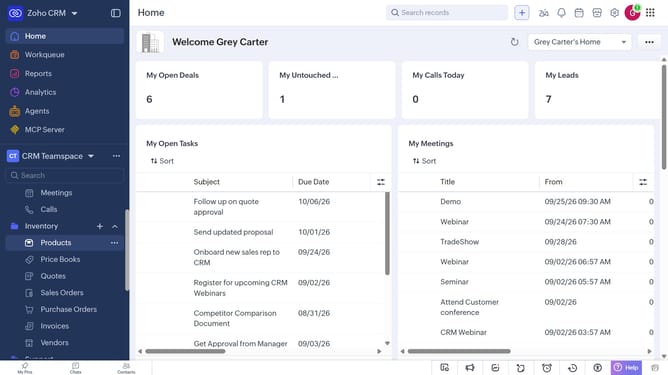
How to export quotes as a CSV file on Zoho CRM
Here is how to export quotes as a csv file on zoho crm
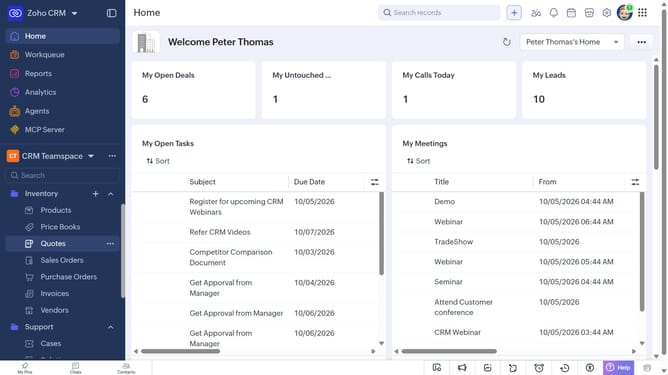
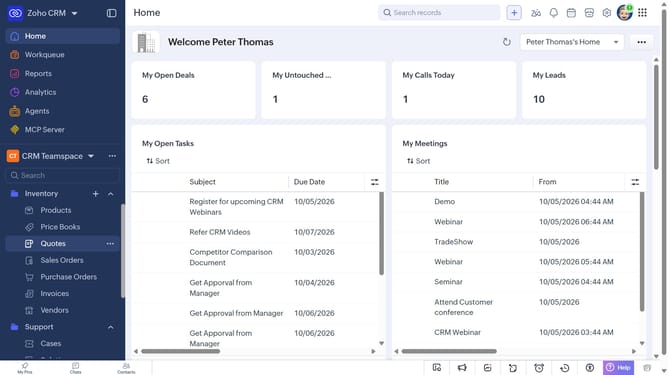
- First, click on "Quotes" under the "Inventory" section in the left sidebar menu
- Next, click on the "More Options" button next to "Create Quote"
- Select "Export Quotes" from the dropdown menu
- In the "Export Quote" dialog, click on the "Fields to Export" dropdown
- Choose whether to export all fields or only the fields from the custom view
- After that, select "CSV" as the file type
- Next, click on the "Charset" dropdown and and select the desired encoding
- Then, toggle the "Set Password" switch on or leave it off
- Finally click on the "Export" button
Why should you How to export quotes as a CSV file on Zoho CRM
Zoho CRM is a dynamic tool designed to streamline customer relationship management for businesses of all sizes.
The ability to export quotes as a CSV file on Zoho CRM offers a seamless method to organize and analyze your data. By exporting quotes, users can easily access and manipulate data in familiar spreadsheet software, enhancing flexibility and accessibility.
This feature aids in efficient data management, facilitating quick sharing of information across teams. Leveraging this capability ensures that crucial business insights are readily available, promoting informed decision-making and improved collaboration.
Last update