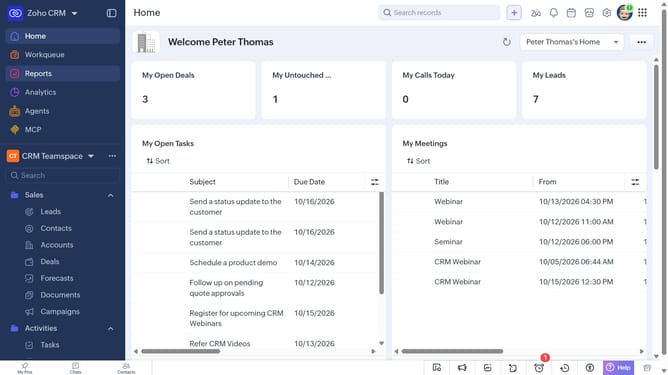
How to clone a product on Zoho CRM
Here is how to clone a product on zoho crm
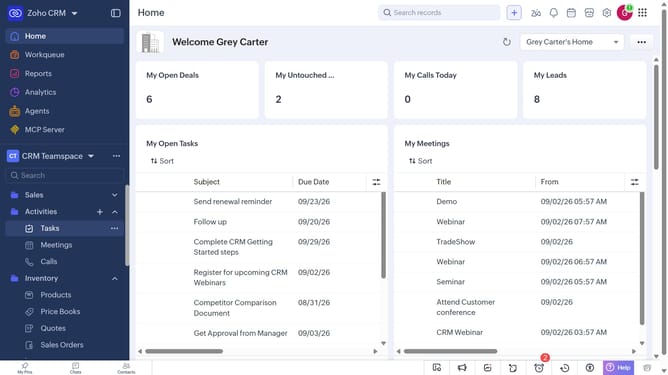
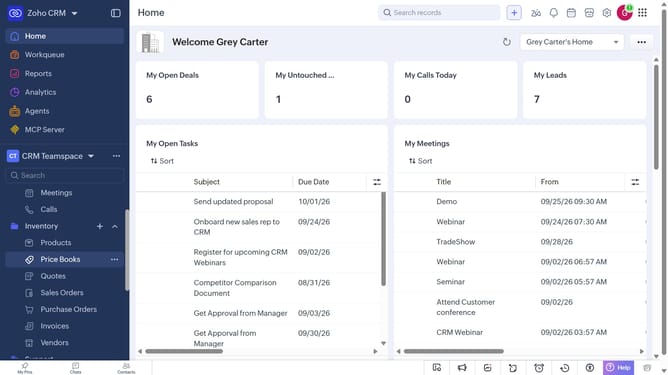
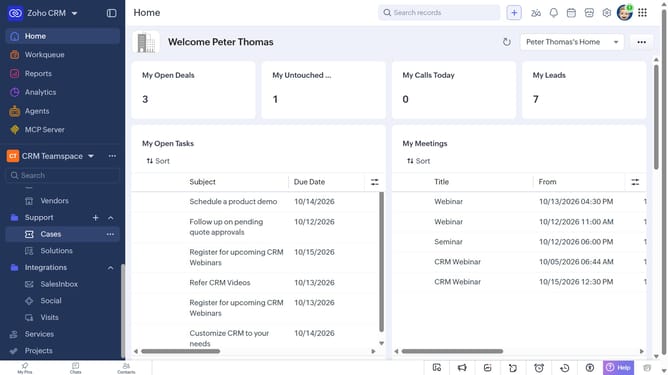
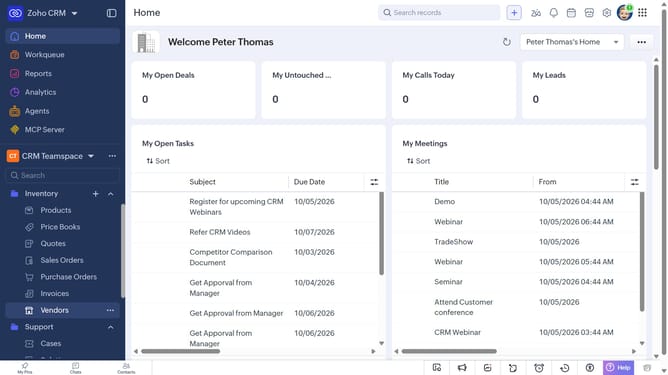
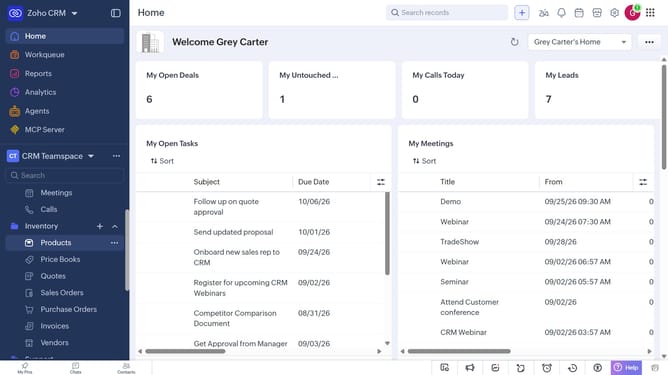
- First, click on "Products" under "Inventory" in the left sidebar menu
- Next, click on the product you want to clone
- After that, click on the "More Options" button
- Select "Clone" from the dropdown menu
- Then, make changes to the cloned product details
- Finally, click on the "Save" button
Why should you How to clone a product on Zoho CRM
Zoho is a versatile platform designed to streamline business operations with innovative solutions.
Cloning a product in Zoho CRM is a feature that simplifies the process of duplicating existing product information efficiently. This function allows users to replicate details such as product name, description, and pricing without manually entering each piece of data.
Utilizing the clone feature saves time, reduces errors, and ensures consistency across the product catalog. It's particularly beneficial when adding similar products or managing a large inventory, making it an essential tool for businesses looking to maintain accuracy and speed in their CRM operations.
Last update