How to change the number grouping separator on Zoho CRM
Here is how to change the number grouping separator on zoho crm
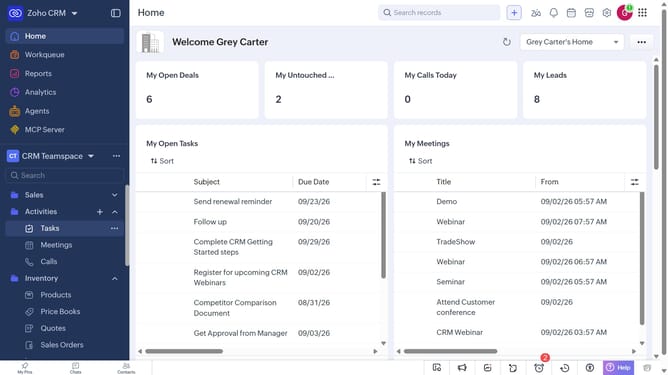
- First click on the settings icon in the top right corner
- Click on "Personal Settings" under the "General" section
- Next, click on the pencil icon next to "Locale information"
- After that, click on the "Grouping" dropdown under "Number Format" section
- Then, select your preferred grouping separator from the dropdown menu
- Finally click on the "Save" button
Why should you How to change the number grouping separator on Zoho CRM
Zoho CRM, a powerful tool for managing customer relationships, offers flexible and customizable features that enhance the user experience.
Among its myriad features, Zoho CRM allows users to change the number grouping separator, a seemingly small but impactful customization. This feature ensures that numerical data is presented in a format that aligns with your regional preferences, enhancing clarity and comprehension.
Adapting the number grouping to your familiar format improves data readability, minimizes errors in financial reports or statistics, and aligns with international standards, fostering more effective communication across global teams.
Last update