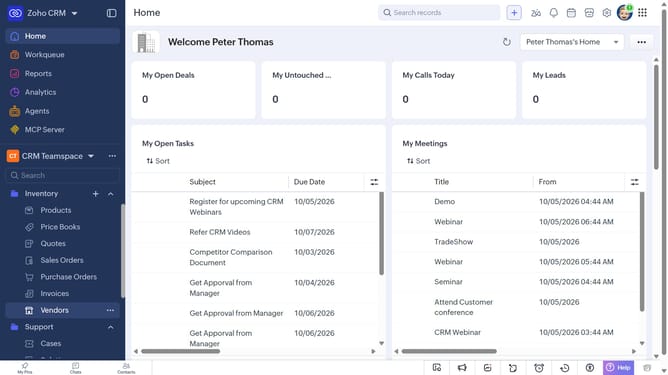
How to filter vendors on Zoho CRM
Here is how to filter vendors on zoho crm
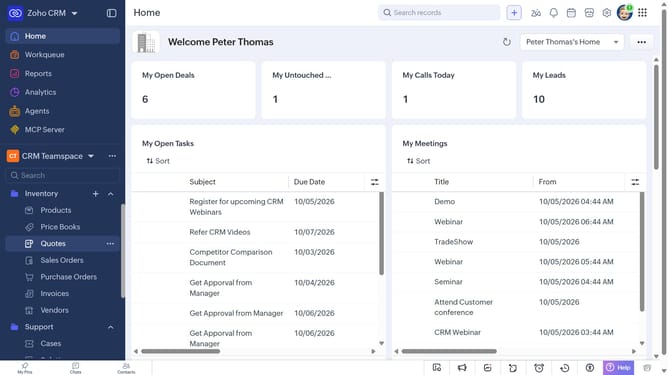
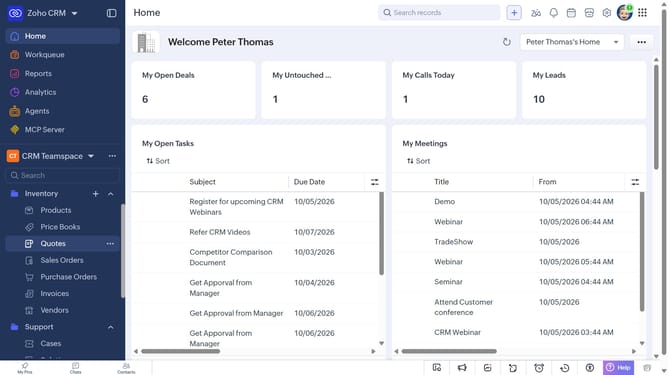
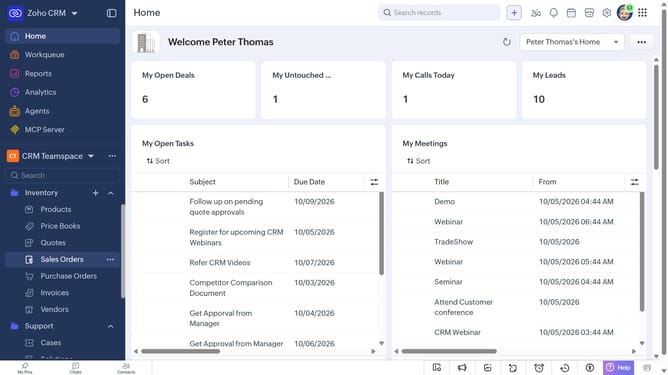
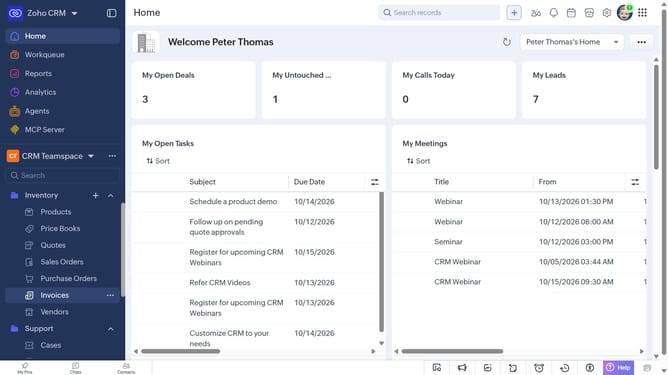
- First, click on "Vendors" under "Inventory" in the left sidebar menu
- Next, click on the "Filter" button in the top menu
- In the "Filter Vendors by" panel, select the options you want to filter by
- Then, set the filter condition and values
- Finally, click on the "Apply Filter" button
Why should you How to filter vendors on Zoho CRM
Zoho CRM, a powerhouse for managing customer relationships, helps businesses streamline their processes effectively.
One of its standout features is the ability to filter vendors, designed to refine your search and improve efficiency. This feature allows users to sift through their vendors easily, helping to locate the right partner with minimal fuss.
By using vendor filters, businesses can save time, ensure accuracy, and enhance their decision-making process. It ultimately leads to more organized data management and a smoother workflow.
Last update