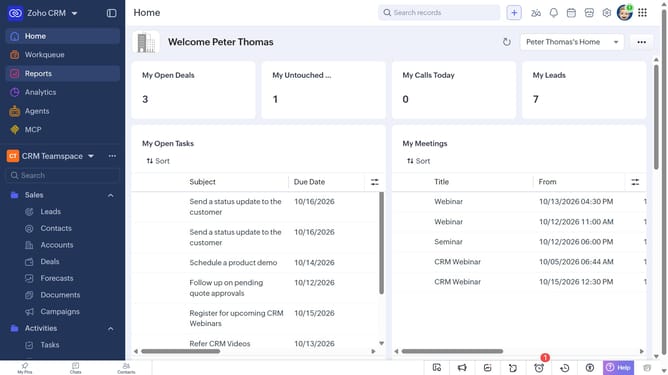
How to copy a product record URL on Zoho CRM
Here is how to copy a product record url on zoho crm
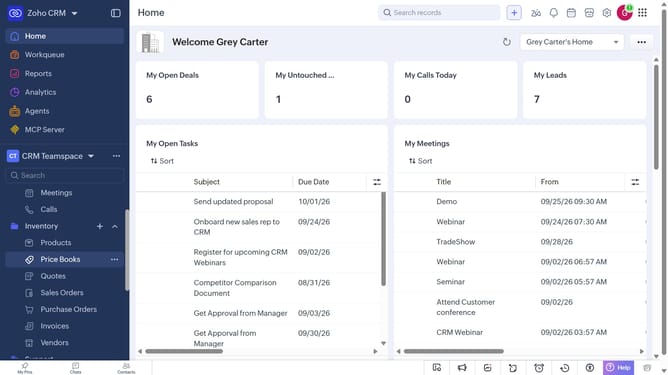
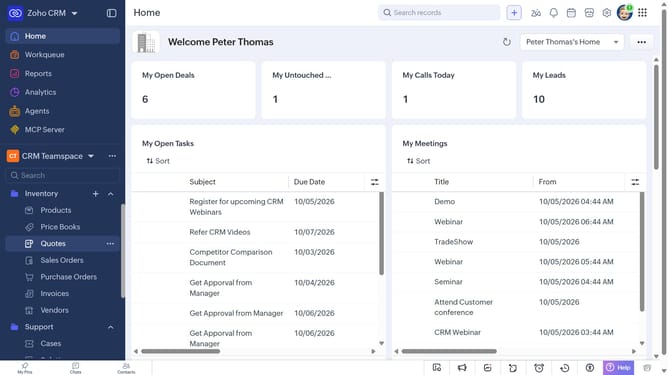
- First, click on "Products" under "Inventory" in the left sidebar menu
- Next, locate the product whose URL you want to copy
- Then, click on the "More options" button next to the product
- Finally, select "Copy URL" from the dropdown menu
Why should you How to copy a product record URL on Zoho CRM
Zoho CRM is a comprehensive platform designed to streamline your business processes and enhance customer relationships.
The feature of copying a product record URL in Zoho CRM allows users to quickly share detailed product information with ease. This capability plays a crucial role in improving communication within teams and ensuring consistent access to the latest product data.
By utilizing this feature, businesses can enhance collaboration, enabling team members and stakeholders to access precise product details and make informed decisions, fostering a seamless workflow.
Last update