How to print preview a lead on Zoho CRM
Here is how to print preview a lead on zoho crm
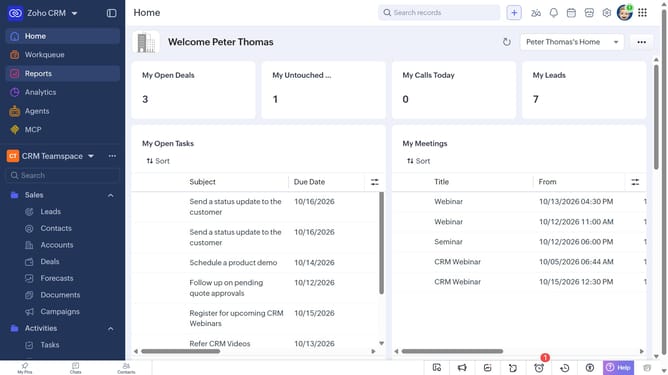
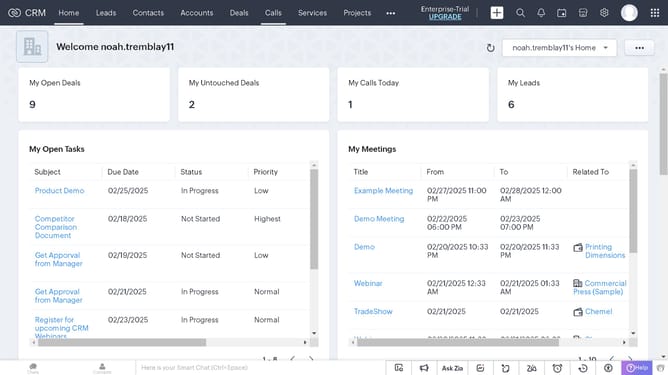
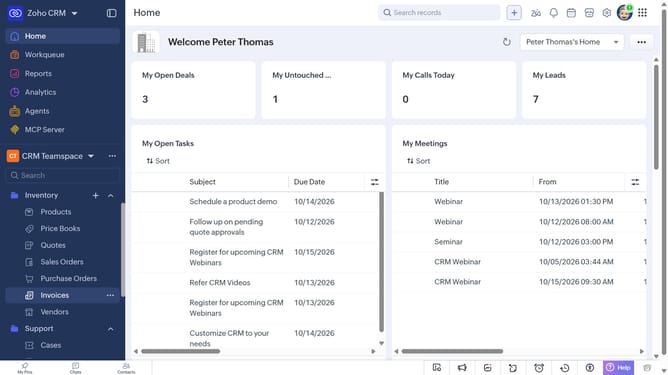
- First, click on "Leads" in the left sidebar menu
- Next, click on the lead you want to preview
- After that, click on the "More Options" button
- Then select "Print Preview" from the dropdown menu
Why should you How to print preview a lead on Zoho CRM
Zoho CRM is a powerful customer relationship management tool designed to streamline business interactions.
Print previewing a lead in Zoho CRM allows you to see exactly how your lead information will appear in print format before you proceed. This ensures that all necessary details are correctly formatted and easily readable.
The feature is particularly beneficial for preparing physical copies of lead information for meetings or record-keeping, enhancing efficiency and professionalism. It helps eliminate errors and provides a clean, organized view of essential data, making information sharing seamless.
Last update