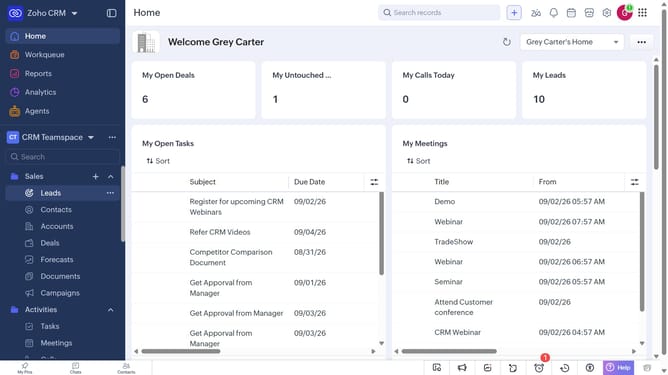
How to deactivate an active price book on Zoho CRM
Here is how to deactivate an active price book on zoho crm
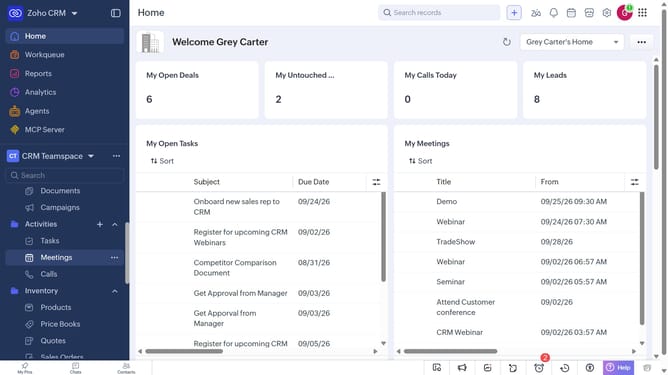
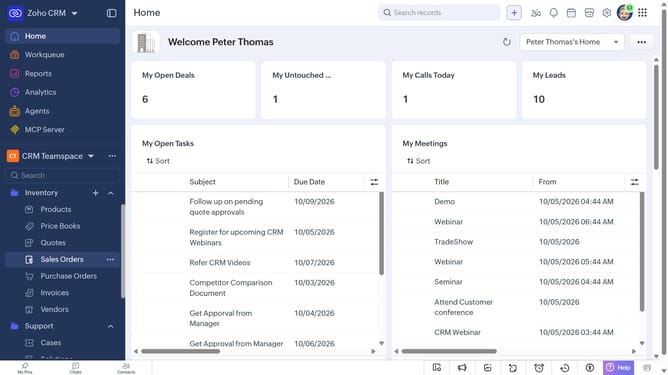
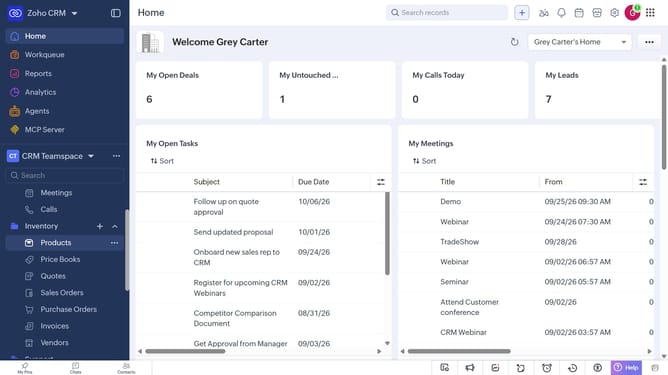
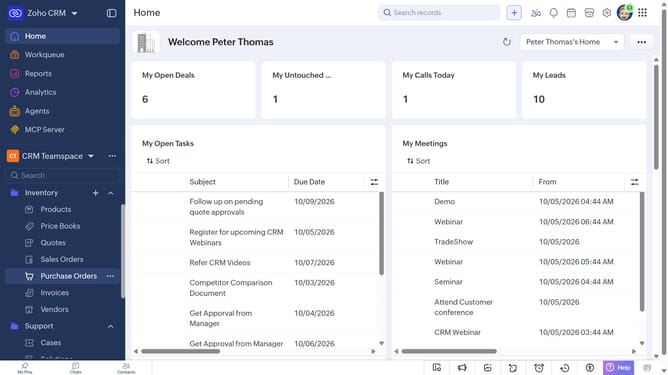
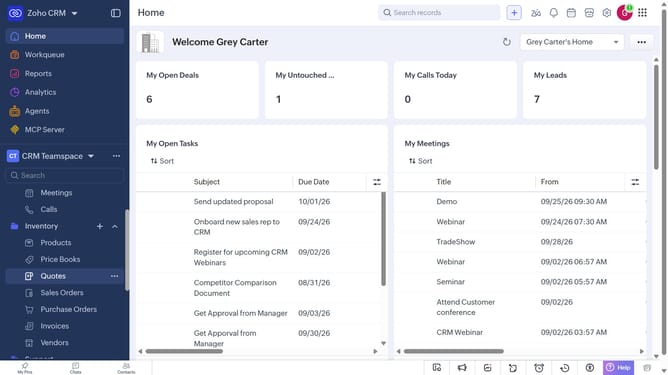
- First, click on "Price Books" under the "Inventory" section in the left sidebar menu
- Next, click on the price book you want to deactivate
- After that, click on the "Edit" button
- Then, uncheck the "Active" box
- Finally, click on the "Save" button
Why should you How to deactivate an active price book on Zoho CRM
Zoho is an integrated suite of online applications designed to manage and streamline your business operations.
Deactivating an active price book in Zoho CRM is a seamless process that enhances flexibility in managing your pricing strategies.
This feature allows you to pause or discontinue a price book without permanently deleting it, offering a strategic advantage in pricing management.
By using this feature, you maintain an organized and dynamic pricing structure that adapts to market needs, optimizing your sales process efficiently.
Last update