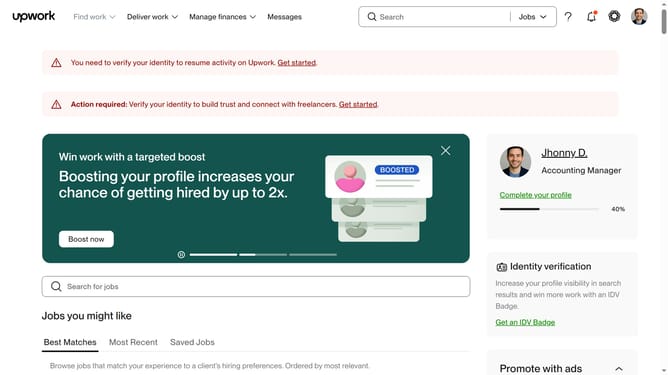
How to view transaction history as a client Upwork
Here is how to view transaction history as a client upwork
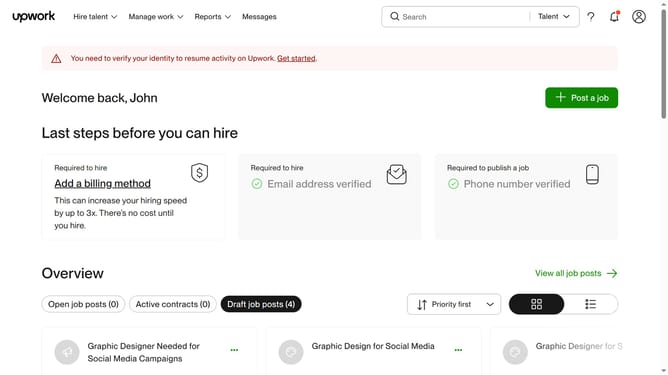
- First click on "Transaction history" option in the Reports dropdown menu
- Then click on the "Date range" calendar icon button to open the date range selector
- Finally select your preferred date range from the dropdown menu
Why should you view transaction history as a client Upwork
Upwork is a leading platform for seamless collaboration between clients and freelancers worldwide.
Viewing your transaction history as a client on Upwork helps maintain transparency and financial organization.
This feature allows clients to easily access and review detailed records of all financial exchanges.
It ensures clarity in billing, enhances budget management, and supports better financial tracking and planning.
Last update