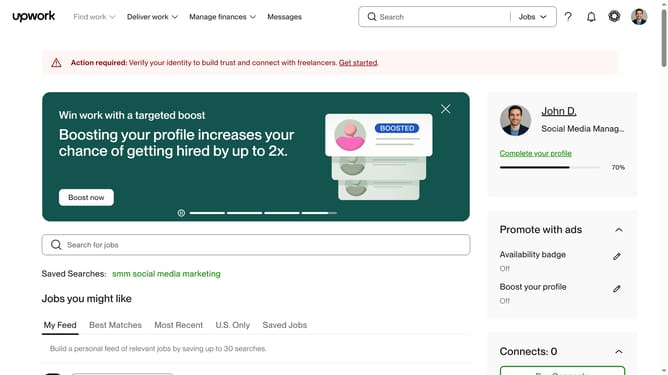
How to remove saved freelance jobs in Upwork
Here is how to remove saved freelance jobs in upwork
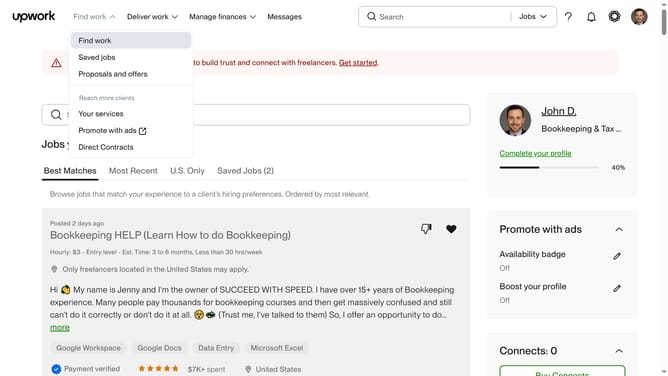
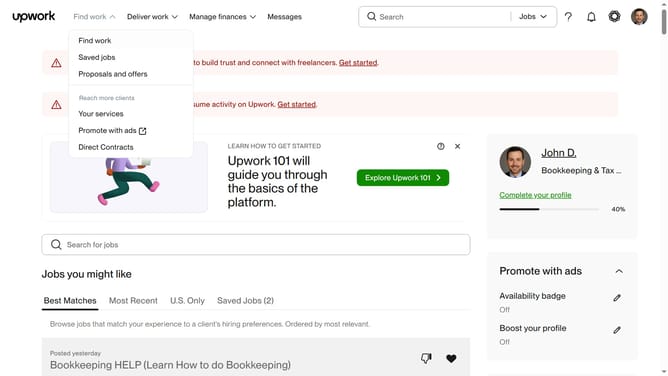
- First click on "Saved jobs" menu item in the dropdown menu under "Find work"
- Then click on the job listing title that you want to remove from the saved jobs
- Finally click on the "Saved" button in the right sidebar to unsaved the job post
Why should you remove saved freelance jobs in Upwork
Upwork is a dynamic platform that connects freelancers and clients across the globe, facilitating professional matchmaking with ease.
The feature to remove saved freelance jobs on Upwork offers users the ability to streamline their job search experience. By managing saved listings, freelancers can maintain a tailored and relevant job collection that meets their evolving professional needs.
This feature enhances efficiency and ensures more strategic job application efforts, ultimately leading to a more focused and productive freelance journey.
Last update