How to add a school in Upwork
Here is how to add a school in upwork
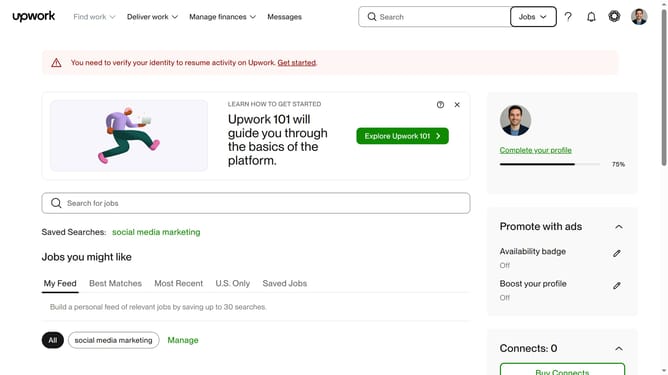
- First click on the profile icon in the top right corner of the header
- Then click on "Your profile" option in the dropdown menu
- Next click on the "Education" add button in the left sidebar
- Then click on the "School" input field and type the university name
- Next select the university name from the dropdown suggestions
- Then click on the "From" dropdown in the "Dates Attended" section
- Next select your start year from the dropdown list
- Then click on the "To (or expected graduation year)" dropdown
- Next select the year from the graduation year dropdown list
- Finally click on the "Save" button to save the education information
Why should you add a school in Upwork
Upwork is a dynamic platform designed to connect freelancers with potential clients around the globe.
One valuable feature Upwork offers is the ability to add schools to your profile, showcasing your educational background.
This small yet impactful addition enhances your profile, helping potential clients quickly grasp your educational qualifications.
By highlighting your academic achievements, you strengthen your profile's credibility and attract more job opportunities.
Last update