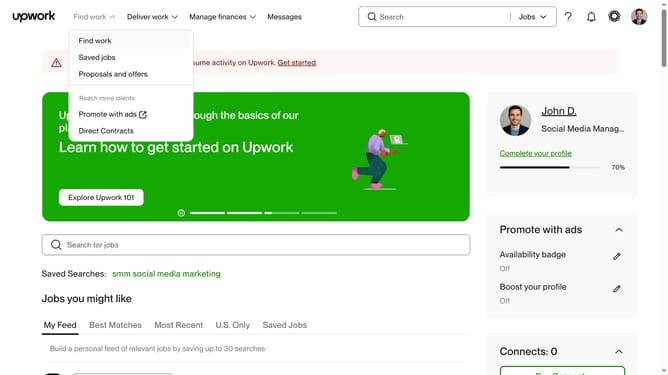
How to add other experiences in Upwork
Here is how to add other experiences in upwork
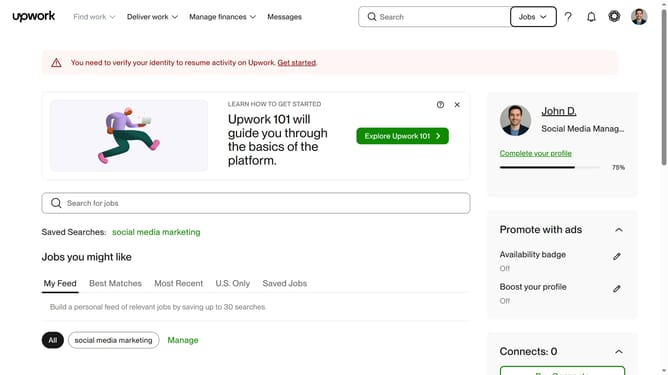
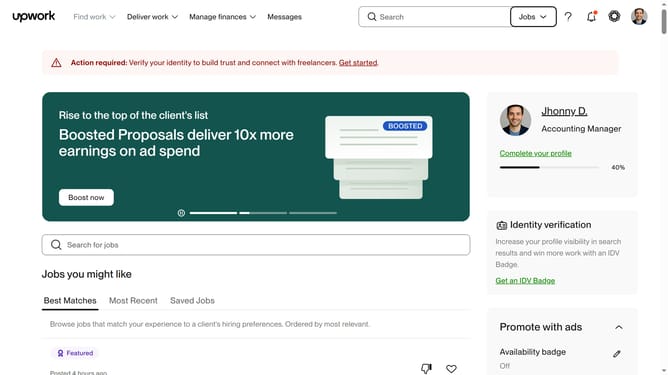
- First click on the profile icon in the top right corner of the header
- Then click on "Account settings" option in the dropdown menu
- Next click on "My Profile" link in the left sidebar under User Settings section
- Then scroll down to the "Other experiences" section on the profile page
- Next click on the add button or plus icon next to "Other experiences" heading
- Then click on the "Subject" text field in the "Add other experiences" modal dialog and enter subject
- Next click on the "Description" text area and input more information about your experience
- Finally click on the "Save" button at the bottom right of the modal dialog
Why should you add other experiences in Upwork
Upwork is a dynamic platform connecting freelancers with businesses worldwide.
Adding other experiences to your Upwork profile enhances its depth. It allows potential clients to see a well-rounded view of your skills and career achievements.
This feature not only highlights diverse competencies but also builds credibility and trust, positioning you strongly in the freelance marketplace.
Broadening your profile with varied experiences can open opportunities to engage in projects that align with both your skills and career aspirations.
Last update