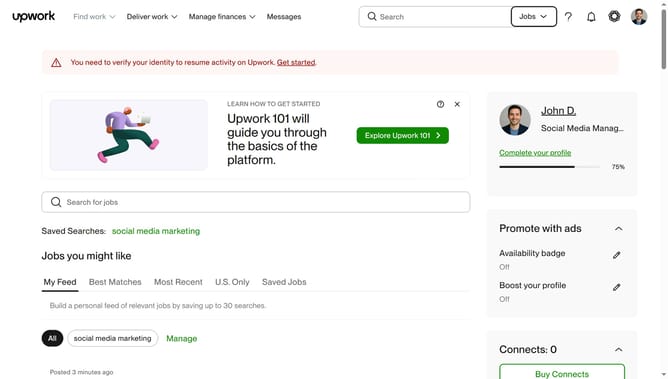
How to manage email updates for top Upwork talent
Here is how to manage email updates for top upwork talent
- First click on the profile icon in the top right corner of the header
- Then click on "Account settings" option in the dropdown menu
- Next click on "Notification Settings" link in the left sidebar
- Then click on the "Email updates" tab in the notification settings section
- Finally check the checkbox under Project recommendations for our Top Talent section
Why should you manage email updates for top Upwork talent
Upwork is a leading platform that connects businesses with freelancers offering various skills globally.
Managing email updates for top Upwork talent streamlines your engagement with preferred freelancers. This feature ensures you receive timely notifications about updates, project milestones, or changes directly to your inbox.
Using this feature helps you stay organized and informed, fostering effective communication with top talent. Ultimately, it enhances collaboration, saves time, and keeps your projects on track.
Last update