How to view plan benefits in Upwork
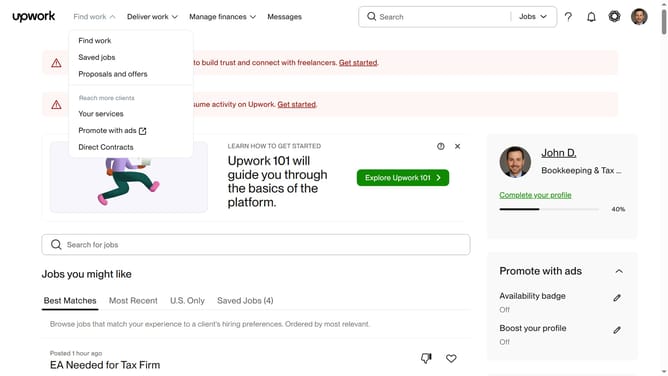
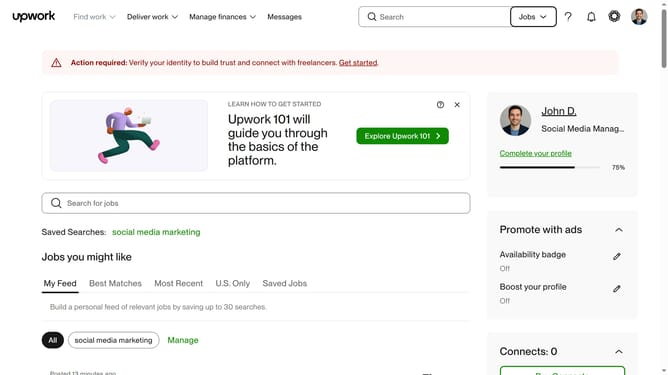
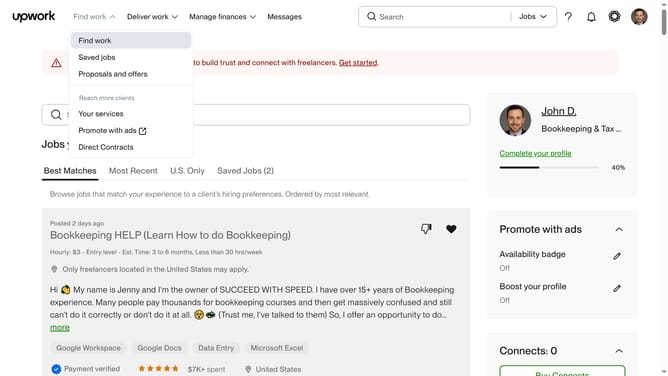
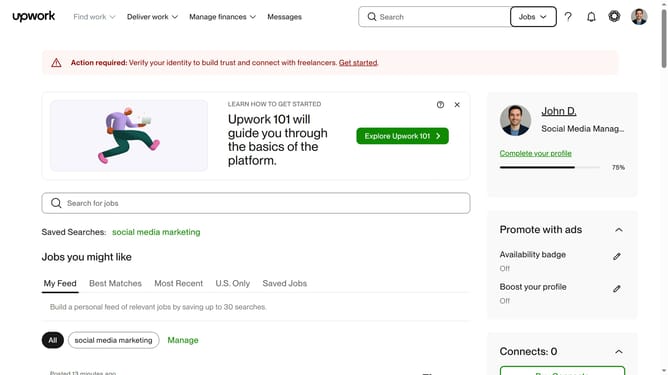
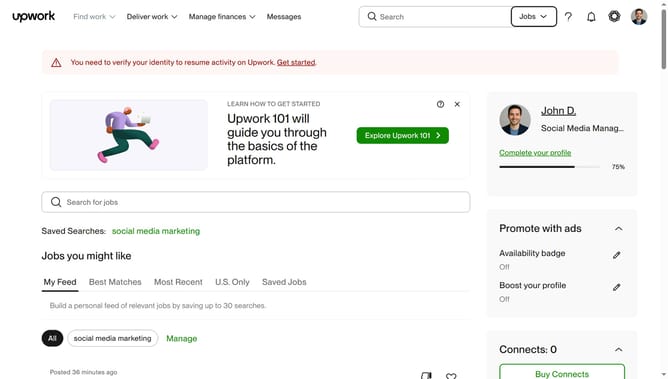
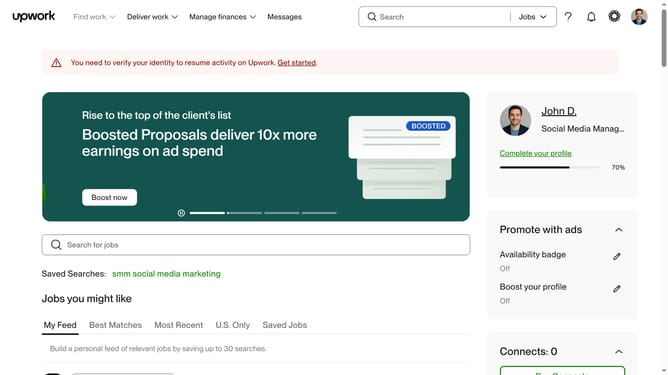
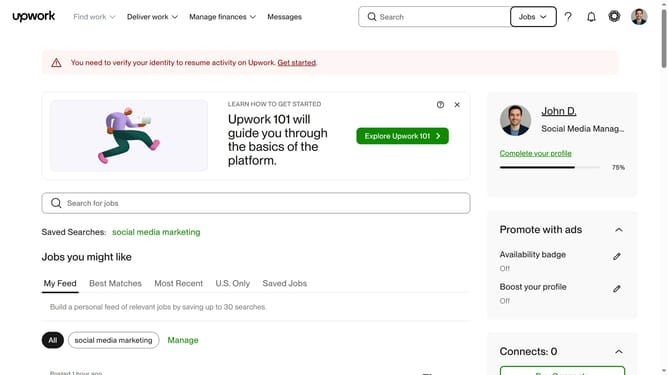
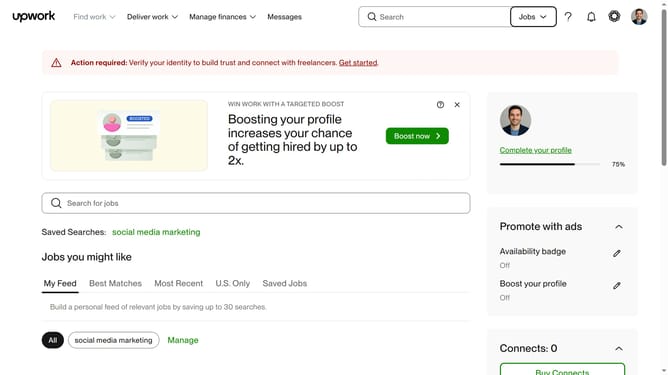
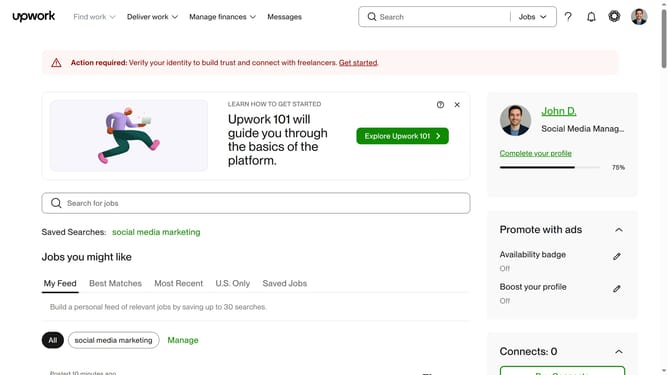
Here is how to view plan benefits in upwork
- First click on the profile picture button in the top right corner of the header
- Then click on the "Membership plan" option in the dropdown menu
- Finally click on the "View your plan benefits" to see what your plan includes
Why should you view plan benefits in Upwork
Upwork serves as a dynamic global platform connecting freelancers and clients for a multitude of professional opportunities.
Viewing plan benefits in Upwork is a seamless feature that enhances user experience by clearly outlining the specific advantages tied to each subscription plan.
This functionality allows users to easily compare and understand plan offerings, ensuring they select the most suitable option for their professional needs.
By leveraging this feature, users can make informed decisions, maximizing their productivity and success on the platform.
Last update