How to filter jobs by proposal count on Upwork
Here is how to filter jobs by proposal count on upwork
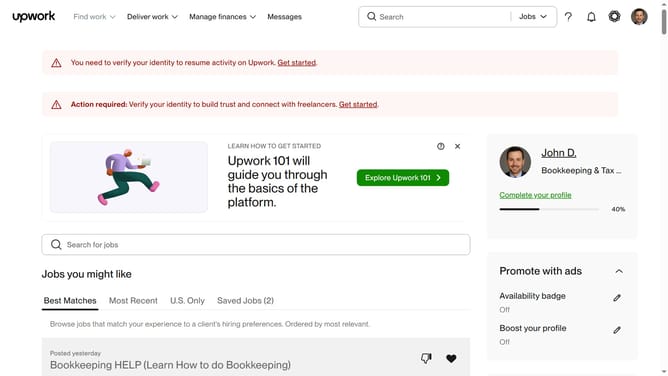
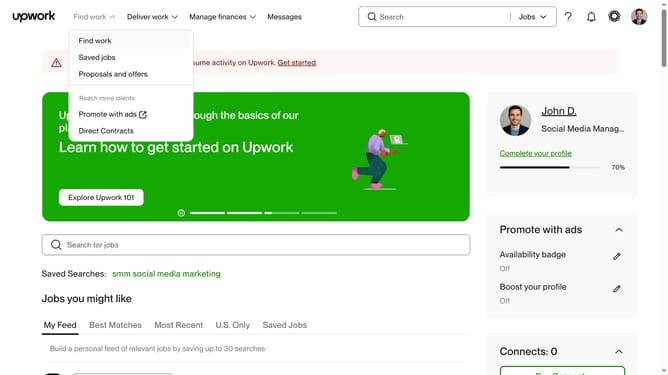
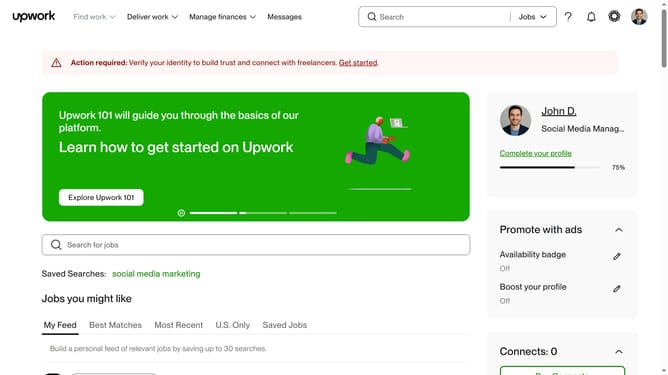
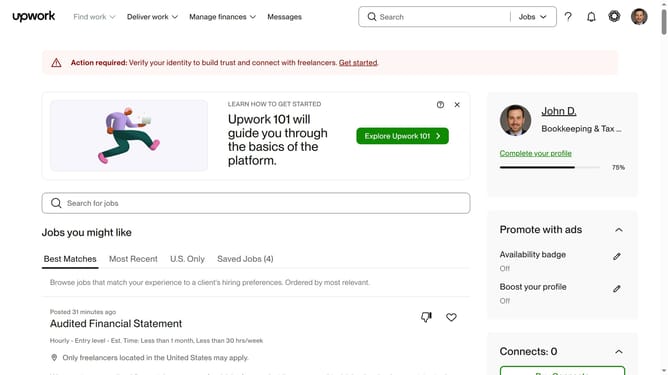
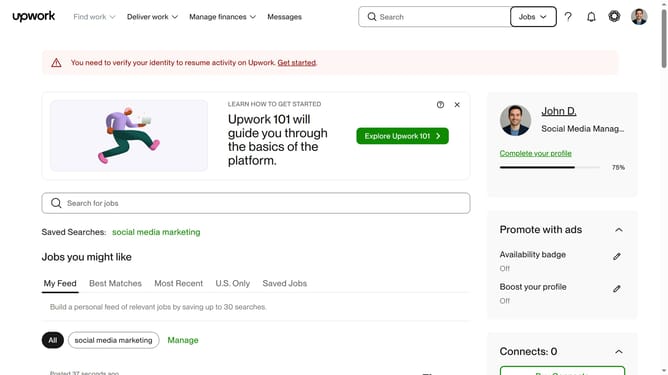
- First click on the "Find work" dropdown menu in the top navigation bar
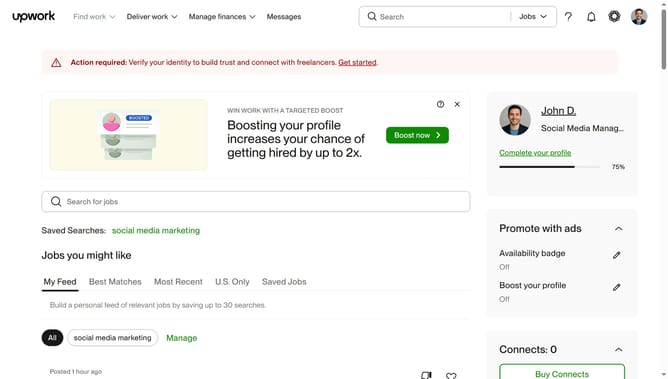
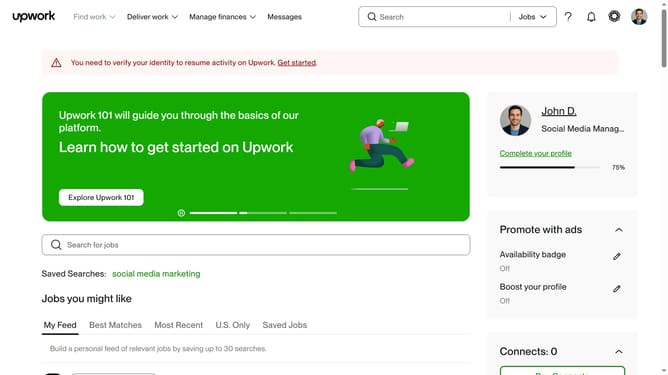
- Then click on the "Search for jobs" input field and enter your job search keyword
- Then scroll down to the "Number of proposals" option
- Finally select the checkbox of your preferred proposal count from the left sidebar
Why should you filter jobs by proposal count on Upwork
Upwork connects freelancers with clients worldwide, providing a dynamic platform for project collaboration.
One of its key features is the ability to filter jobs by proposal count. This feature enables freelancers to gauge the competitiveness of a job listing.
By utilizing this filter, freelancers can strategically select projects that align with their skill level and increase their chances of getting noticed.
Ultimately, this feature streamlines the job search process, allowing freelancers to focus their efforts on opportunities with fewer proposals and potentially higher success rates.
Last update