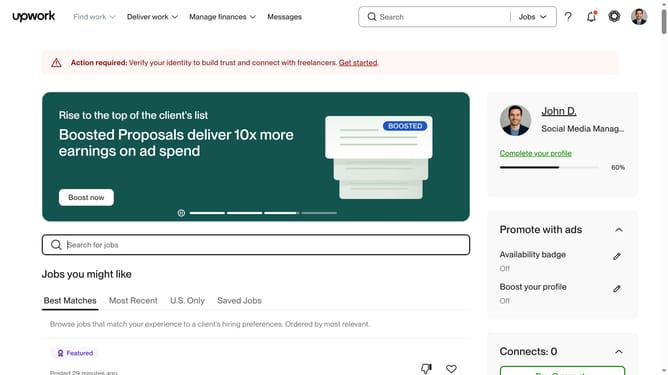
How to filter talents based on time zones on Upwork
Here is how to filter talents based on time zones on upwork
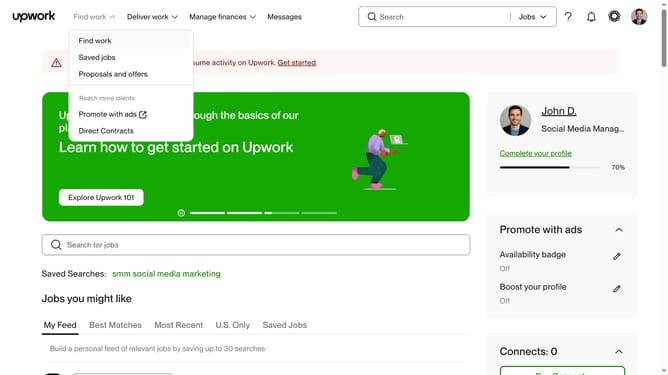
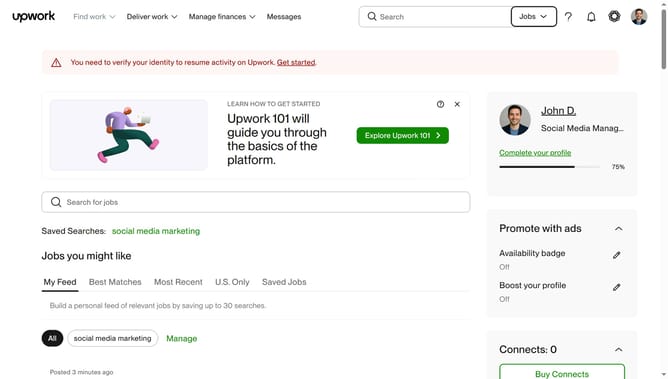
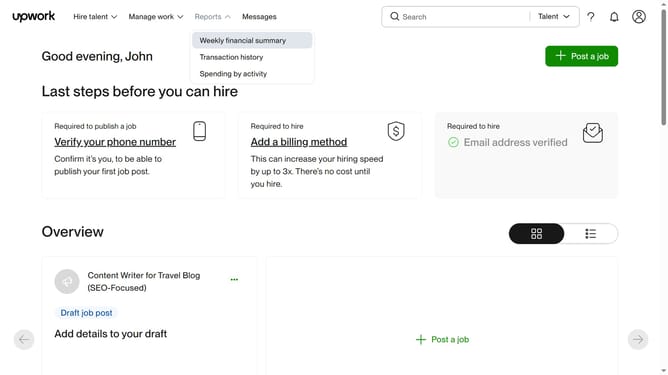
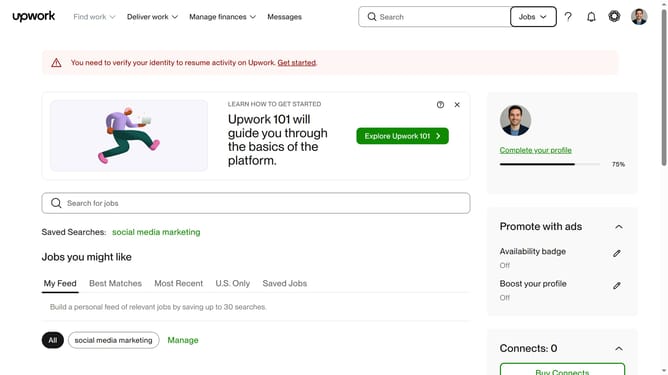
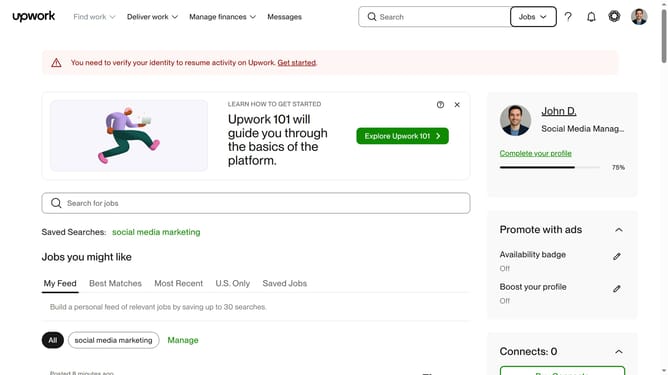
- First click on the dropdown button in the top navigation bar
- Then click on the "Talent" option from the dropdown menu
- Next click on the search bar in the header section and enter your search keyword
- Select the from the suggestions from the dropdown
- Then scroll down the page to the "Timezone" section
- Then click the time zone drop down button
- Finally click on the checkbox of your preferred time zone to view the filtered search results
Why should you filter talents based on time zones on Upwork
Upwork is a global platform that connects freelancers with clients seeking diverse skills for projects of varying scales.
The ability to filter talents based on time zones on Upwork ensures smooth collaboration across different regions. This feature allows clients to find freelancers who can work within their preferred time frames, enhancing real-time communication and project efficiency.
Utilizing this feature leads to better scheduling, aligned availability, and minimized delays, ultimately contributing to a more productive partnership.
Last update