How to search for a project on Upwork
Here is how to search for a project on upwork
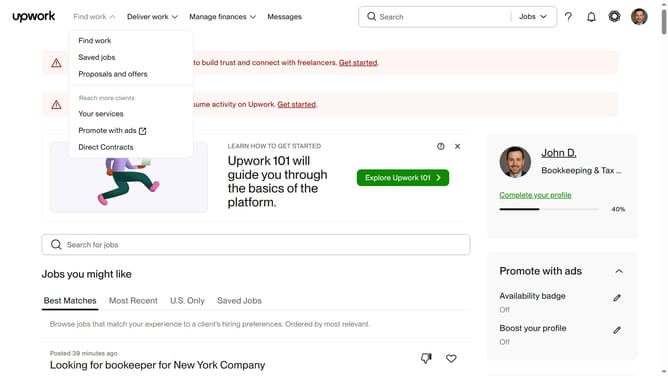
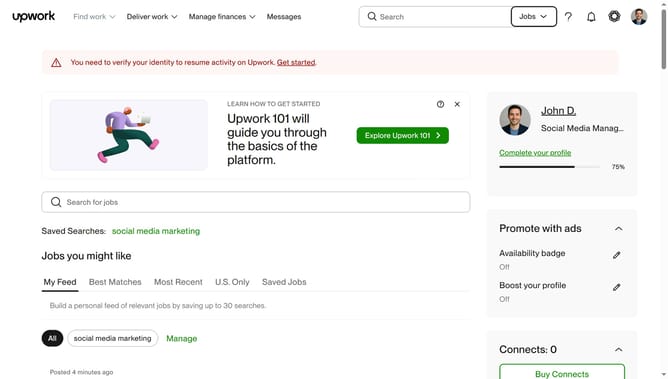
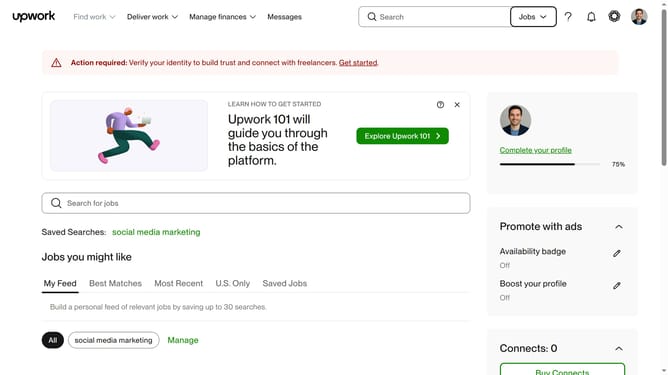
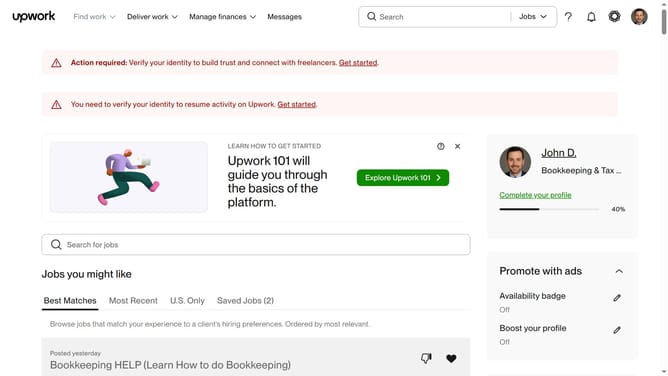
- First click on the dropdown button in the top navigation bar
- Then select the "Projects" option from the dropdown menu
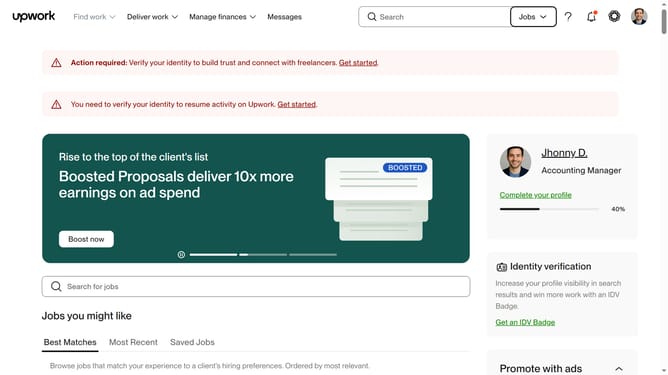
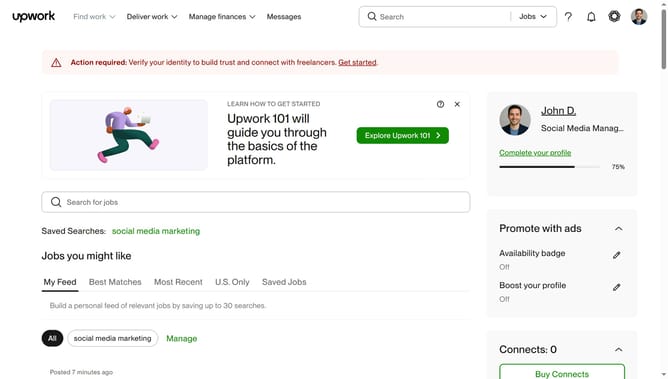
- Next click on the search field in the top navigation bar and type your search query
- Then select from the dropdown suggestions
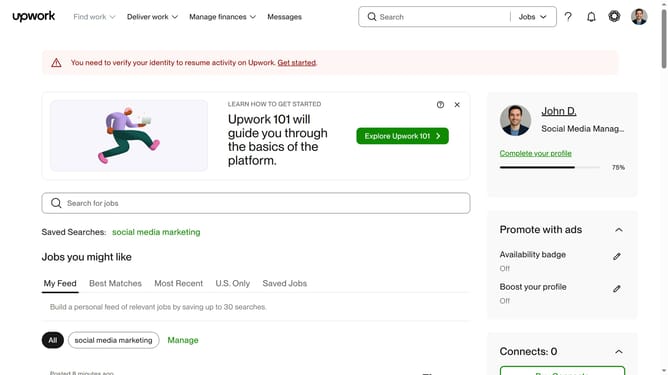
- Finally click on the project card from the search results to view the project details
Why should you search for a project on Upwork
Upwork, a versatile online platform, connects freelancers with businesses seeking skilled professionals for project-based collaborations.
The search feature on Upwork allows freelancers to find projects that match their skills and interests quickly and efficiently. This feature provides filters such as category, budget, and project duration, ensuring that users can streamline their search for the perfect opportunity.
Using this handy feature saves time and enhances productivity, enabling freelancers to focus on projects that align with their expertise while increasing their chances of landing rewarding work.
Last update