How to rename saved searches in Upwork
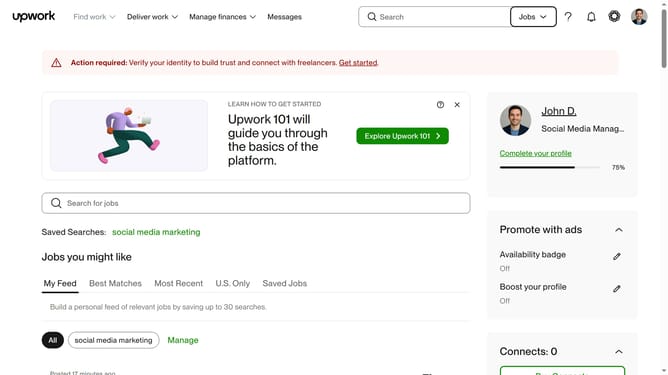
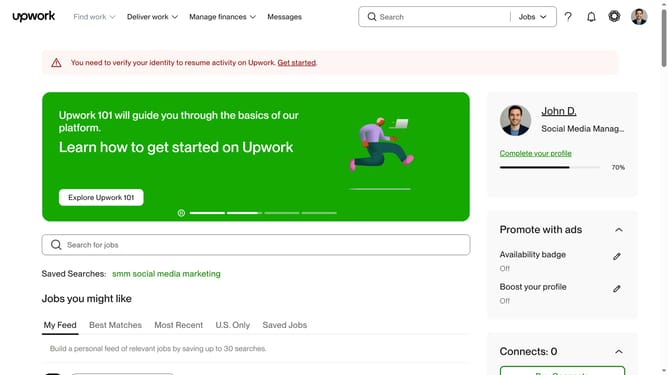
Here is how to rename saved searches in upwork
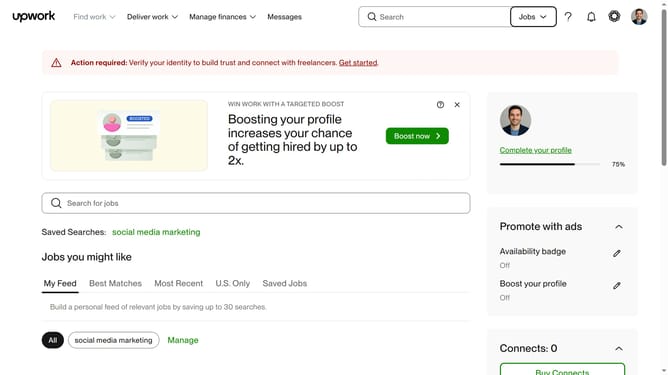
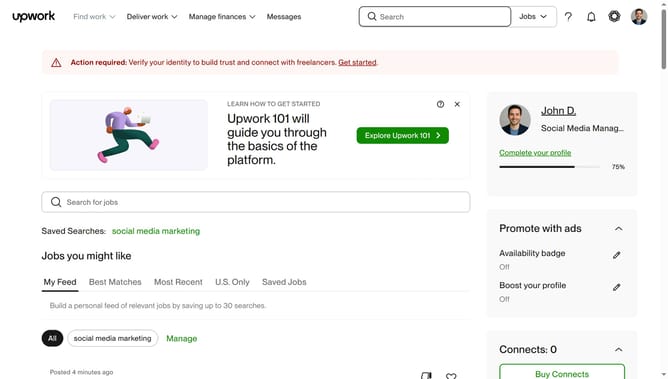
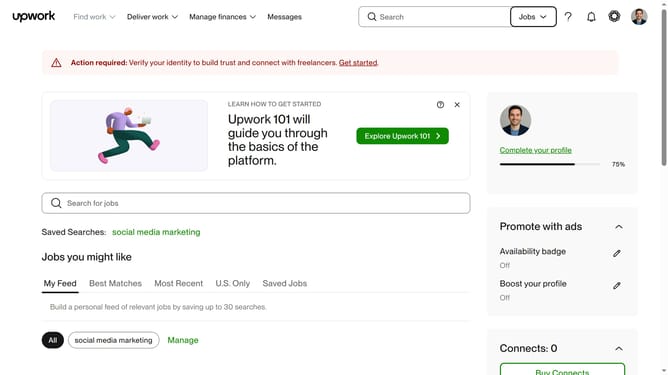
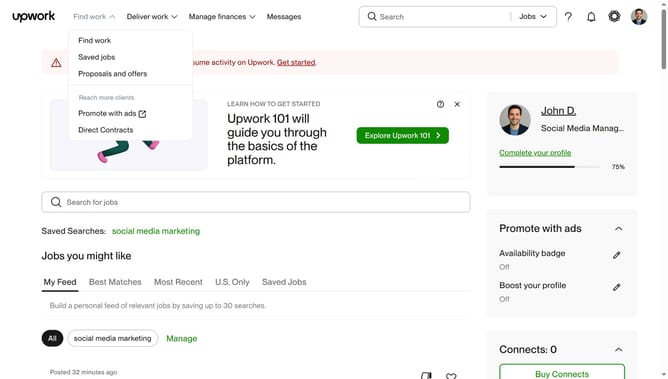
- First click on the "Manage" button in the saved searches section
- Then click on the "Rename" button in the saved searches dialog
- Next edit the search name in the text input field
- Finally click on the "Update name" button to save the changes
Why should you rename saved searches in Upwork
Upwork is a dynamic platform that connects freelancers and clients across diverse industries to collaborate and achieve project goals.
Renaming saved searches in Upwork is a simple yet powerful feature that enhances your user experience. By organizing your job searches with custom names, you streamline your workflow and maximize efficiency.
This feature allows you to easily categorize searches, making it quick to revisit specific job opportunities. A personalized approach not only saves time but also ensures you maintain focus on your key priorities.
Last update