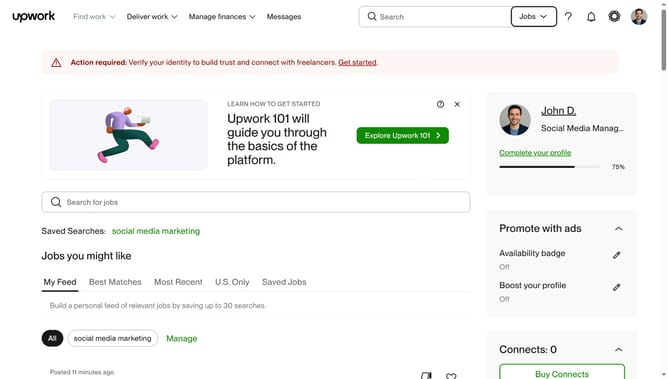
How to filter projects by location on Upwork
Here is how to filter projects by location on upwork
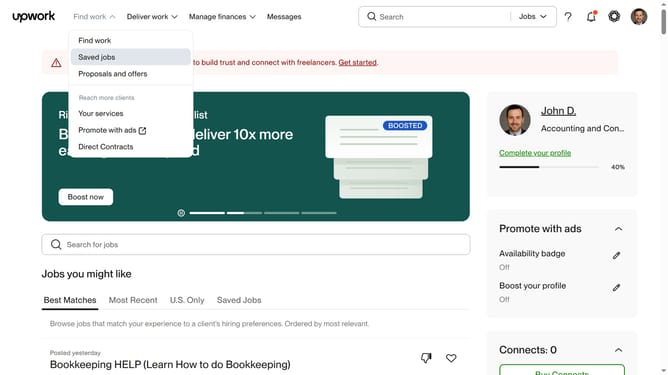
- First click on the dropdown button in the top navigation bar
- Then click on the "Projects" option from the dropdown menu
- Next click on the search bar in the header and type your search query
- Then click on the suggestion from the search dropdown
- Next click on the "Talent Details" filter button to expand filtering options
- Then click on the "Search locations" field in the Location section of the Talent Details filter and type your preferred location
- Next click on your preferred option from the countries dropdown list
- Finally click on Apply to see the filtered result
Why should you filter projects by location on Upwork
Upwork, a leading freelancing platform, connects businesses with independent professionals globally.
One of its standout features is the ability to filter projects by location. This tool allows freelancers to tailor their search for projects within specific geographical regions.
Using location filters can enhance work efficiency by aligning freelancers with projects suited to their time zone, potentially improving communication and collaboration with clients.
Furthermore, it opens doors to opportunities that prioritize local knowledge, making it a valuable asset for freelancers seeking region-specific projects.
Last update