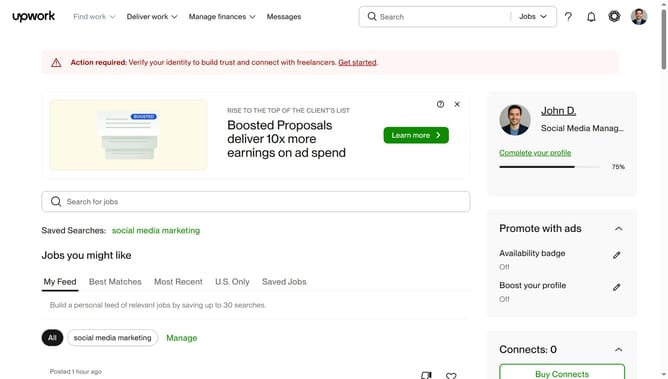
How to manage desktop notifications as a freelancer from Upwork
Here is how to manage desktop notifications as a freelancer from upwork
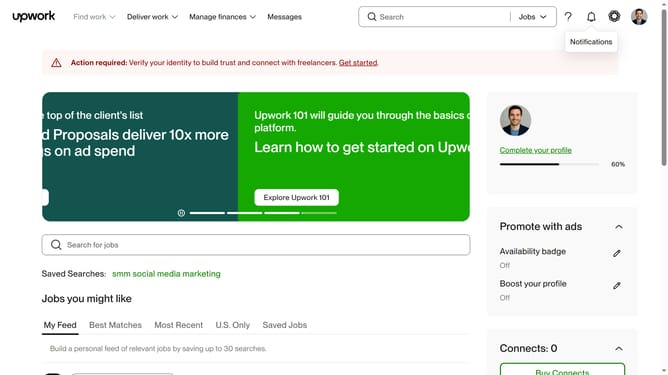
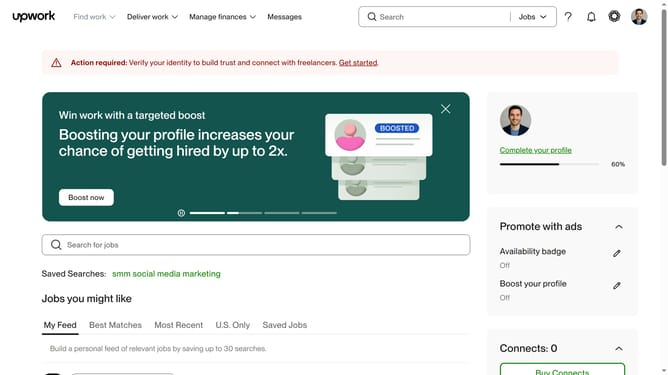
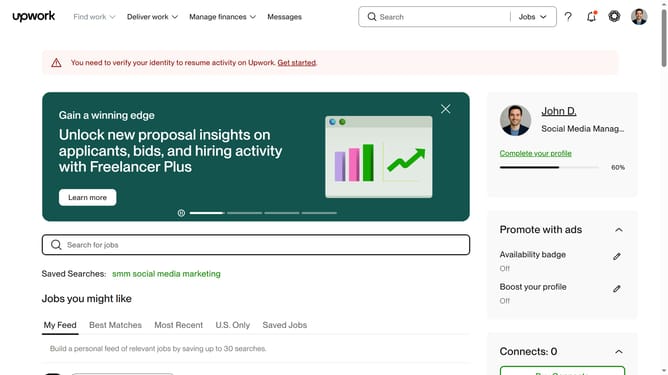
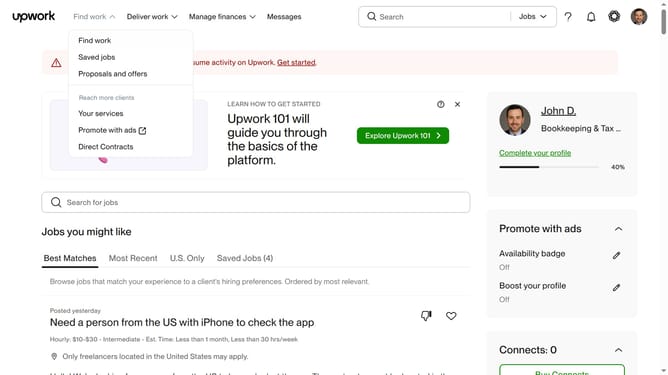
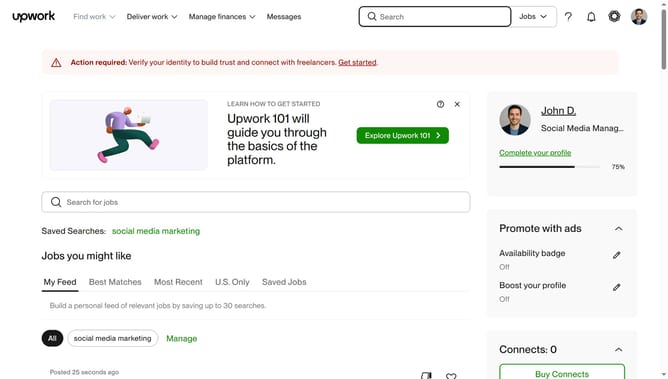
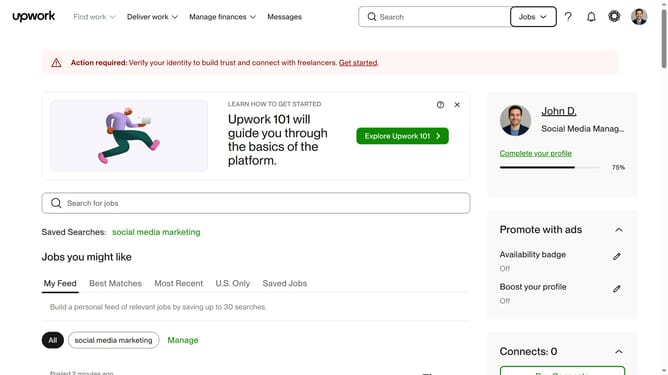
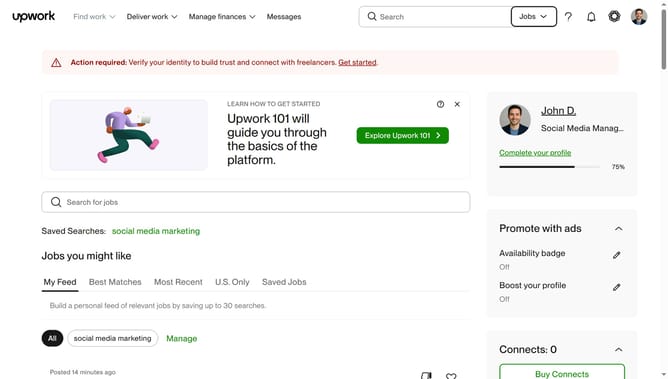
- First click on the profile icon in the top right corner of the header
- Then click on "Account settings" option in the dropdown menu
- Next click on "Notification Settings" link in the left sidebar
- Then click on the "Messages" tab in the notification settings section
- Next click on the "Show notifications for:" dropdown menu under Desktop section
- Then select "All activity" option from the dropdown menu
- Next click on the "Increment message counter for:" dropdown menu
- Finally select "All activity" option from the dropdown menu
Why should you manage desktop notifications as a freelancer from Upwork
Upwork is a dynamic platform connecting freelancers with clients worldwide, facilitating seamless collaboration.
Managing desktop notifications as a freelancer on Upwork grants you the flexibility to maintain control over your workflow. Tailoring notifications to suit your needs ensures that you stay promptly informed of new opportunities or updates without overwhelming your focus.
This feature empowers you to prioritize tasks effectively, catch essential job alerts in real-time, and manage communication with clients more efficiently, enhancing your productivity in the gig economy.
Last update