How to filter jobs by project length on Upwork
Here is how to filter jobs by project length on upwork
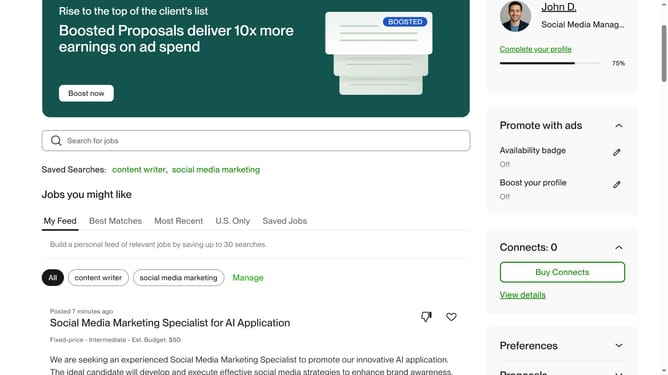
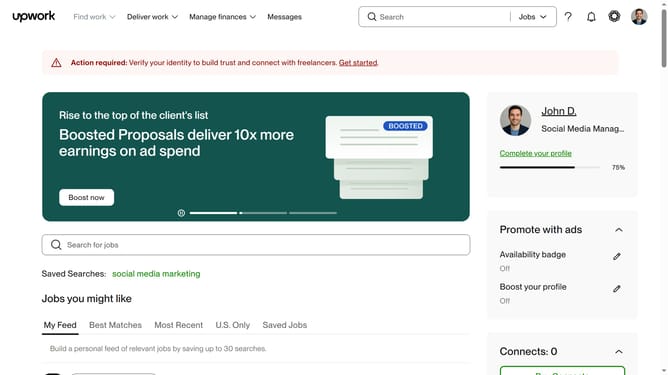
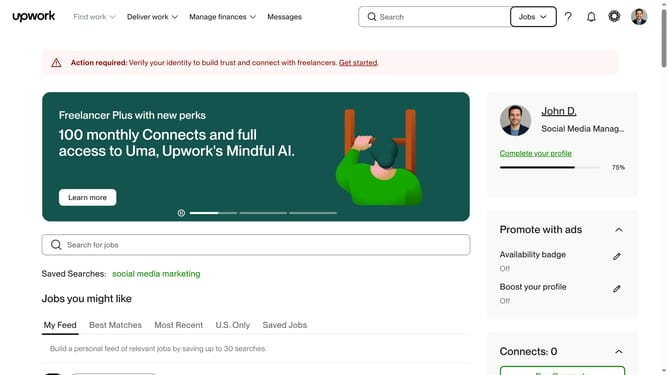
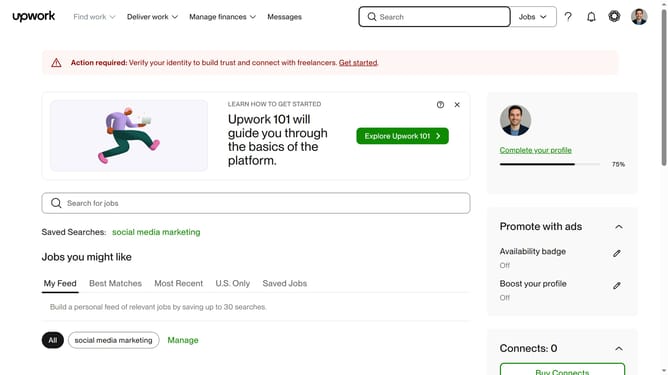
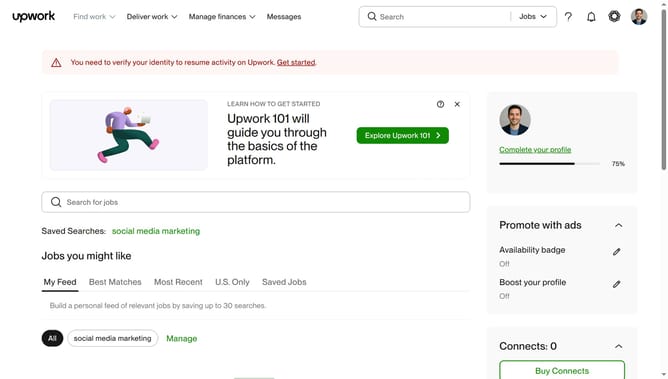
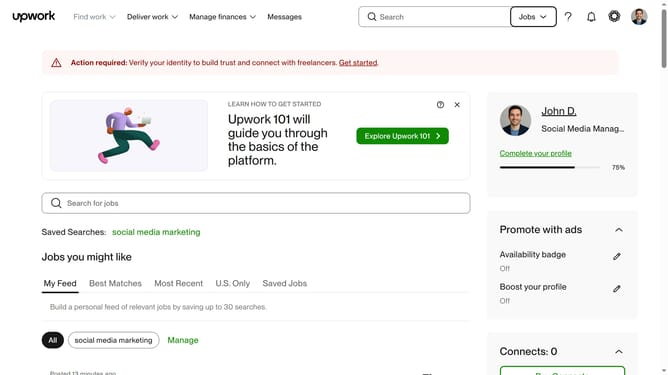
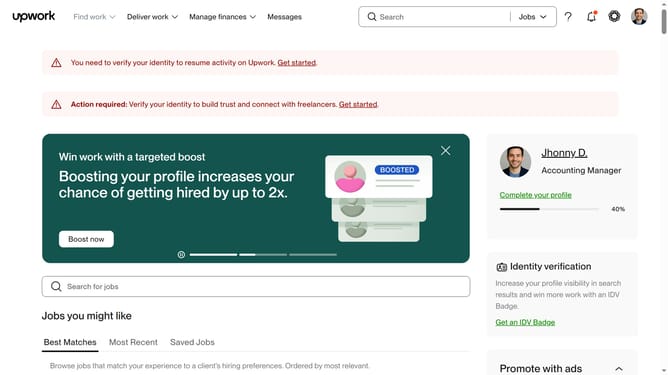
- First click on the "Find work" dropdown menu in the top navigation bar
- Then click on the "Search for jobs" input field then enter your job search keyword
- Next scroll down the page
- Finally click on the checkbox in the "Project length" filter section of the left sidebar for your preferred project lenght
Why should you filter jobs by project length on Upwork
Upwork is a dynamic platform connecting freelancers with clients worldwide for diverse job opportunities.
The ability to filter jobs by project length on Upwork enhances your job search efficiency by allowing you to align opportunities with your desired time commitment.
By using this feature, freelancers can focus on projects that match their availability, whether they prefer short-term tasks or long-term engagements.
This targeted approach not only saves time but also ensures a better fit between freelancers’ schedules and client needs.
Last update