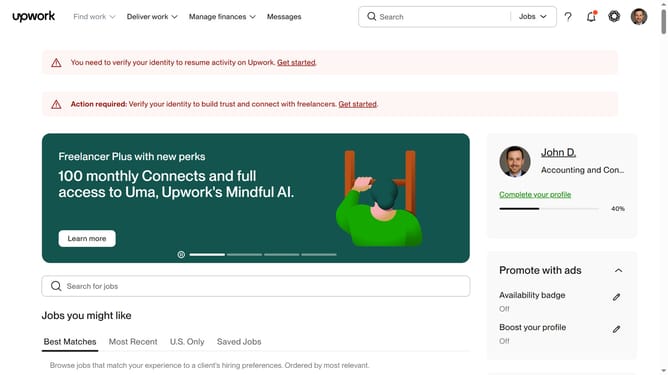
How to delete portfolio draft in Upwork
Here is how to delete portfolio draft in upwork
- First click on the profile icon in the top right corner of the header
- Then click on "Your profile" option in the dropdown menu
- Scroll down to the "Portfolio" section on the profile page
- Then click on the "Drafts" tab in the Portfolio section
- Next click on the three-dot menu icon on the draft you want to delete
- Then select "Delete" option from the dropdown menu
- Finally click on the "Delete" button in the confirmation dialog to remove the draft
Why should you delete portfolio draft in Upwork
Upwork is a dynamic platform connecting freelancers with businesses seeking a variety of professional services.
The ability to delete a portfolio draft in Upwork ensures your profile remains clean, organized, and professional.
This feature is valuable as it allows you to remove outdated or incomplete work samples, showcasing only your best, most relevant work to potential clients.
By maintaining a streamlined portfolio, you enhance your chances of attracting the right opportunities, ultimately leading to a more successful freelancing career.
Last update