How to view projects related to content writing on Upwork
Here is how to view projects related to content writing on upwork
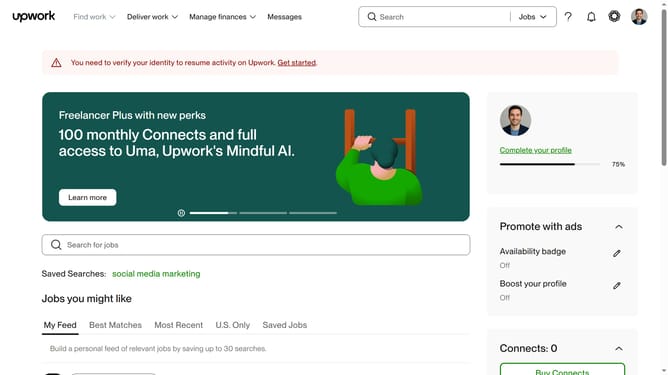
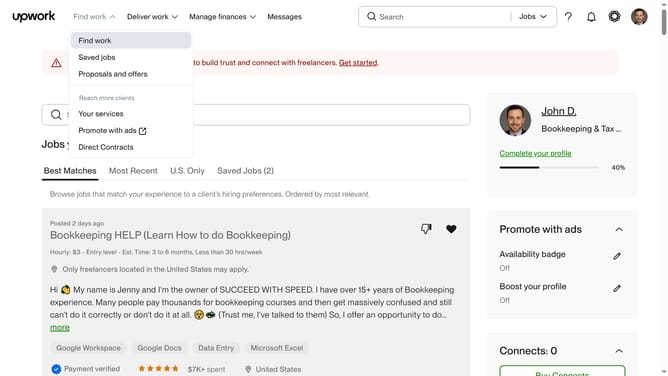
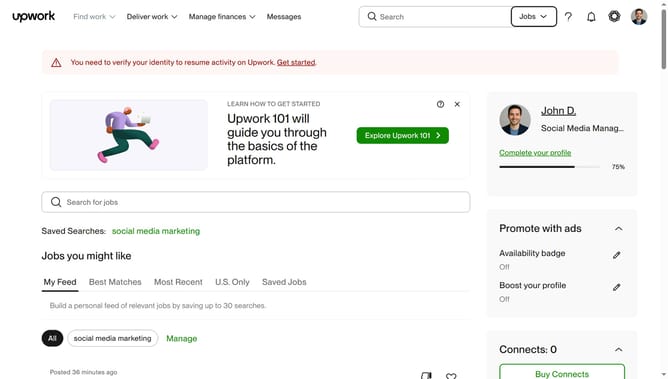
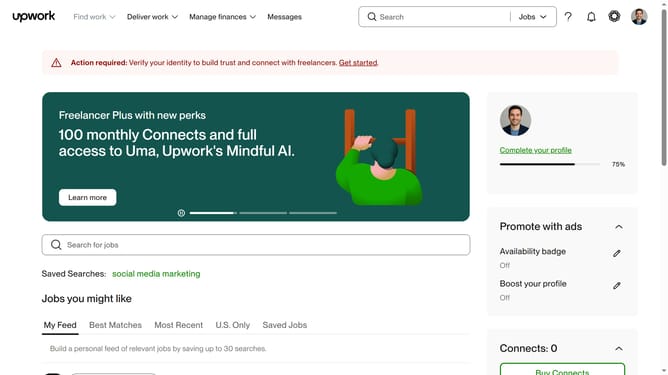
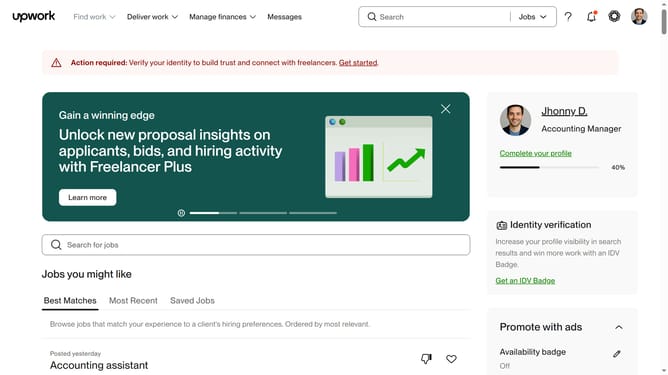
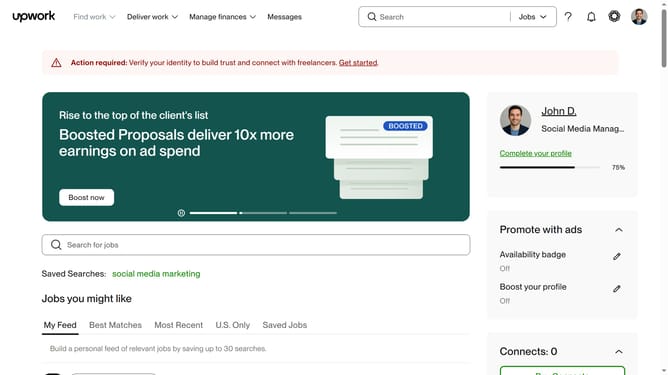
- First click on the dropdown button in the top navigation bar
- Then click on the "Projects" option from the dropdown menu
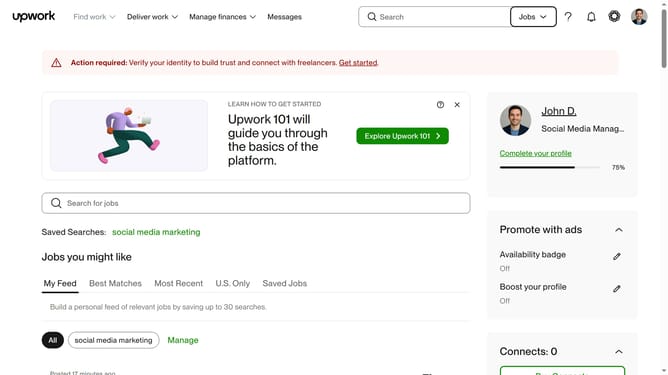
- Next click on the search bar in the header and type your query
- Then click on a suggestion from the search dropdown
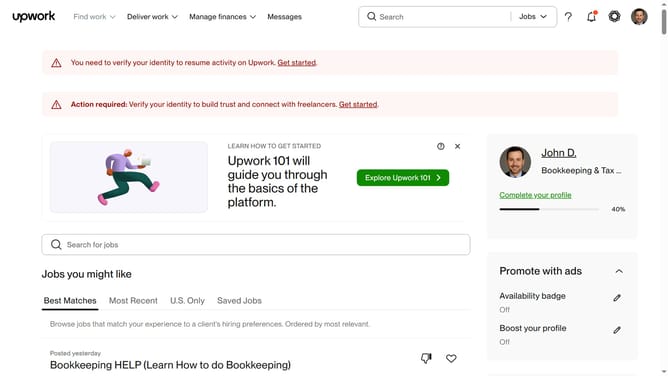
- Then, click on the "Writing & Translation" tab in the category navigation menu
- Finally click on the "Content Writing" link in the menu
Why should you view projects related to content writing on Upwork
Upwork is a dynamic platform designed to connect freelancers and clients for collaborative projects.
Viewing projects related to content writing on Upwork is a straightforward task that opens up a realm of opportunities for skilled writers.
This feature allows content creators to discover a diverse range of job listings, matching them with projects that align with their specialties and interests.
By utilizing this, writers can efficiently find work that suits their strengths, enhancing their portfolio and expanding their professional network.
Last update