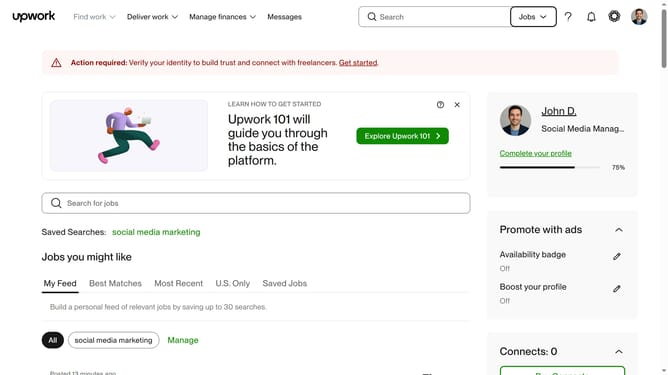
How to search for a project by logo design catalog on Upwork
Here is how to search for a project by logo design catalog on upwork
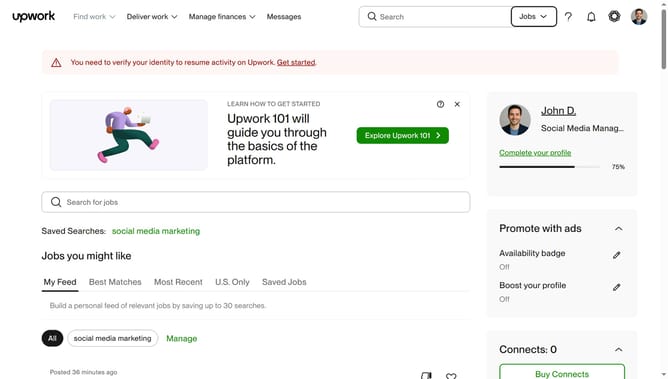
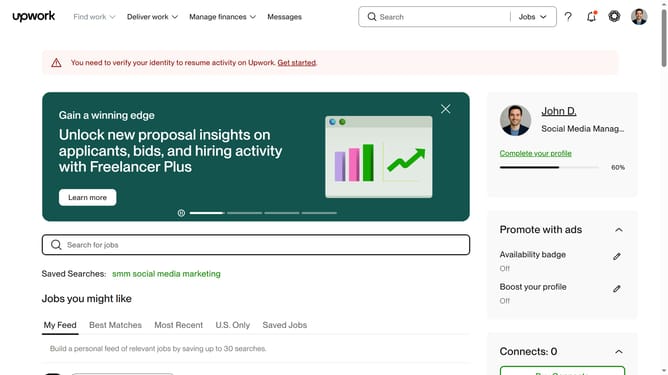
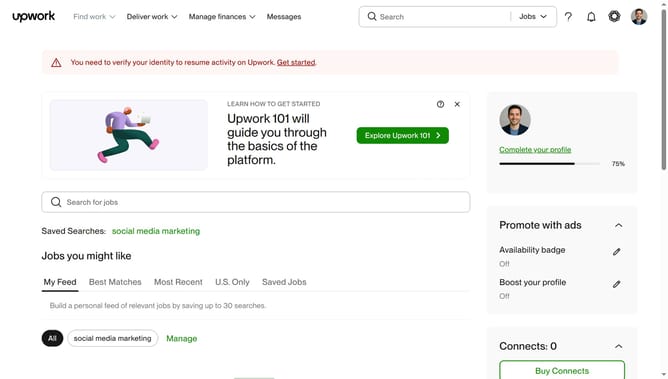
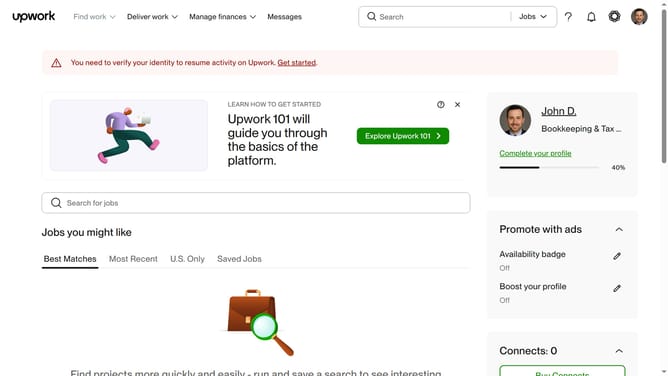
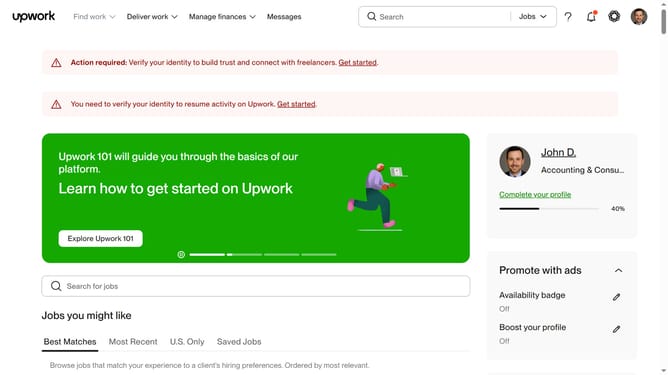
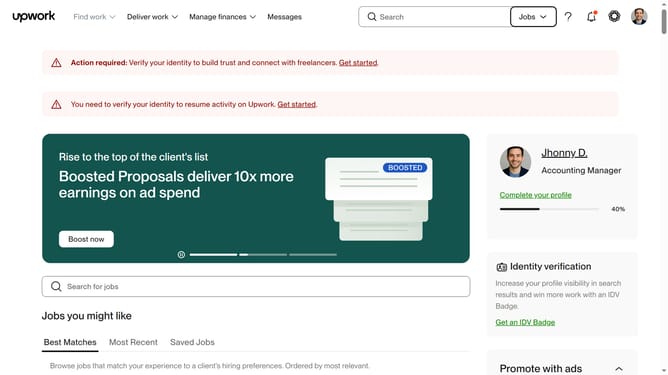
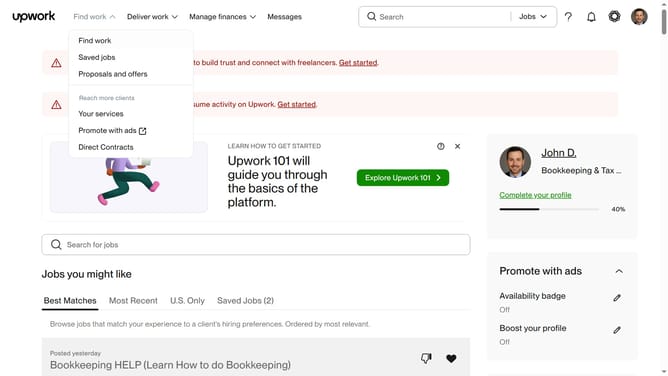
- First click on the dropdown button in the top navigation bar
- Then select the "Projects" option from the dropdown menu
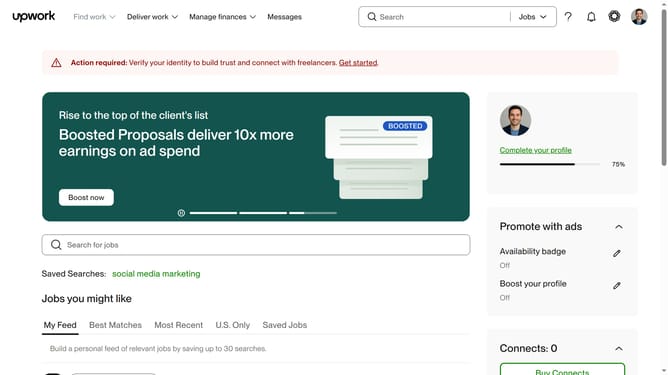
- Next click on the search field in the top navigation bar and type your search query
- Then click on the suggestion from the search dropdown
- Then, click on the "Project Catalog" tab in the secondary navigation menu
- Finally click on the "Logo Design" category card in the "Shop by category" section
Why should you search for a project by logo design catalog on Upwork
Upwork is a dynamic platform that connects freelancers with clients ready to pay for their services.
Searching for a logo design project by using Upwork's project catalog can be efficient and rewarding.
Each project is neatly categorized, allowing designers to access a curated list of tasks.
This method is beneficial as it provides clarity and insight into the project's scope, ensuring freelancers find suitable opportunities quickly and enhance their portfolio.
Last update