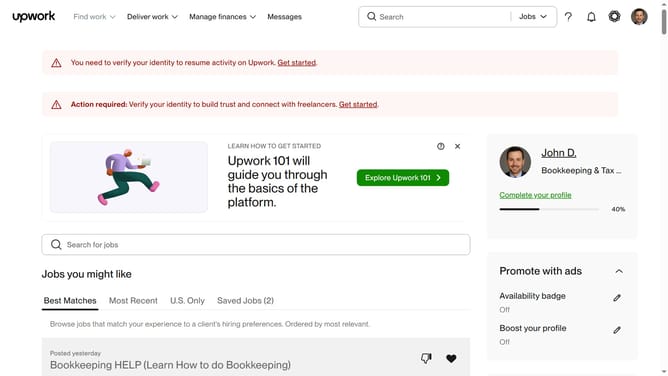
How to change a freelancer title in Upwork
Here is how to change a freelancer title in upwork
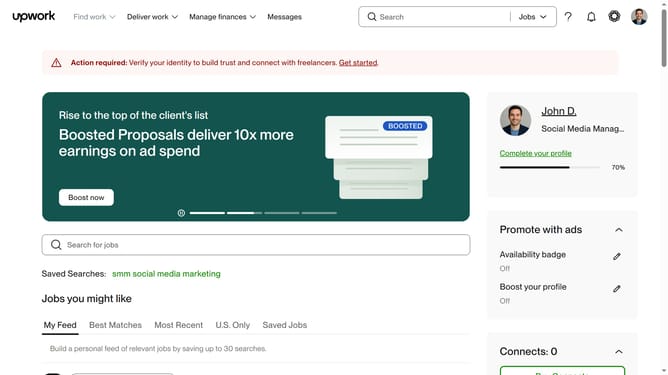
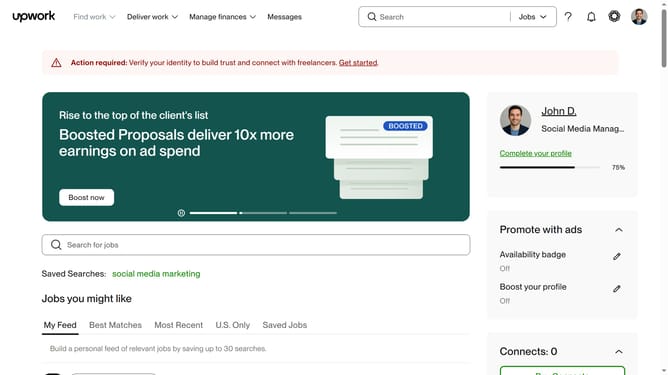
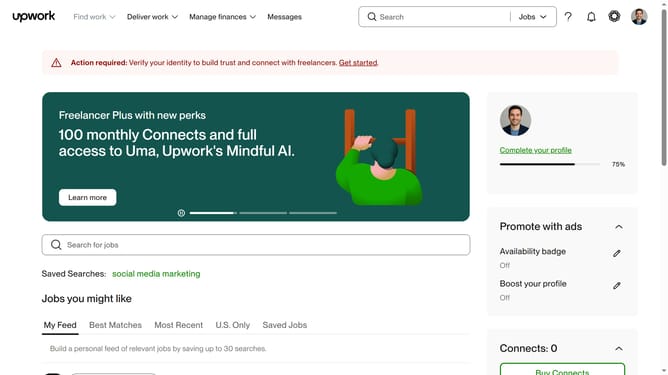
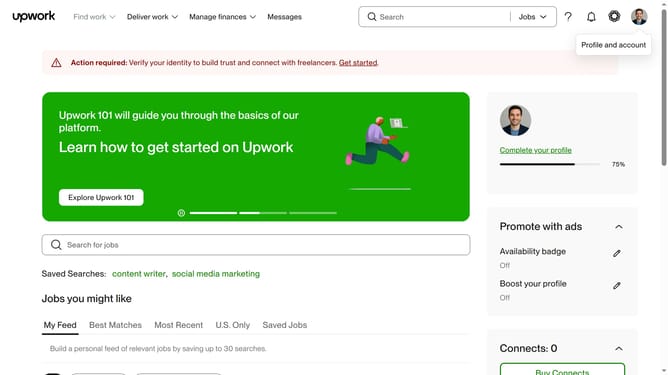
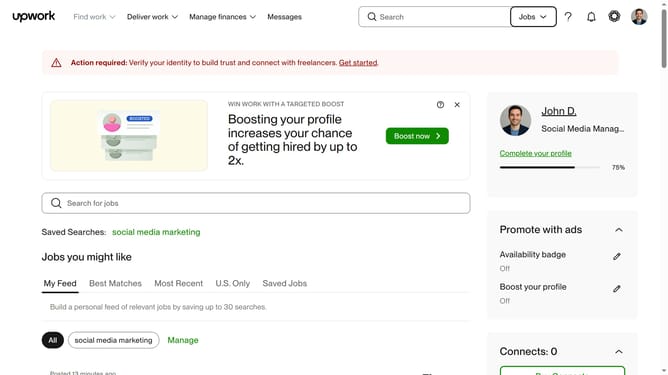
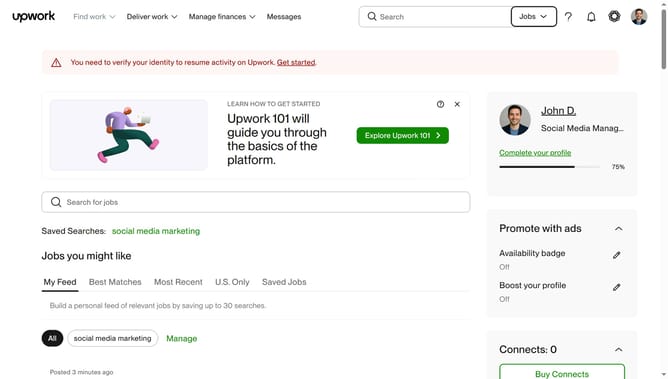
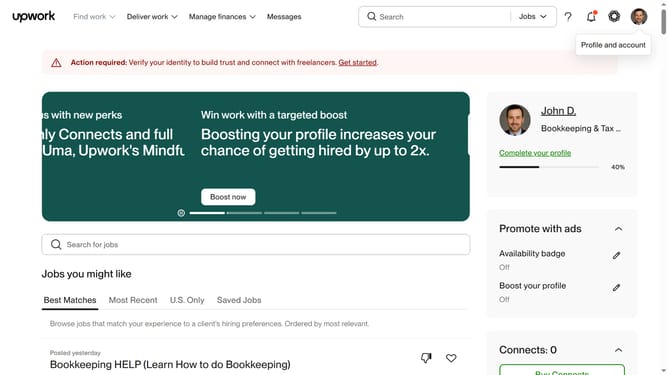
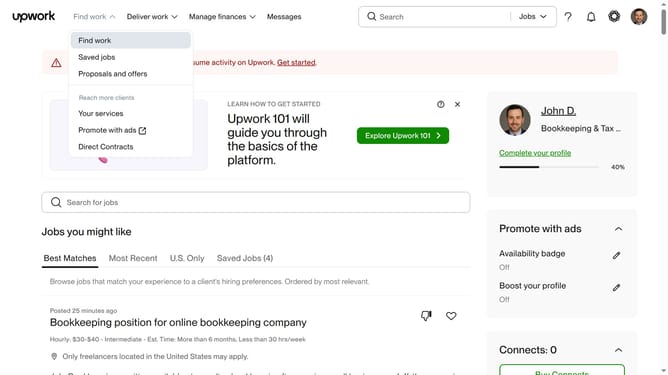
- First click on the profile avatar button in the top right corner of the header
- Then click on "Your profile" option in the dropdown menu
- Next click on the edit icon next to the current title in the profile section
- Then your new freelancer title in the text field
- Finally click on the "Save" button to confirm the changes
Why should you change a freelancer title in Upwork
Upwork is a dynamic platform connecting freelancers with clients worldwide, fostering opportunities in the digital marketplace.
Updating your freelancer title on Upwork is a crucial feature for presenting your skills accurately and professionally, helping you to capture the attention of potential clients.
By refining this title, you align your profile with current industry trends and job requirements, enhancing your visibility and appeal in a competitive landscape.
Regular updates showcase your growth and adaptability, ensuring you remain relevant and attractive to new projects and clients.
Last update