How to filter talents based on hours billed on Upwork
Here is how to filter talents based on hours billed on upwork
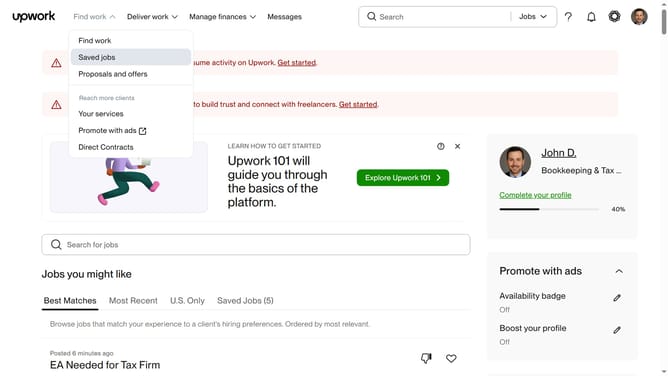
- First click on the dropdown button in the top navigation bar
- Then select "Talent" option from the dropdown menu
- Next click on the search field in the header and type your search keyword
- Then select from the search suggestions dropdown
- Then scroll down to the hours billed filter section
- Then click on the "Hours billed" filter section in the left sidebar to expand it
- Finally select your preferred radio button option in the Hours billed filter
Why should you filter talents based on hours billed on Upwork
Upwork is a leading platform connecting businesses with skilled freelancers worldwide to achieve their project goals.
The ability to filter talents based on hours billed allows clients to refine their search for experienced professionals effectively. This feature ensures you can find freelancers who have demonstrated their reliability and expertise through consistent work.
Utilizing this filter helps in identifying candidates with a proven track record, increasing the likelihood of successful project outcomes. It brings precision to the hiring process, saving time and boosting the chances of finding the perfect match for your project needs.
Last update