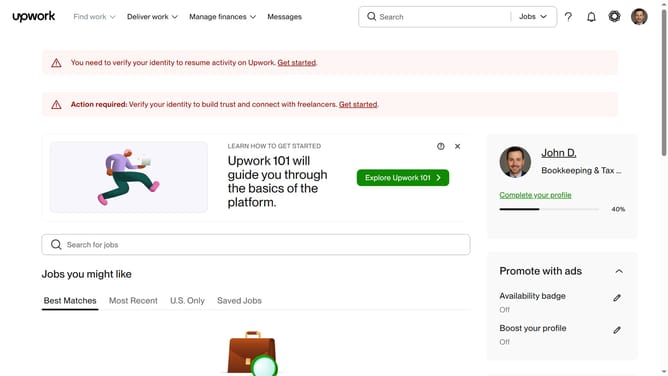
How to manage general email updates from Upwork
Here is how to manage general email updates from upwork
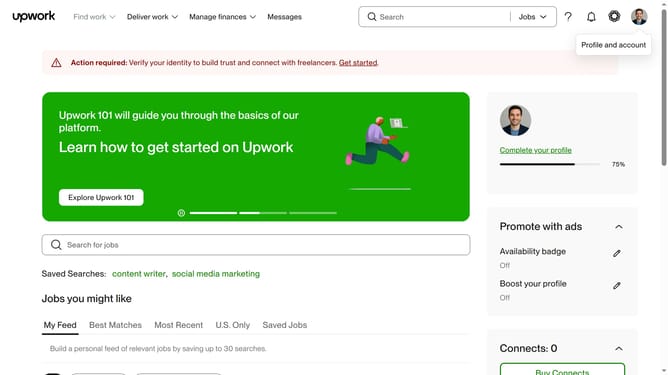
- First click on the profile icon in the top right corner of the header
- Then click on "Account settings" option in the dropdown menu
- Next click on "Notification Settings" link in the left sidebar
- Then click on the "Email updates" tab in the notification settings section
- Finally click on the checkbox for under the Miscellaneous section
Why should you manage general email updates from Upwork
Upwork is a dynamic platform connecting freelancers and clients worldwide, simplifying project collaborations globally.
Managing general email updates from Upwork is a critically useful feature for maintaining control over your inbox and staying informed yet unburdened.
This feature allows you to customize the frequency and content of the updates you receive, ensuring you only engage with the most relevant information.
By effectively managing these updates, you enhance your productivity, enabling a more focused approach to leveraging Upwork’s opportunities.
Last update