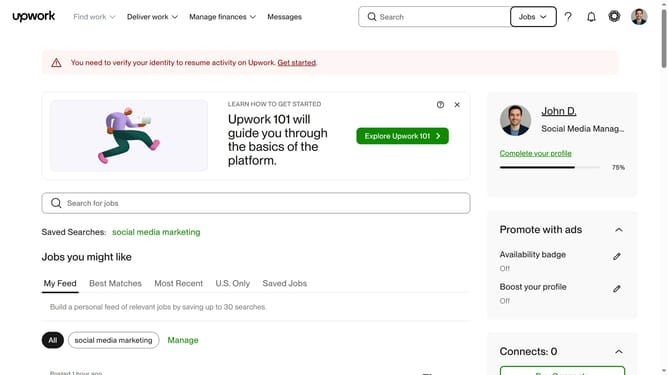
How to filter talents based on earn amount on Upwork
Here is how to filter talents based on earn amount on upwork
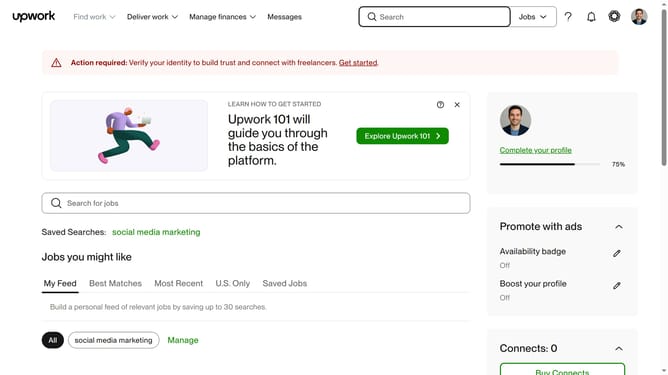
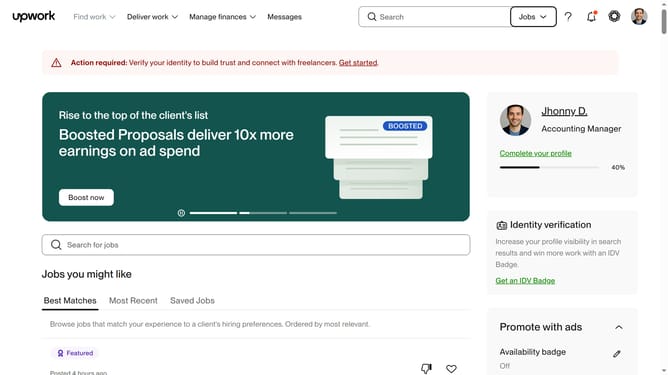
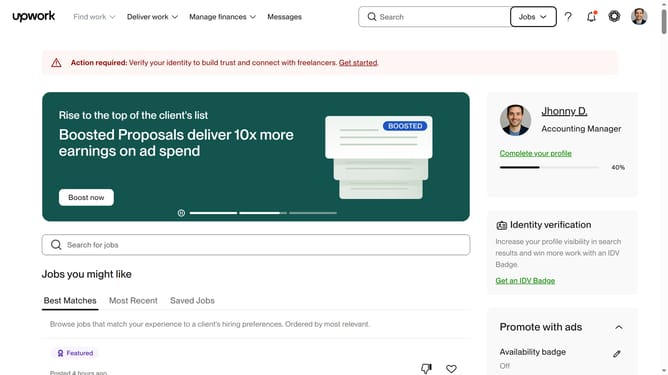
- First click on the dropdown button in the top navigation bar
- Then click on the "Talent" option from the dropdown menu
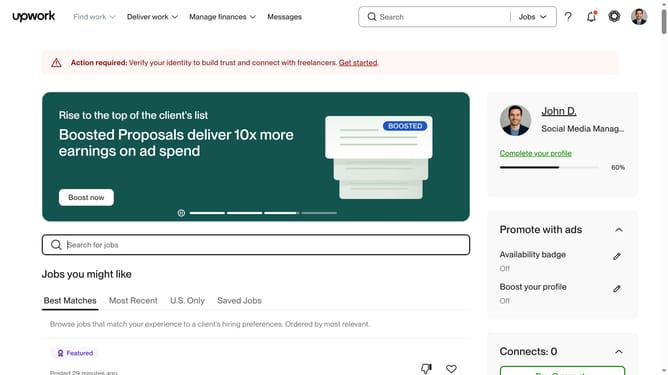
- Next click on the search bar in the header section and enter your keyword search
- Then click on the suggestion from the search dropdown
- Then, scroll down the page to view the hours billed filter
- Then click on the "Earned amount" filter section in the left sidebar
- Finally select the radio button option in the filter panel
Why should you filter talents based on earn amount on Upwork
Upwork is a dynamic, global platform that connects businesses with freelancers for all types of projects.
A key feature of Upwork is the ability to filter talents based on their earnings. This allows clients to quickly gauge a freelancer's experience and success level. High earning freelancers often indicate proven expertise and reliability.
Utilizing the earn amount filter streamlines the selection process, ensuring that clients can swiftly identify top-tier professionals aligned with their budget, enhancing project outcomes and fostering successful collaborations.
Last update