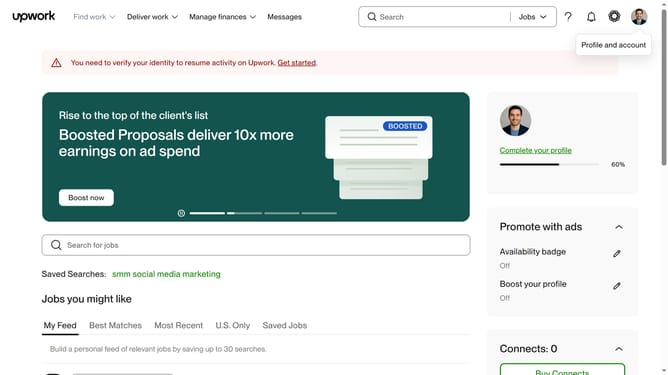
How to view projects by photography and image editing on Upwork
Here is how to view projects by photography and image editing on upwork
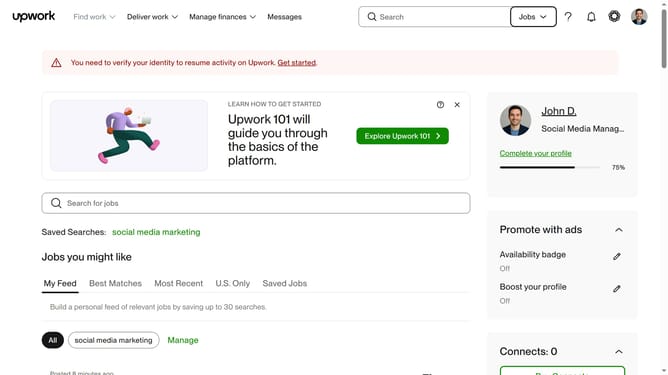
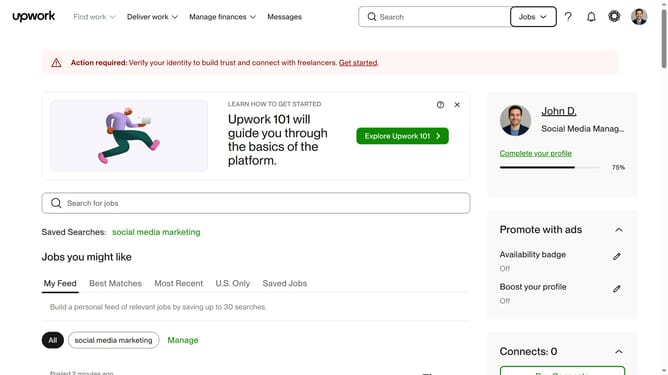
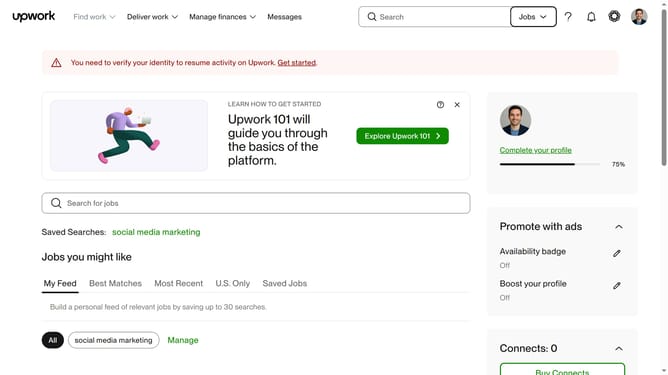
- First click on the dropdown button in the top navigation bar
- Then select "Projects" option from the dropdown menu
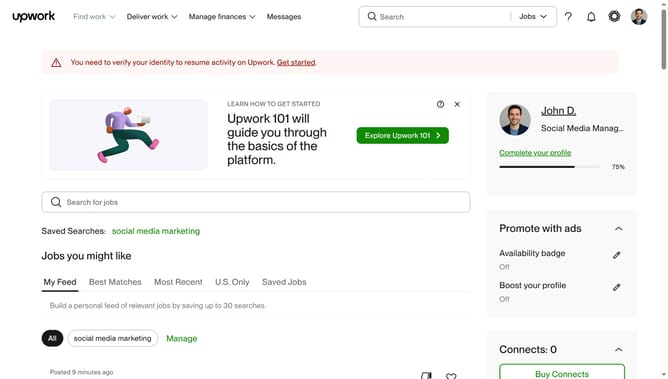
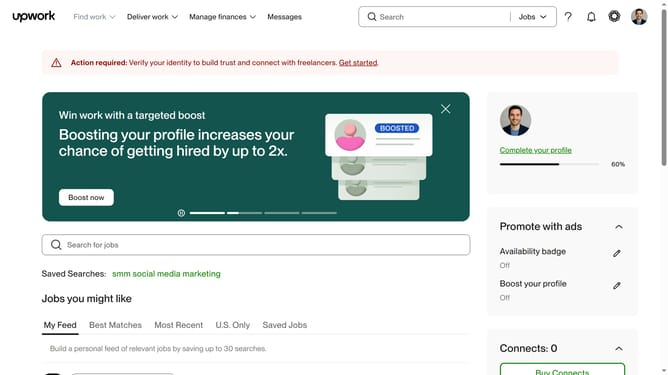
- Next click on the search field in the top navigation bar and and type your search query
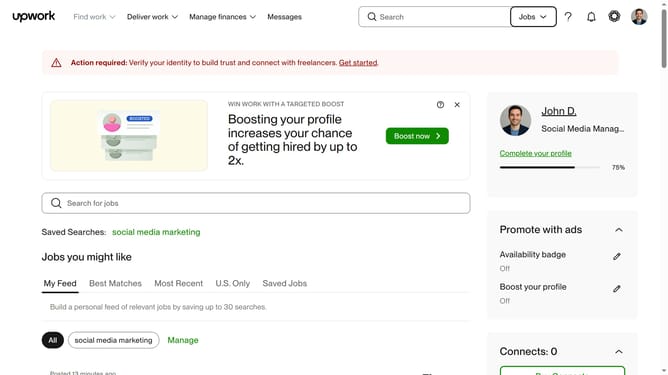
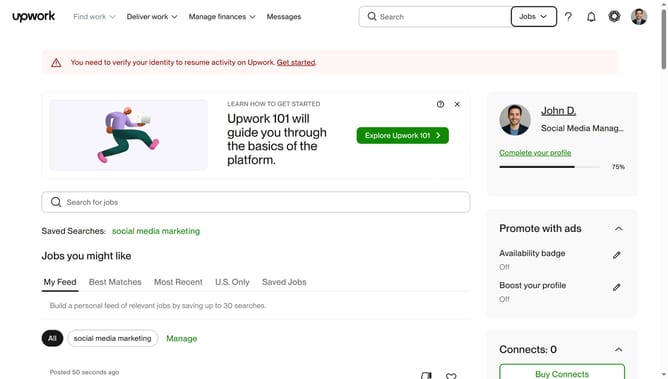
- Then click a suggestion from the search dropdown
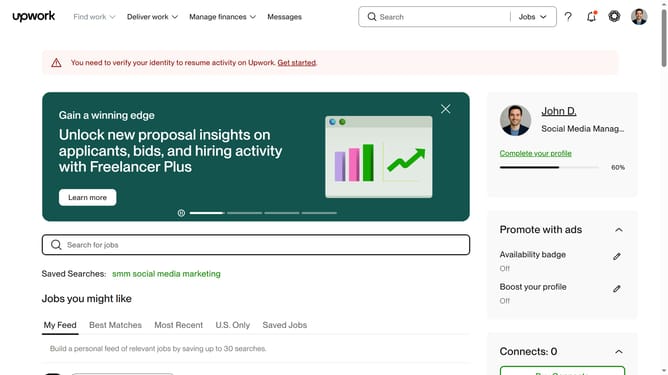
- Finally select "Photography & Image Editing" category after hovering your mouse to "Design"
Why should you view projects by photography and image editing on Upwork
Upwork is a leading platform that connects freelancers and clients for diverse job opportunities.
Viewing projects by photography and image editing on Upwork allows creatives to focus on their niche effortlessly. Easily accessing relevant projects saves time and enhances productivity.
This feature empowers photographers and editors to showcase their skills to a targeted audience, increasing their likelihood of securing the right opportunities. By refining your project search on Upwork, align your talents with compatible client needs seamlessly.
Last update