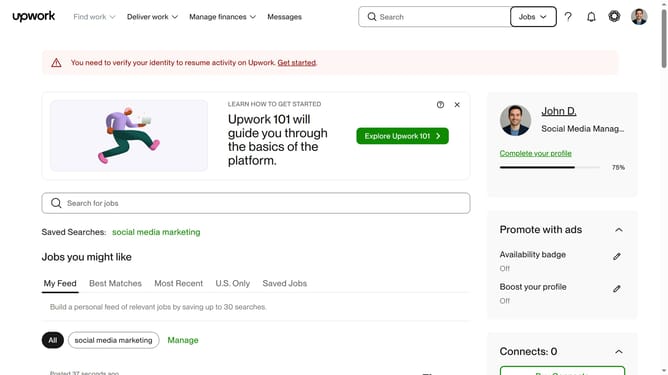
How to filter projects by delivery time on Upwork
Here is how to filter projects by delivery time on upwork
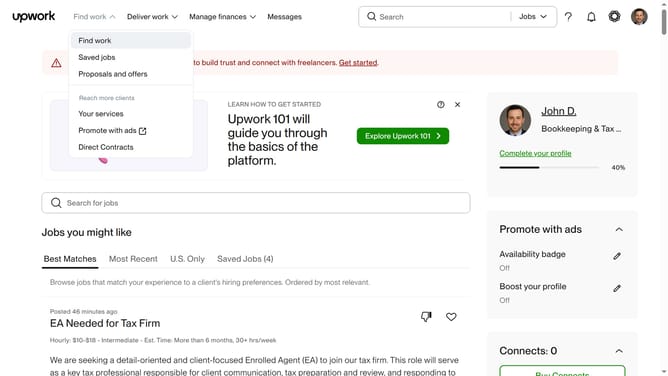
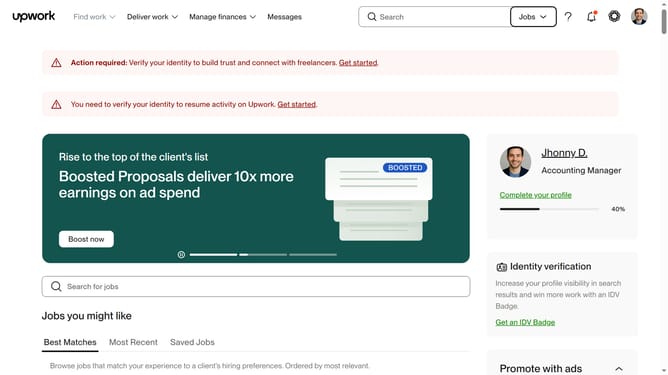
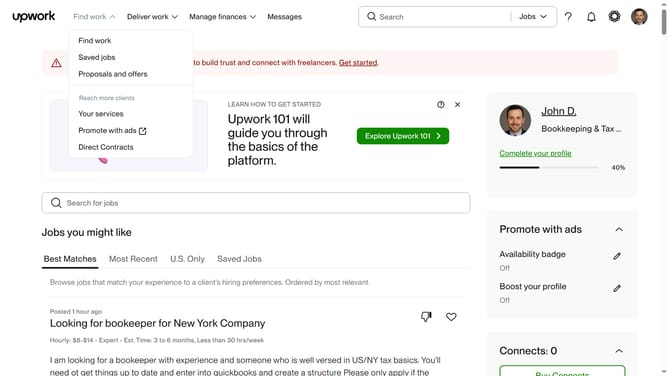
- First click on the dropdown button in the top navigation bar
- Then click on the "Projects" option from the dropdown menu
- Next click on the search bar in the header and type your search query
- Then click on the suggestion from the search dropdown
- Next click on the "Delivery Time" filter button
- Then select a radio button option in the filter menu
- Finally click on the "Apply" button to apply the selected delivery time filter
Why should you filter projects by delivery time on Upwork
Upwork is a global freelancing platform connecting businesses with independent professionals.
Efficiently managing your workload is vital, and Upwork's project delivery time filter helps streamline this process. This feature allows you to quickly pinpoint projects that align with your schedule constraints, ensuring that you can meet deadlines with ease.
By leveraging this feature, you gain the advantage of dedicating your focus to suitable projects without the overwhelm of sifting through irrelevant options.
Last update