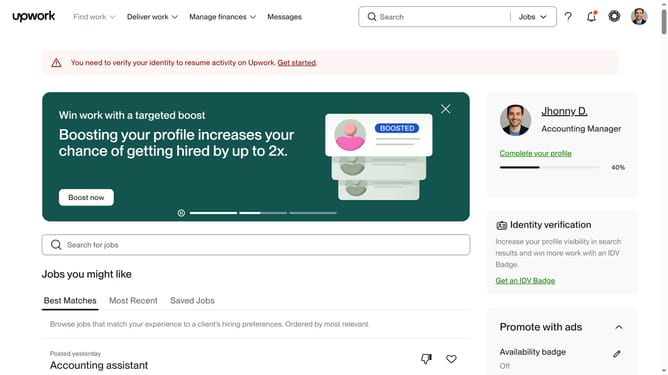
How to delete a service category in Upwork
Here is how to delete a service category in upwork
- First click on the profile icon in the top right corner of the header
- Then click on "Your profile" option in the dropdown menu
- Next scroll down to the profile settings
- Then click on "Profile settings"
- Click the edit icon next to Categories
- Then click the remove icon or X next to service category you want to delete
- Finally click the "Save" button to confirm the changes
Why should you delete a service category in Upwork
Upwork is a dynamic online platform connecting freelancers with businesses seeking specialized skills.
Removing a service category in Upwork offers a streamlined way for freelancers to focus their profiles. It ensures that potential clients see only relevant skills and offerings, enhancing the likelihood of matching with the right opportunities.
This feature allows freelancers to eliminate clutter and showcase their expertise more precisely. It's a powerful tool for maintaining a polished, professional presence and ensuring the most accurate portrayal of one’s capabilities.
Last update