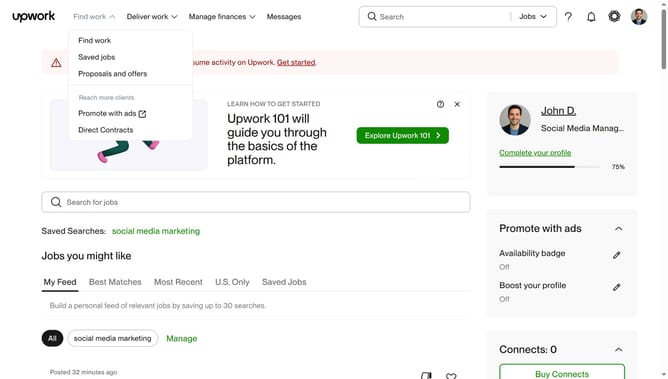
How to update preferred hours per week as a freelancer in Upwork
Here is how to update preferred hours per week as a freelancer in upwork
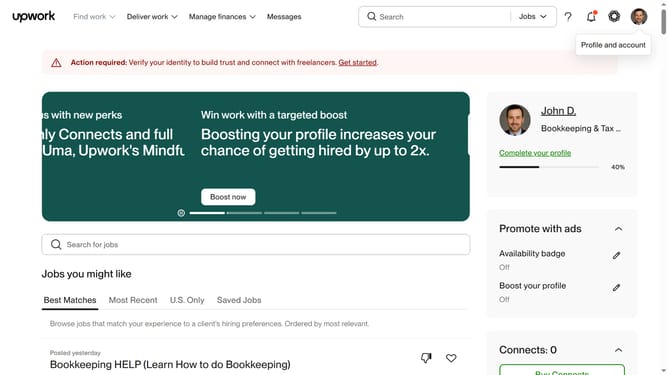
- First click on the profile icon in the top right corner of the header
- Then click on "Your profile" option in the dropdown menu
- Next click on the edit icon next to "Hours per week" section in the profile page
- Then select your working hours availability based on the options
- Finally click on the "Save" button to confirm the changes
Why should you update preferred hours per week as a freelancer in Upwork
Upwork is a leading platform connecting freelancers worldwide with clients seeking their expertise.
Updating your preferred hours per week on Upwork ensures that clients have a clear understanding of your availability, making it easier to manage expectations. This simple feature is integral for balancing your workload and helps in attracting projects that fit your schedule seamlessly.
By accurately setting your preferred hours, you optimize your profile's visibility to potential clients, ensuring mutual satisfaction without overcommitment.
Ultimately, this feature not only boosts efficiency but also enhances client relationships by facilitating better communication and planning.
Last update