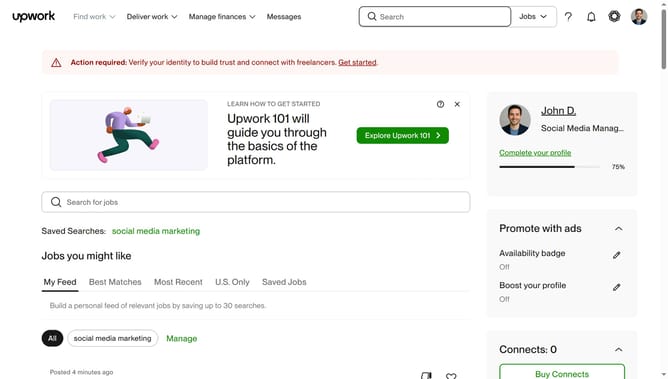
How to provide feedback on a job post on Upwork
Here is how to provide feedback on a job post on upwork
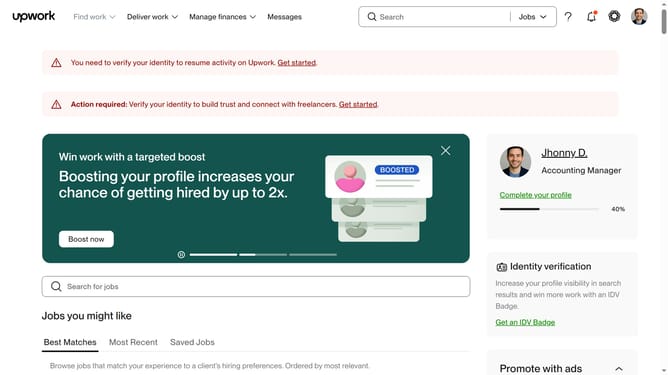
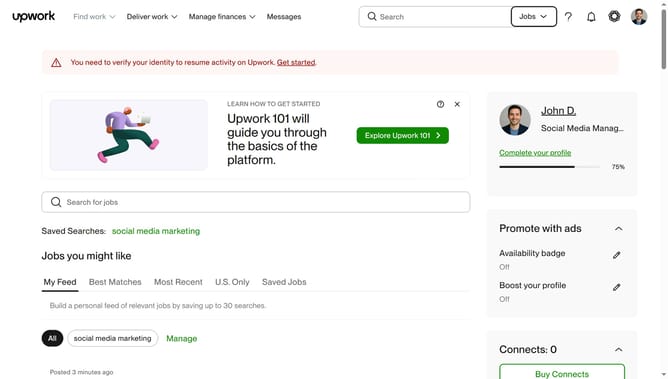
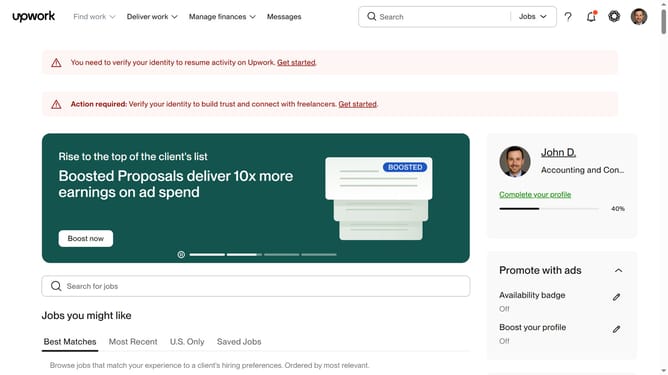
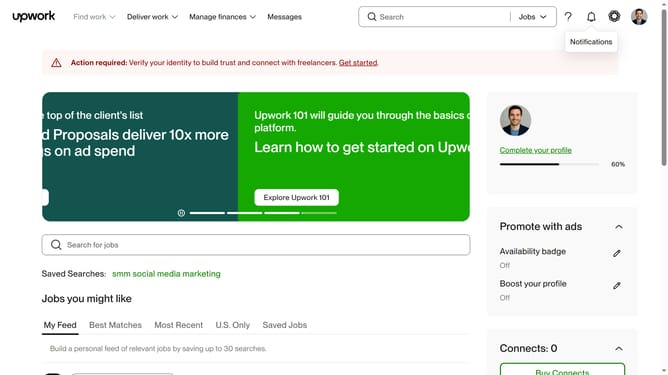
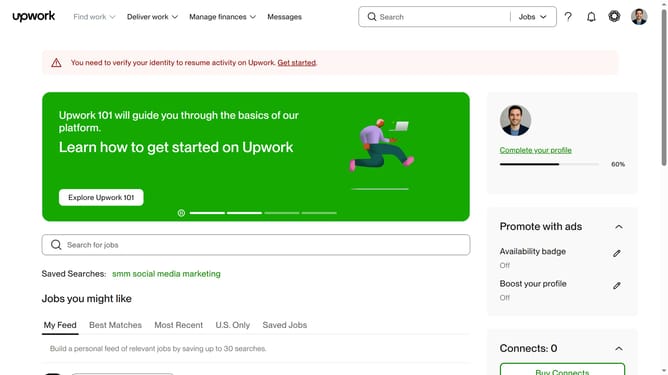
- First click on the "Find work" dropdown menu in the top navigation bar
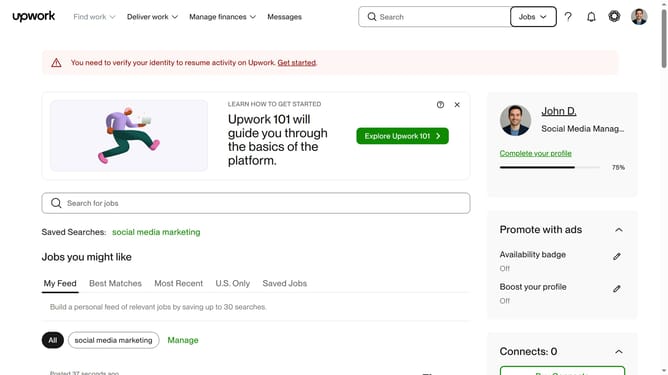
- Then click on the "Search for jobs" input field in the main content area and enter your job search keyword
- Next select from the search suggestions dropdown menu
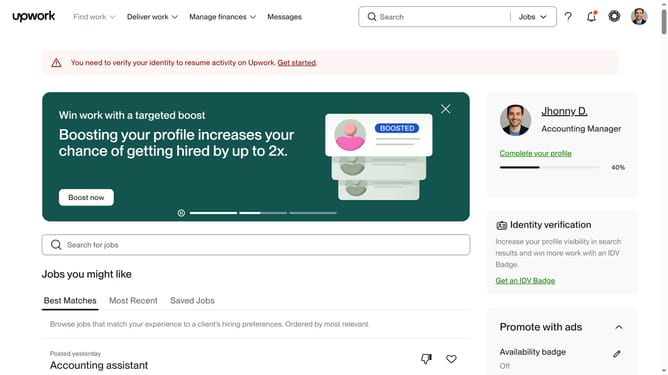
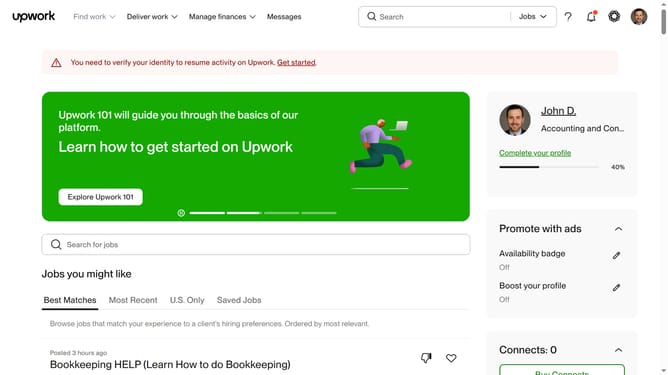
- Then click on the thumbs down icon next to the job listing to provide feedback
- Finally select from the feedback options menu
Why should you provide feedback on a job post on Upwork
Upwork is a global freelancing platform connecting businesses with skilled professionals for their projects.
Providing feedback on a job post on Upwork allows users to share their experiences and opinions, helping to improve the platform for future interactions.
This feature encourages transparency and accountability, ensuring that both freelancers and clients can better understand each other's expectations.
By offering feedback, users contribute to a more informed community, ultimately enhancing the quality and satisfaction of collaborations on Upwork.
Last update