How to delete notifications in Upwork
Here is how to delete notifications in upwork
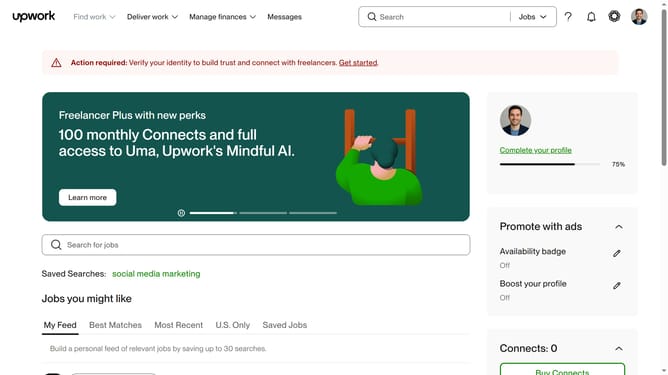
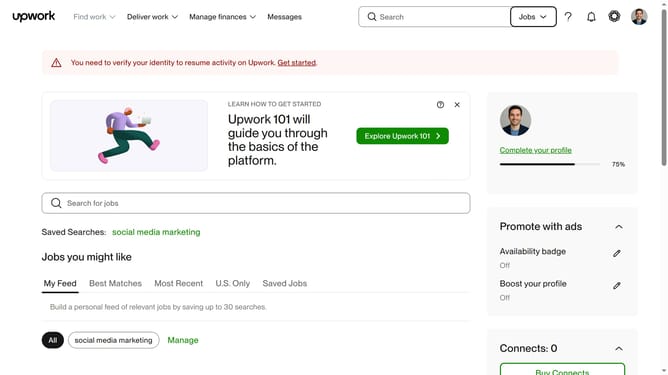
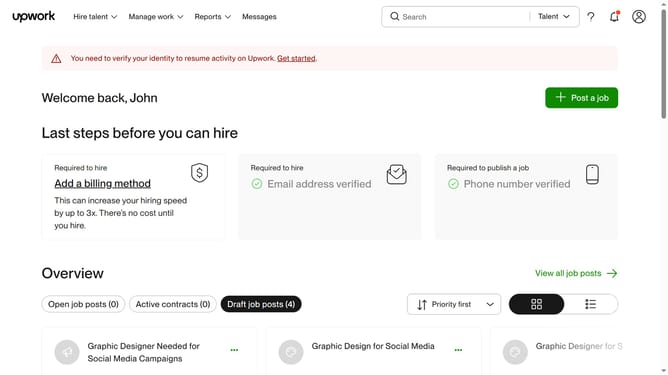
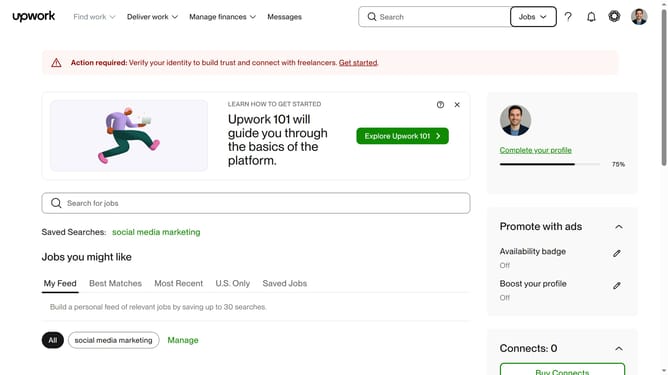
- First click on the "Notifications" button in the top navigation bar
- Then click on the "See all notifications" link in the notifications dropdown panel
- View the notifications page displaying the activity feed and click the X button to delete notification
Why should you delete notifications in Upwork
Upwork is a leading platform connecting freelancers and clients for diverse project opportunities across various fields.
Among its many features, the ability to manage notifications efficiently stands out.
Deleting notifications in Upwork not only helps keep your workspace clean and organized but also reduces distractions, allowing you to focus better on your work. By managing these alerts, you gain more control over your time and attention, aiding productivity.
It ensures that important updates aren't lost among clutter, fostering a streamlined workflow.
Last update