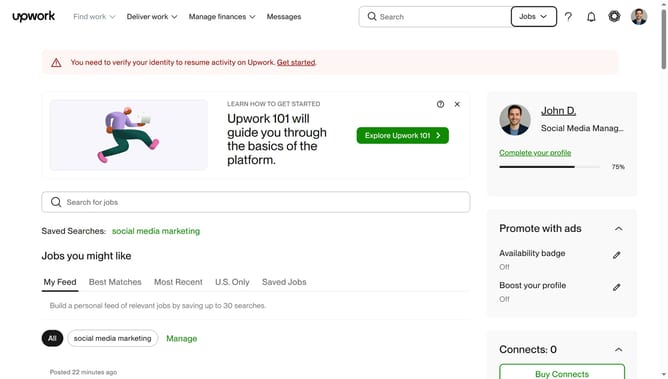
How to update company details as a client in Upwork
Here is how to update company details as a client in upwork
- First click on the "Profile" button in the top right corner of the header
- Then click on "Account settings" option in the dropdown menu
- Next click on the edit icon next to Company details section
- Then click on the "Company Name" text field and modify the company name
- Next click on the "Add your industry" dropdown menu
- Then select your company's industry
- Next, select the estimated number of people in the company from the options provided
- Finally click on the "Save" button to save the changes
Why should you update company details as a client in Upwork
Upwork, a premier platform connecting freelancers and clients, empowers businesses to collaborate with diverse professionals worldwide.
Keeping your company details up-to-date as a client on Upwork enhances your project's visibility and professionalism.
Updating information ensures that potential freelancers have a clear and current understanding of your business, fostering trust and attracting skilled talent more effectively.
This feature supports streamlined communication and operational efficiency, essential for successful collaborations.
Last update