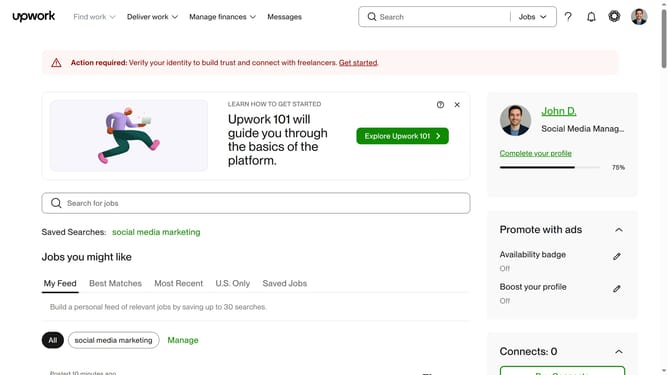
How to view in progress jobs of a freelancer in Upwork
Here is how to view in progress jobs of a freelancer in upwork
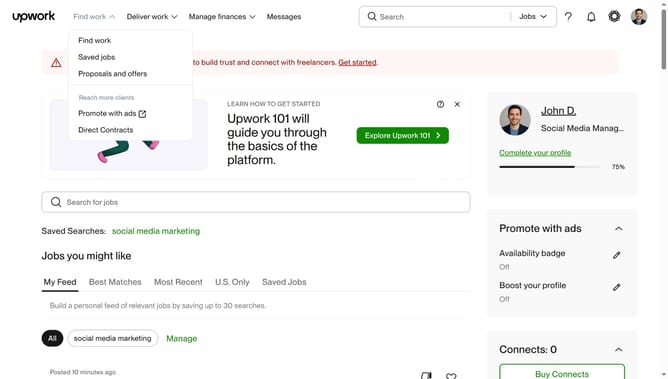
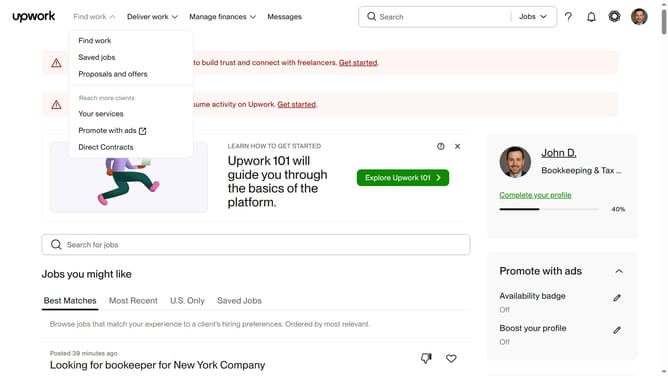
- First click on the dropdown button in the top navigation bar
- Then click on the "Talent" option from the dropdown menu
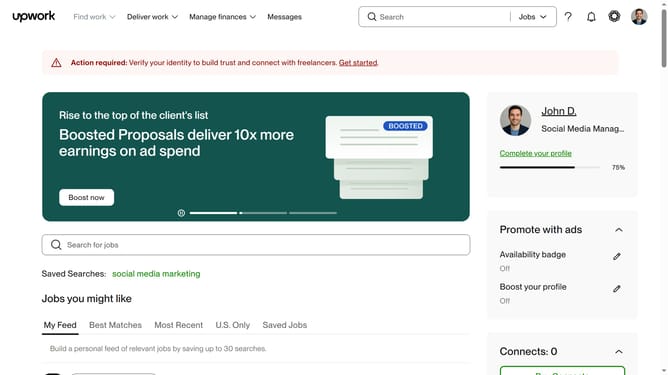
- Next click on the search field in the header and type your search query
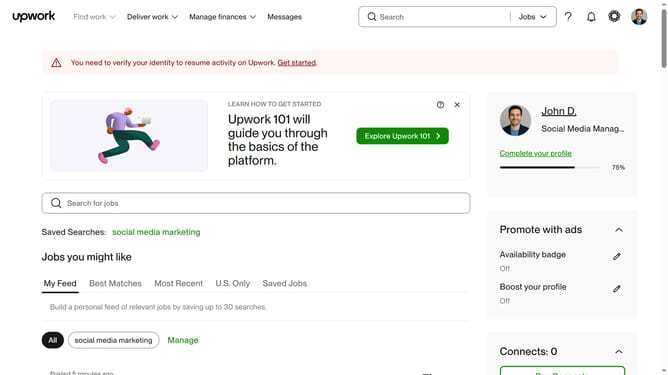
- Then click on the suggestion from the search dropdown
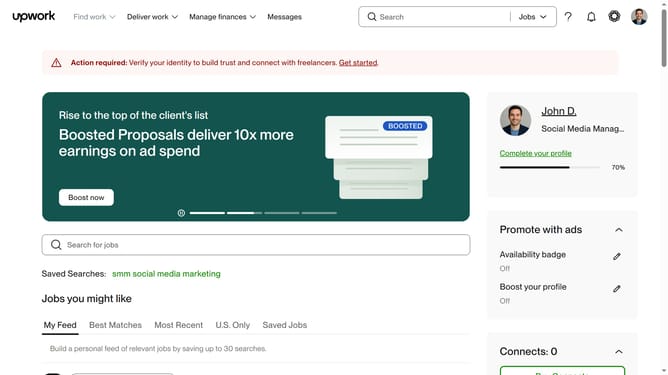
- Next click on the freelancer profile name to view their full profile
- Then click on the "In progress" tab in the Work history section
- Finally click on the job title tab to view in progress work
Why should you view in progress jobs of a freelancer in Upwork
Upwork is a dynamic platform connecting freelancers with clients worldwide for diverse project collaborations.
Viewing in-progress jobs of a freelancer on Upwork serves as a valuable feature for both freelancers and clients. It allows freelancers to efficiently track their workload and manage their time across different projects. For clients, it offers transparency and a clear overview of the freelancer's ongoing commitments.
Utilizing this feature enhances project management, ensuring that freelancers maintain a balanced schedule while clients remain informed about progress, fostering a trustworthy professional relationship.
Last update