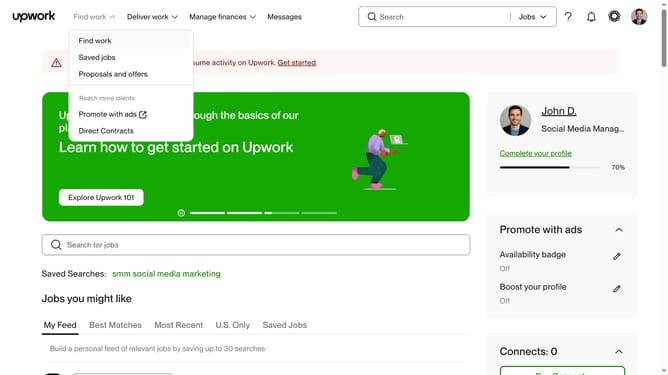
How to manage email notification for freelancer and agency proposal in Upwork
Here is how to manage email notification for freelancer and agency proposal in upwork
- First click on the profile icon in the top right corner of the header
- Then click on "Account settings" option in the dropdown menu
- Next click on "Notification Settings" in the left sidebar under User Settings section
- Then click on the "Email updates" tab in the notification settings tabs
- Next click on the checkbox under the Freelancer and agency proposals section
- Finally click on the other checkboxes based on your preference
Why should you manage email notification for freelancer and agency proposal in Upwork
Upwork is a dynamic online platform connecting freelancers and agencies with businesses seeking skillful professionals.
Managing email notifications for proposals on Upwork is a streamlined feature that enhances user experience. By customizing your notification settings, you can stay informed without overwhelming your inbox, ensuring you're always up-to-date with important proposals.
Leveraging this feature allows you to focus on relevant opportunities, maintain workflow efficiency, and foster timely responses to potential clients. The benefit is a more organized and responsive communication strategy that optimizes your professional interactions on the platform.
Last update