How to message Upwork support as a client in Upwork
Here is how to message upwork support as a client in upwork
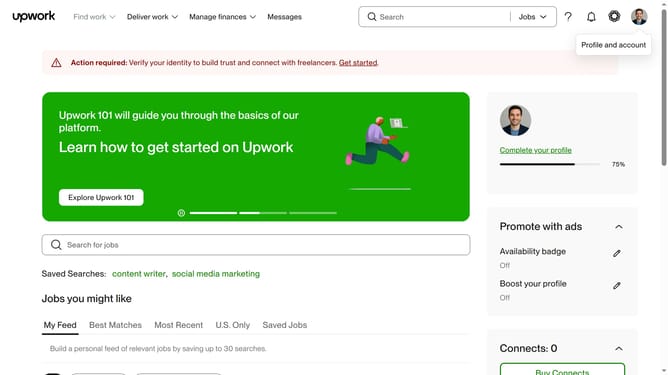
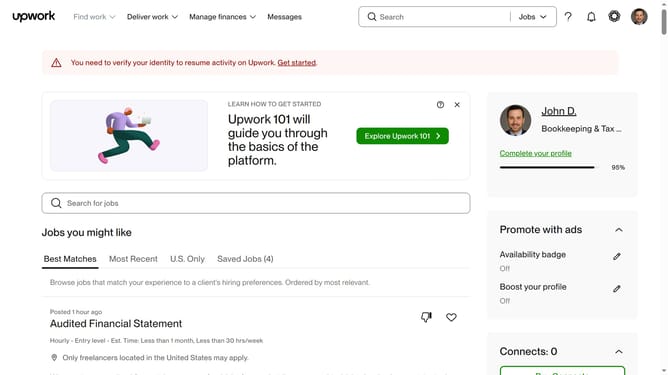
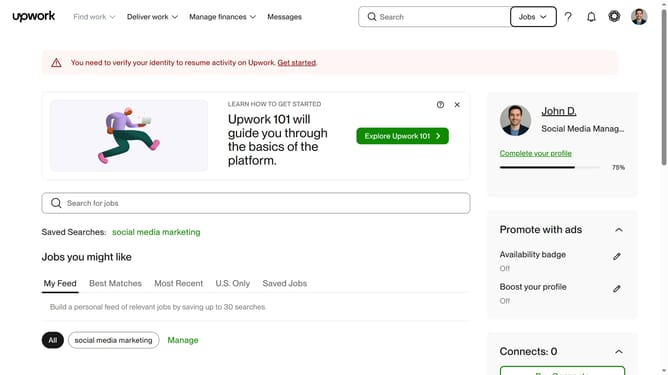
- First click on the question mark button in the top navigation bar
- Then click on "Help center" option from the dropdown menu
- Next click on "Contact Support" option from the Contact support dropdown menu
- Finally click on the "Chat with Support" card to get immediate support by starting a chat
Why should you message Upwork support as a client in Upwork
Upwork is a leading platform connecting clients with talented freelancers worldwide.
As a client, knowing how to message Upwork support is crucial for seamless project management. This feature provides direct communication, ensuring prompt assistance when questions or issues arise.
Utilizing this feature builds confidence and facilitates smooth project progression, contributing to a more efficient and successful collaboration experience.
Last update