How to filter freelance jobs by experience level in Upwork
Here is how to filter freelance jobs by experience level in upwork
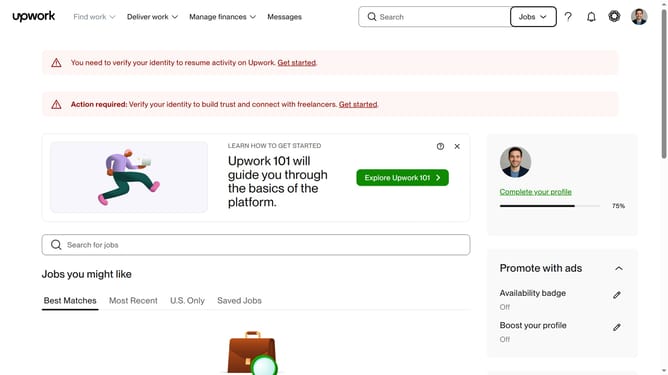
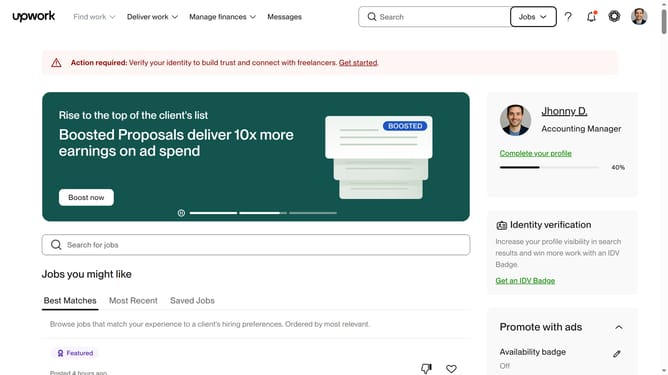
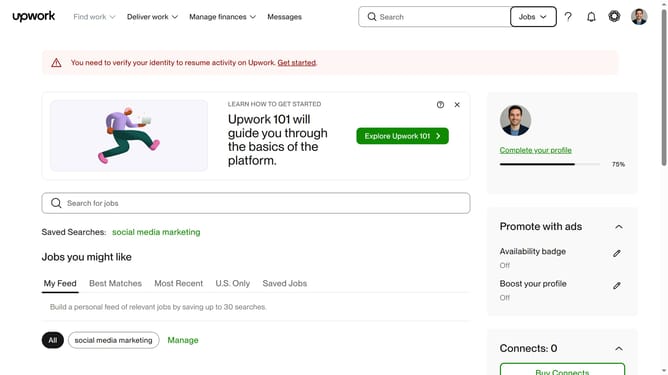
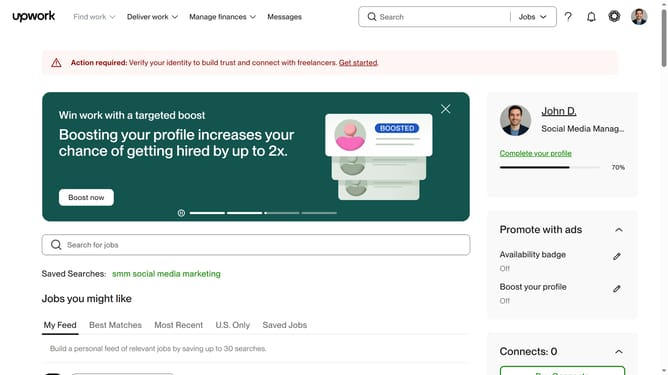
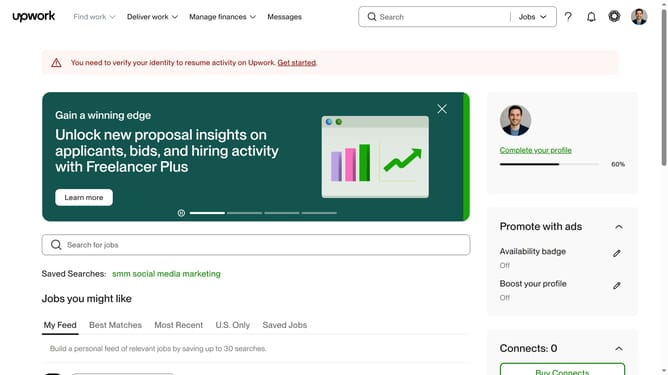
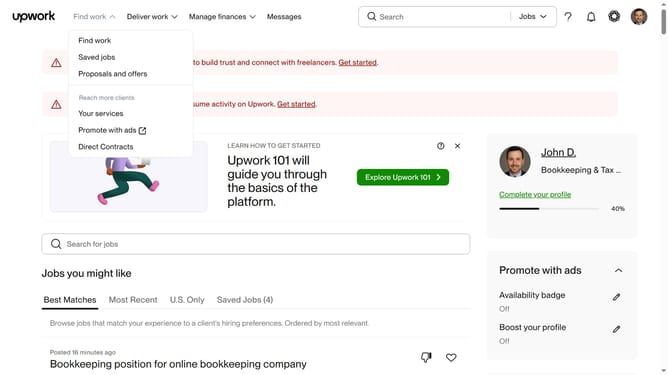
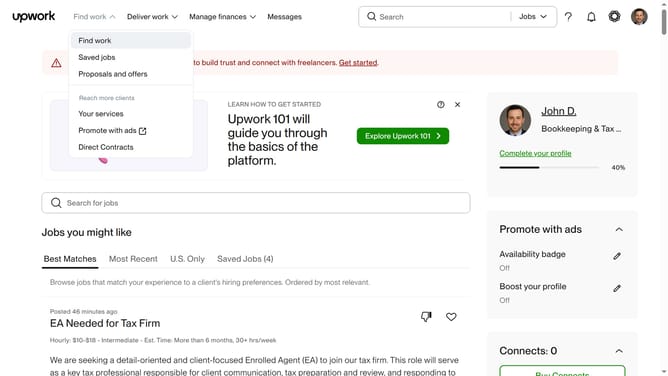
- First click on the "Find work" dropdown menu in the top navigation bar
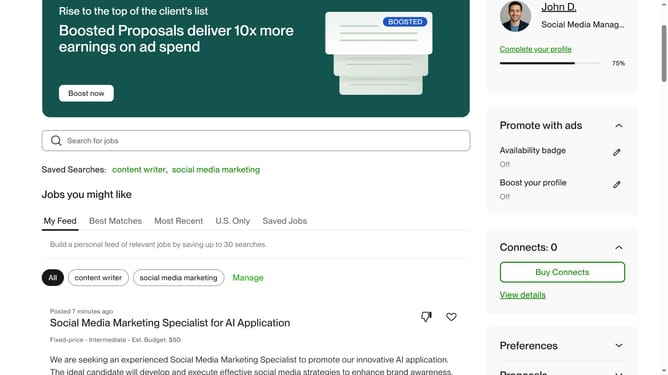
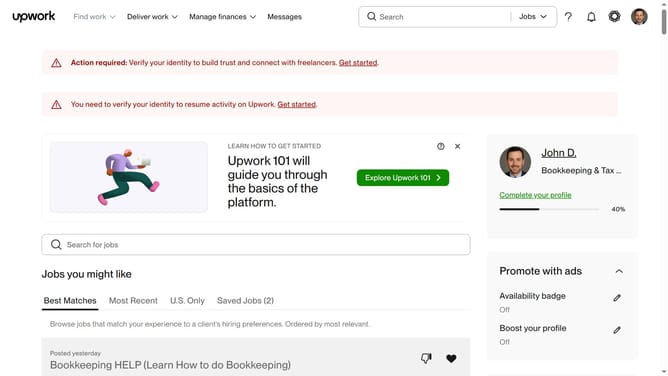
- Then click on the "Search for jobs" input field in the main content area and enter your job keywords
- Next click from the search suggestions dropdown
- Then click on the "Experience level" filter section in the left sidebar
- Finally click on your experience level from the filter section in the left sidebar
Why should you filter freelance jobs by experience level in Upwork
Upwork is a leading platform connecting freelancers with clients worldwide for diverse projects.
The feature to filter freelance jobs by experience level on Upwork empowers freelancers to find projects that match their skill set and career stage.
This tool streamlines the job search process by allowing freelancers to target opportunities that align with their professional experience.
By focusing on appropriate job listings, freelancers can increase their chances of success and satisfaction, saving time and enhancing career growth.
Last update