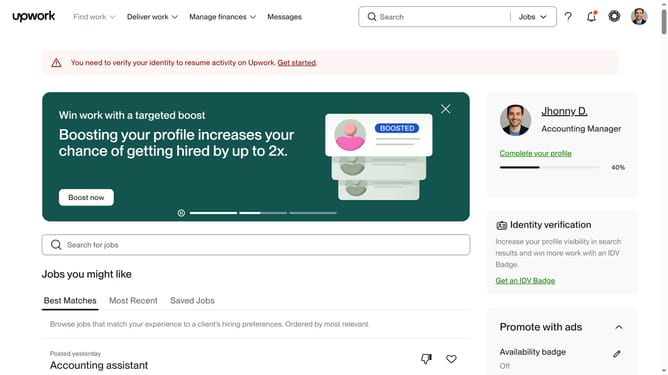
How to filter freelance jobs by client history on Upwork
Here is how to filter freelance jobs by client history on upwork
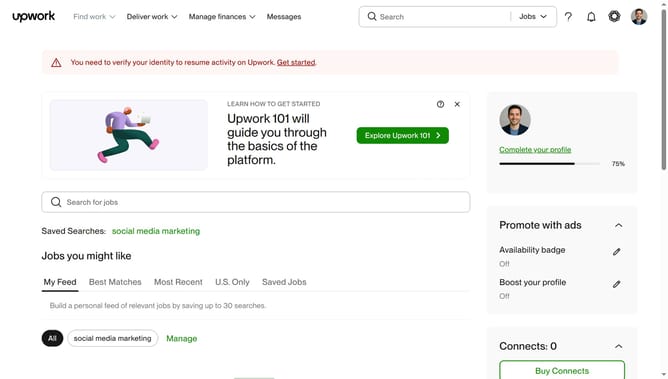
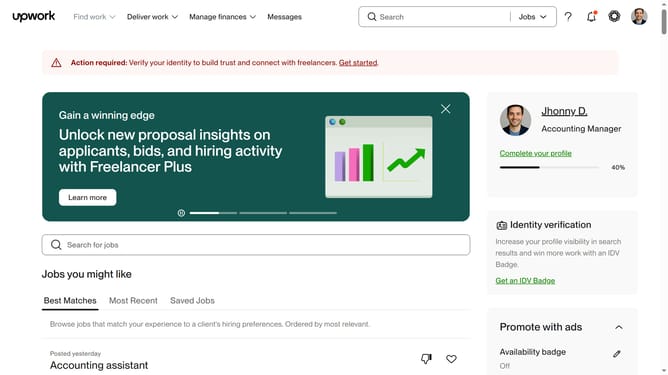
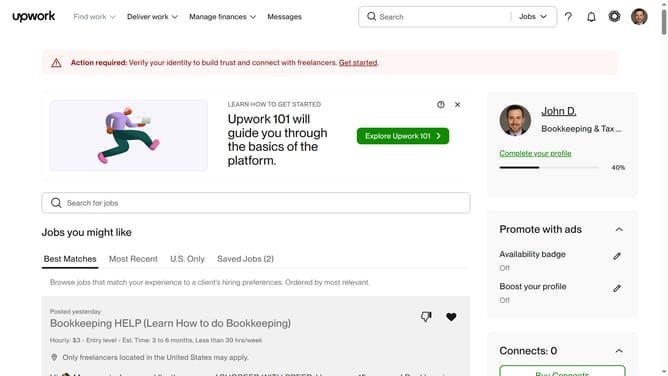
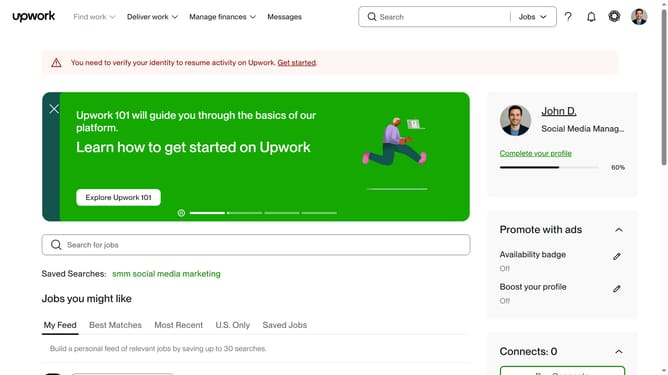
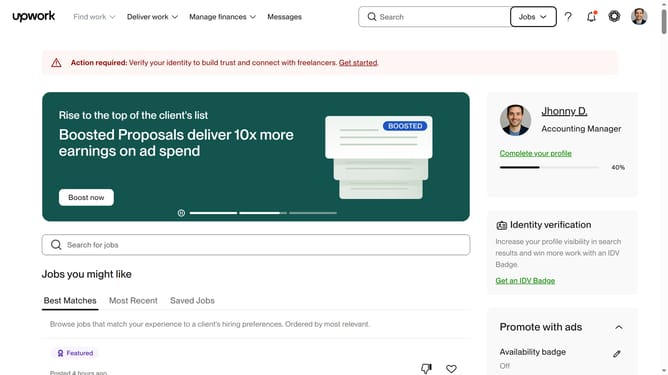
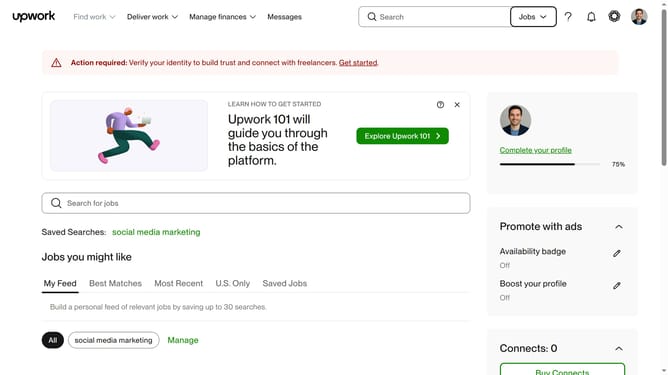
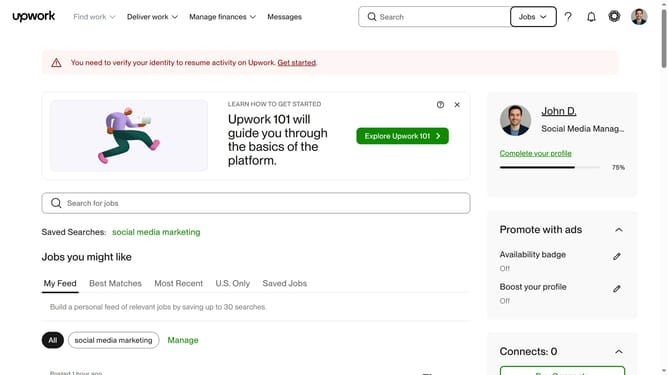
- First click on the "Find work" dropdown menu in the top navigation bar
- Then click on the "Search for jobs" input field and enter your job search keyword
- Next scroll down the page
- Finally click on the checkbox of your preferred option in the "Client history" filter section
Why should you filter freelance jobs by client history on Upwork
Upwork is a leading platform connecting freelancers with global clients for diverse projects.
Filtering freelance jobs by client history on Upwork enhances your job search efficiency. This feature empowers freelancers to evaluate potential clients by their track record, ensuring more informed decisions and fostering trust.
By assessing client history, freelancers can prioritize opportunities with reliable clients, increasing the likelihood of positive work experiences and ensuring win-win collaborations. This strategic approach streamlines job selection, ultimately saving time and boosting productivity.
Last update