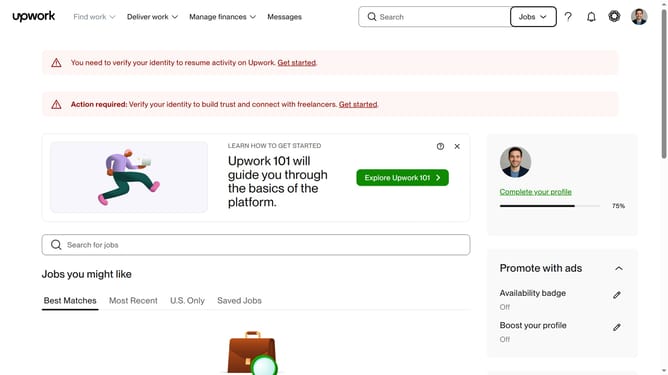
How to update desktop notification settings as a client in Upwork
Here is how to update desktop notification settings as a client in upwork
- First click on the profile icon button in the top right corner of the header
- Then click on "Account settings" option in the dropdown menu
- Next click on "Notification Settings" link in the left sidebar
- Then click on the "Show notifications for:" dropdown menu under the Desktop section
- Select your preferred option from the dropdown menu
- Then click on the "Increment message counter for:" dropdown menu
- Finally select your preferred option from the dropdown menu
Why should you update desktop notification settings as a client in Upwork
Upwork connects freelancers with clients around the world to collaborate on diverse projects.
As a client, updating your desktop notification settings on Upwork enhances control over communications, ensuring timely alerts for project updates or messages without unnecessary interruptions.
This feature is crucial for managing work volume efficiently, allowing focus where it’s needed while keeping important notifications in view. This results in a balanced and stress-free working environment, as you stay informed precisely when you need it.
Last update