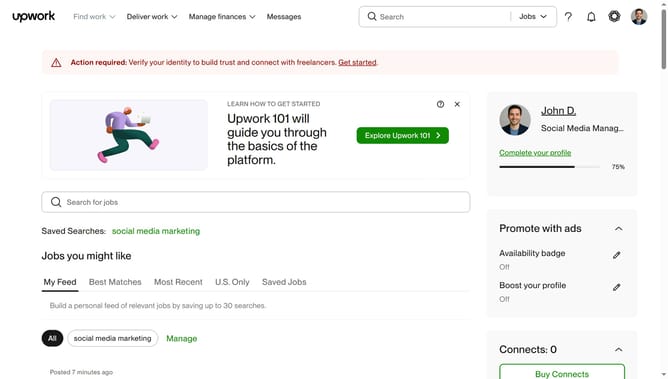
How to add service categories in Upwork
Here is how to add service categories in upwork
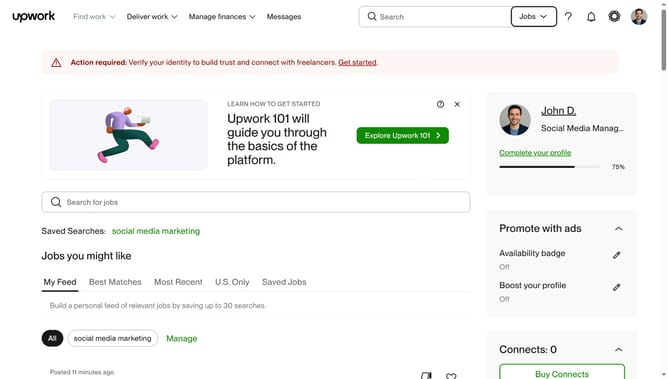
- First click on the profile avatar button in the top right corner of the header
- Then click on "Your profile" option in the dropdown menu
- Next click on the "Profile settings" button in the profile header section
- Then scroll down the page to view the "Categories" section
- Next click on the edit icon button next to the "Categories" heading
- Then click on the "Recruiting & Human Resources" checkbox in the Categories modal dialog
- Then click on the checkbox of the services that you wish to add
Why should you add service categories in Upwork
Upwork is a leading global freelancing platform connecting professionals with businesses seeking expert skills.
One valuable feature of Upwork is the ability to add service categories to your profile, allowing you to showcase a diverse range of skills. Clearly defining your offerings increases visibility and attracts a broader client base.
Utilizing the service categories feature enhances your profile's appeal and ensures opportunities that align with your expertise, leading to richer collaborations and sustained growth.
Last update