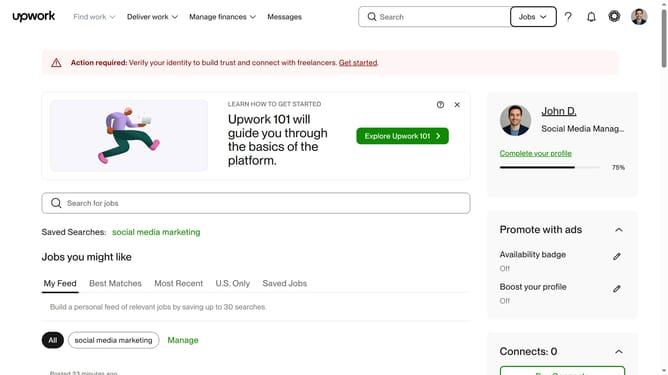
How to view projects related to data analysis and testing on Upwork
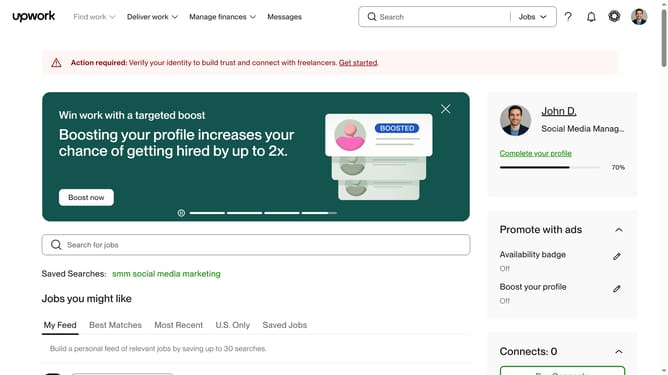
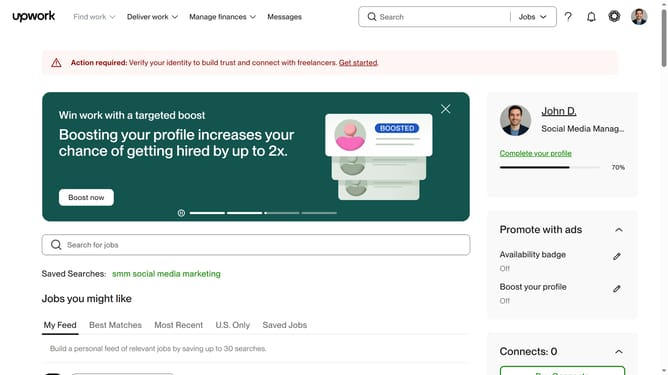
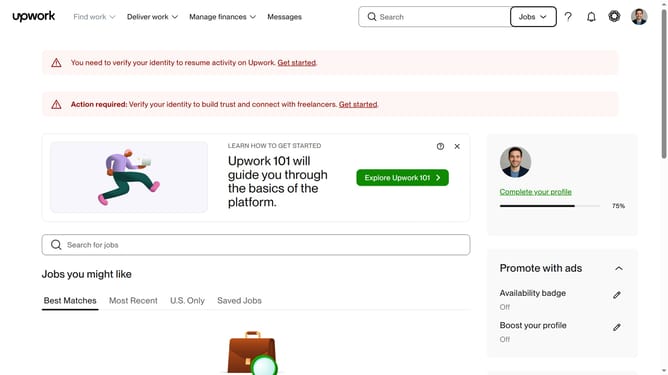
Here is how to view projects related to data analysis and testing on upwork
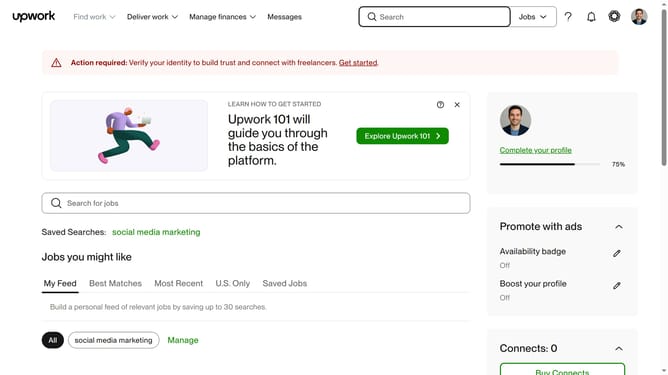
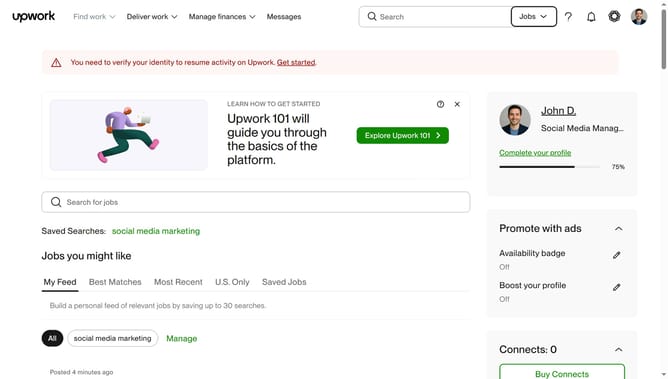
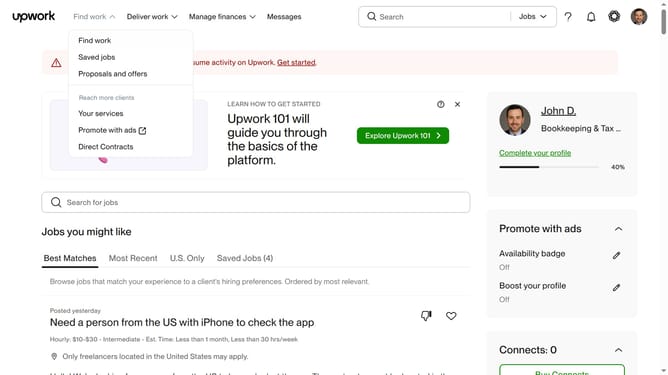
- First click on the dropdown button in the top navigation bar
- Then click on the "Projects" option from the dropdown menu
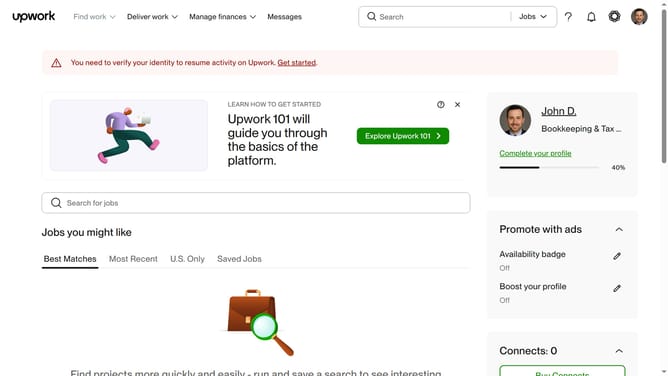
- Next click on the search bar in the header and enter search query
- Then click on a suggestion from the search dropdown
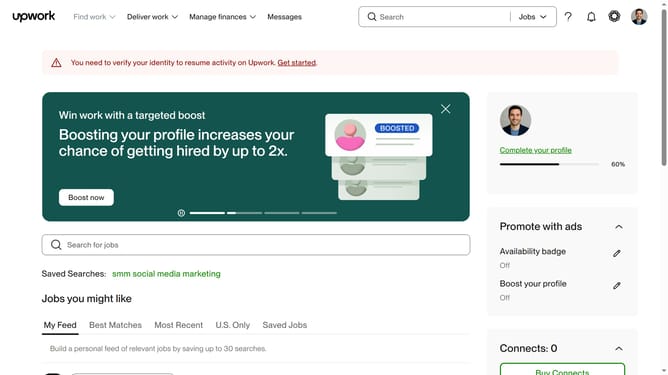
- Next click on the "Development & IT" tab in the top menu navigation
- Finally click on the "Data Analysis & Testing" category link
Why should you view projects related to data analysis and testing on Upwork
Upwork is a dynamic platform connecting freelancers with global opportunities.
Discovering data analysis and testing projects on Upwork opens up avenues to gain diverse experience while working with varied organizations. This feature allows you to filter and view relevant projects, making navigation seamless.
By easily accessing these specialized projects, freelancers can efficiently build portfolios, showcase expertise, and connect with clients who specifically value data proficiency.
Last update