How to search for a project by WordPress catalog on Upwork
Here is how to search for a project by wordpress catalog on upwork
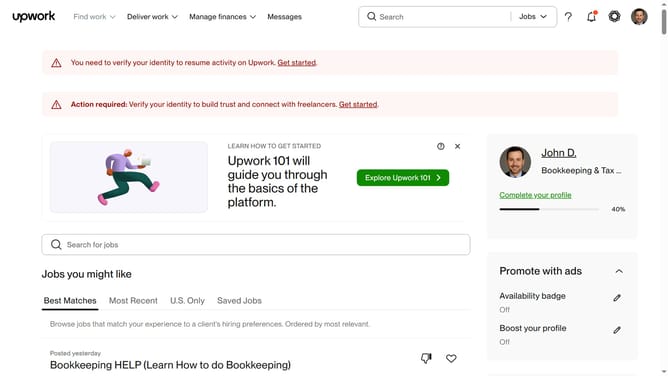
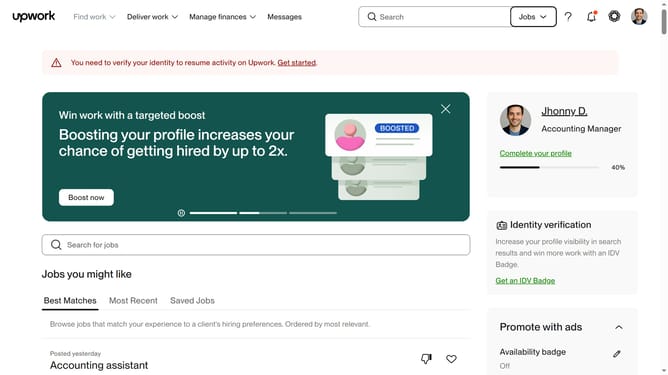
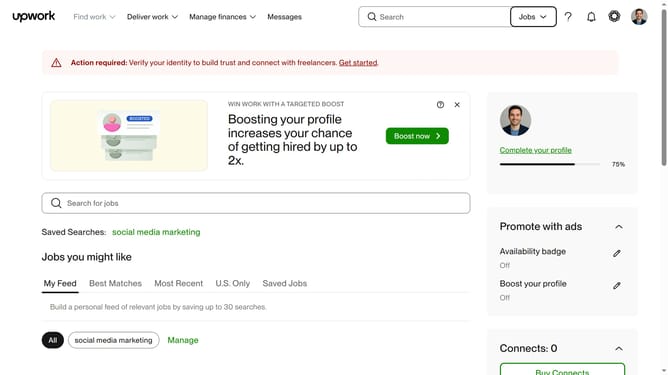
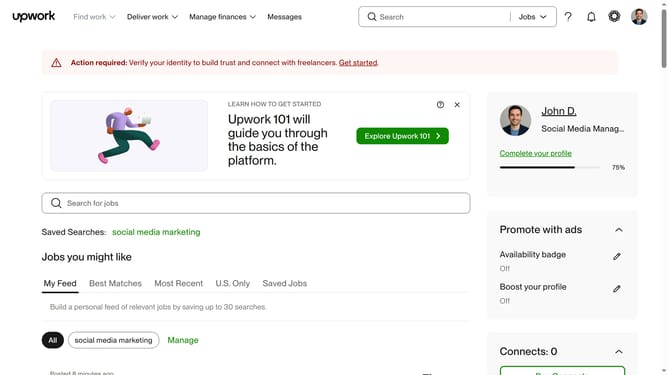
- First click on the dropdown button in the top navigation bar
- Then click on the "Projects" option from the dropdown menu
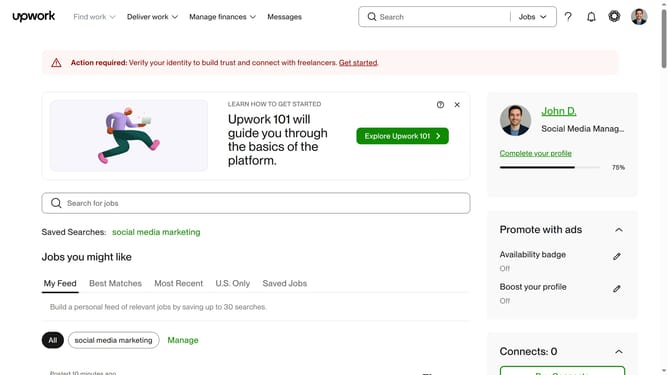
- Next click on the search bar in the header section and enter your search query
- Then select a suggestion from the search dropdown
- Then, click on "Project Catalog"
- Finally click on the "WordPress" category card in the "Shop by category" section
Why should you search for a project by WordPress catalog on Upwork
Upwork is a leading platform that connects freelancers and clients globally to collaborate on diverse projects.
Discovering projects that align with your specialization is effortless with Upwork's WordPress catalog search feature. It serves as a compass, directing you to opportunities where your skills can shine.
This targeted search approach ensures that you invest your efforts in projects that match your expertise, boosting your productivity and efficiency.
Ultimately, it creates a seamless experience, allowing you to focus on what you do best: delivering quality work.
Last update