How to view projects related to social media marketing on Upwork
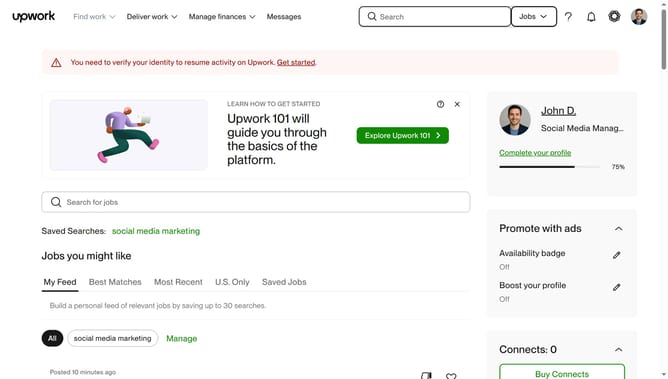
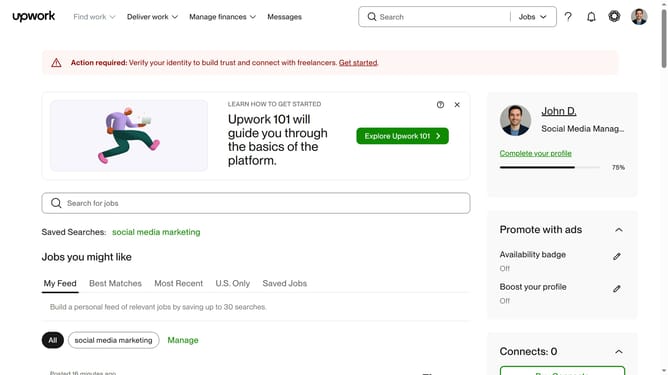
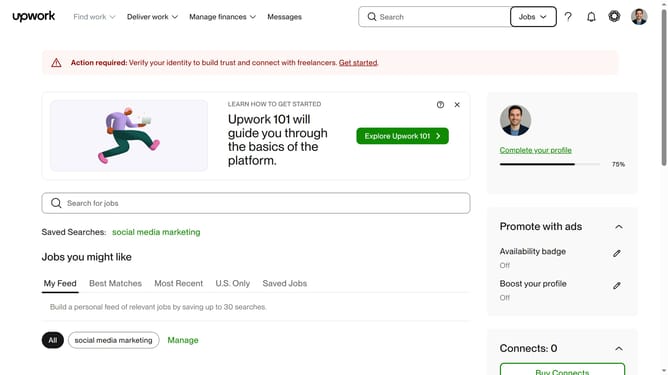
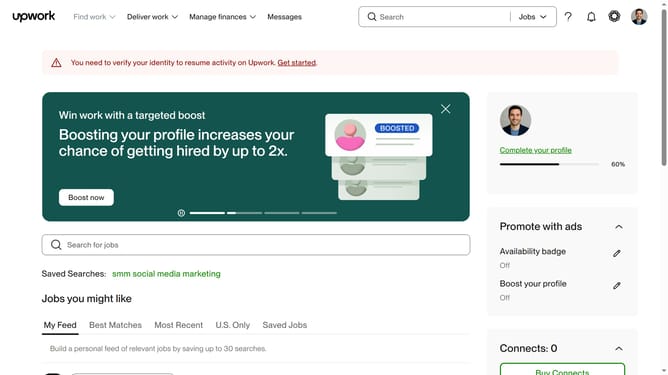
Here is how to view projects related to social media marketing on upwork
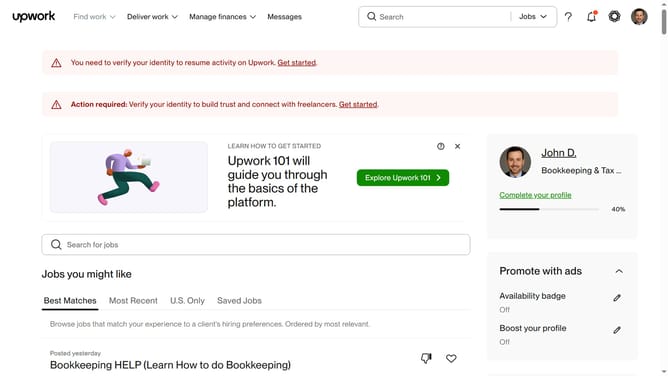
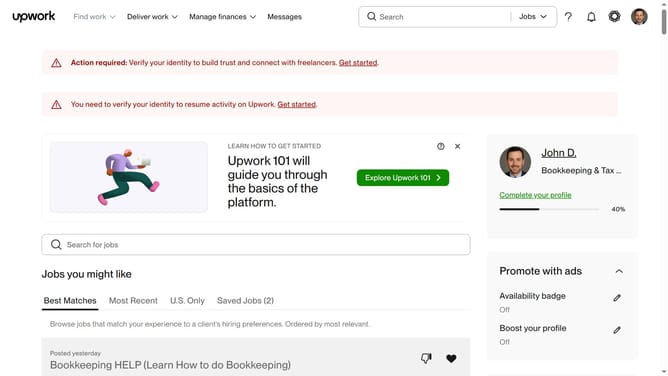
- First click on the dropdown button in the top navigation bar
- Then click on the "Projects" option from the dropdown menu
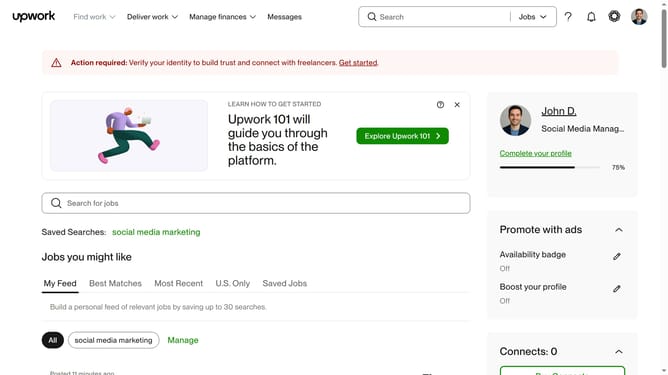
- Then click on the search bar in the header area and enter your search keyword
- Then click from the suggestion from the search dropdown
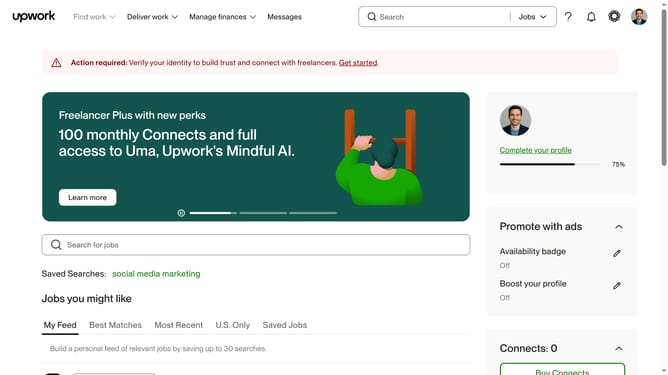
- Then click on the "Marketing" tab in the category navigation menu
- Finally click on the "Social Media Marketing" option from the marketing subcategories
Why should you view projects related to social media marketing on Upwork
Upwork is a dynamic platform connecting freelancers and clients for a myriad of projects worldwide.
To view projects related to social media marketing, Upwork provides an intuitive search feature. It allows users to effortlessly filter and find opportunities specific to their expertise.
This feature not only saves time but also maximizes potential by enabling focused searches. It helps freelancers link directly to relevant projects, increasing the likelihood of successful collaborations and career growth.
Last update