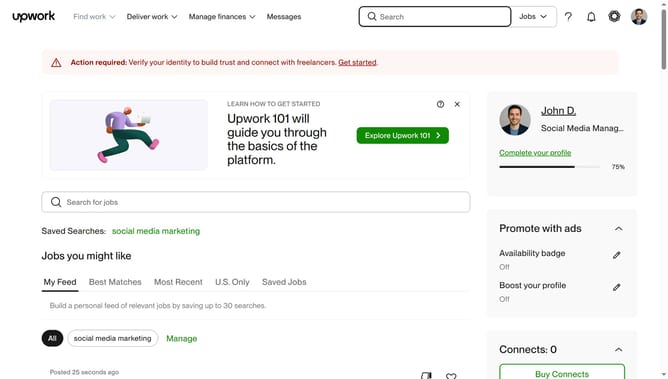
How to view projects related to music production and editing on Upwork
Here is how to view projects related to music production and editing on upwork
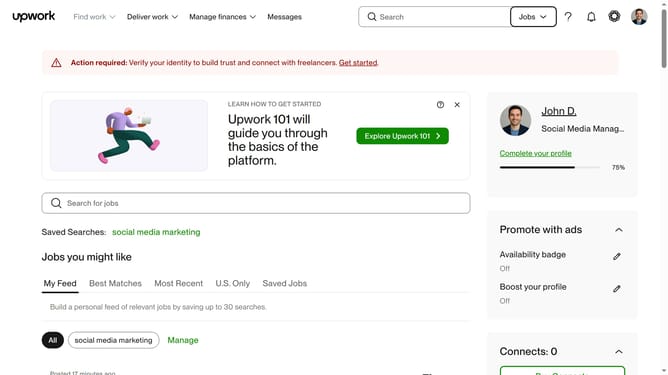
- First click on the dropdown button in the top navigation bar
- Then select "Projects" from the dropdown menu that appears
- Next click on the search field in the top navigation bar and enter your search query
- Then click on a suggestion from the search dropdown
- Then, click on the "Video & Audio" tab in the navigation menu
- Finally click on the "Music Production & Editing" category heading in the content area
Why should you view projects related to music production and editing on Upwork
Upwork is a leading online platform connecting freelancers with clients seeking diverse professional skills.
Discovering music production and editing projects on Upwork is streamlined, offering freelancers access to a rich database of opportunities. With specific filters and search capabilities, users can quickly find projects tailored to their expertise.
This feature ensures that professionals in music production can tap into a global market, showcasing their talents and securing gigs that match their unique skill set. The convenience and specificity of this search functionality make finding the right projects efficient and rewarding.
Last update