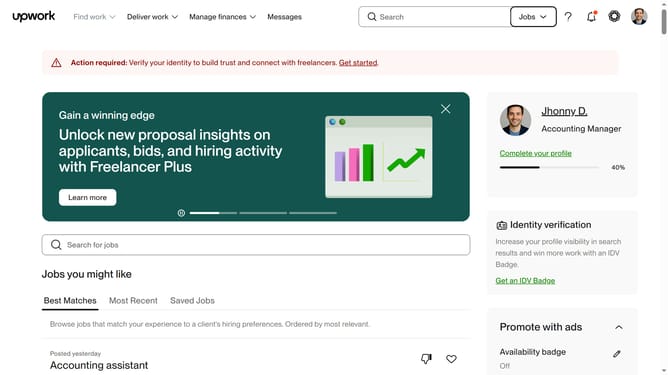
How to view the portfolio of a freelancer in Upwork
Here is how to view the portfolio of a freelancer in upwork
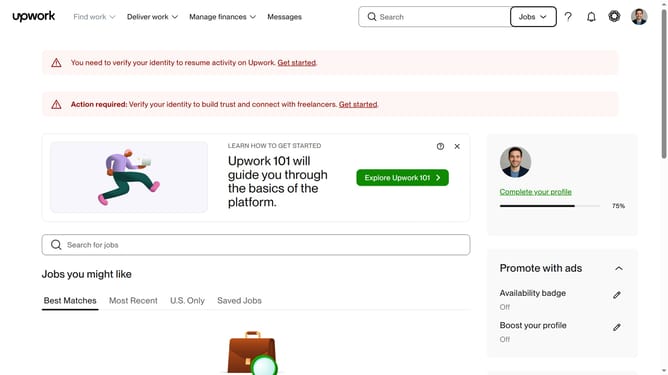
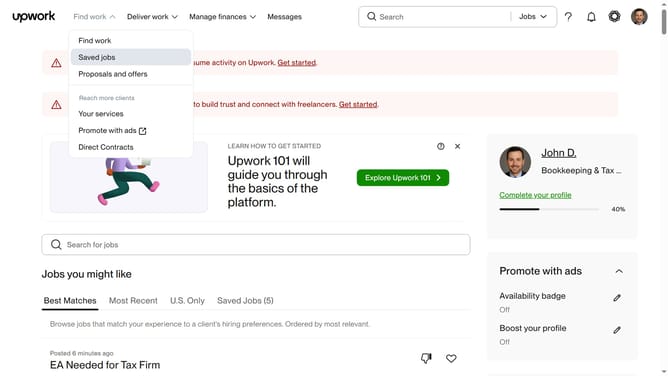
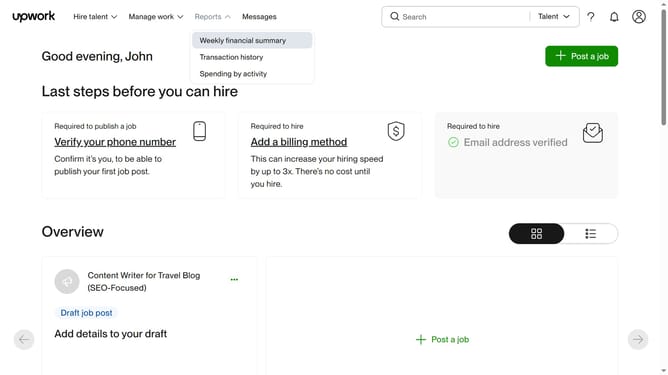
- First click on the dropdown button in the top navigation bar
- Then click on the "Talent" option from the dropdown menu
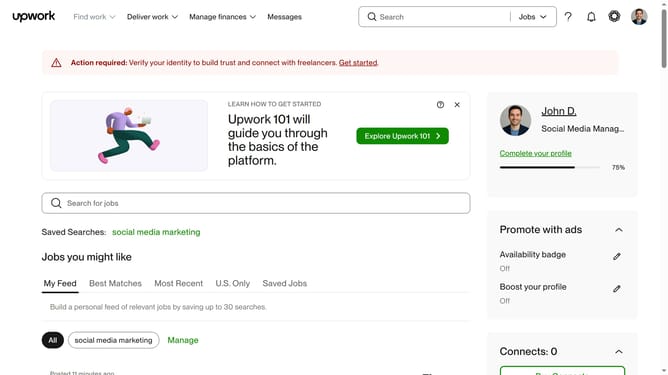
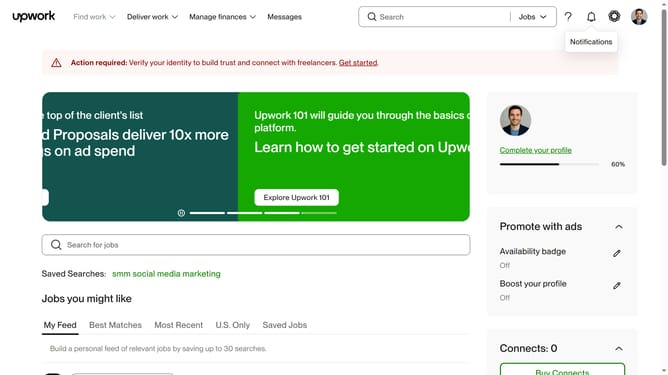
- Next click on the search field in the top navigation bar and type your search query
- Then select from the suggestion dropdown
- Then click on the profile name of the freelancer from the search results
- Next scroll down to the portfolio section of the page
- Then click on the portfolio section and select the title of the project you want to view
- Finally click on the close button (X) to close the portfolio item modal
Why should you view the portfolio of a freelancer in Upwork
Upwork is a global platform that connects freelancers with businesses for diverse work opportunities.
Viewing a freelancer's portfolio on Upwork is an essential feature that allows you to assess the quality and relevance of their previous work.
This feature helps you make informed hiring decisions by showcasing the freelancer's skills, creativity, and experience, enhancing your confidence in selecting the best talent for your projects.
Utilizing this feature ensures you align your project needs with the right expertise, leading to successful collaborations and outcomes.
Last update