How to update hourly rate as a freelancer in Upwork
Here is how to update hourly rate as a freelancer in upwork
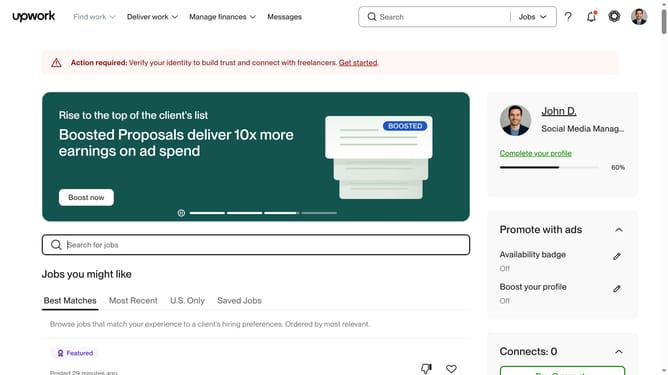
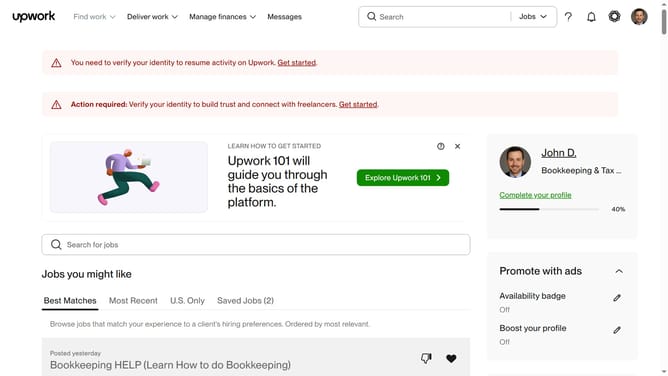
- First click on the profile icon in the top right corner of the header
- Then click on "Your profile" option in the dropdown menu
- Click on the edit icon in the hourly rate section
- Then enter a new hourly rate value in the "Hourly Rate" input field
- Finally click on the "Save" button to confirm the hourly rate change
Why should you update hourly rate as a freelancer in Upwork
Upwork is a dynamic platform that connects freelancers with clients seeking a myriad of services worldwide.
One of the essential features for freelancers on Upwork is the ability to update their hourly rate effortlessly. This feature empowers freelancers to reflect their growing skills and experience appropriately.
Adjusting your hourly rate can lead to negotiating better earnings and enhancing your professional image. Keeping your rate up-to-date ensures that you attract the right clients who value your expertise and are willing to invest in your capabilities.
Last update