How to view public profile in Upwork
Here is how to view public profile in upwork
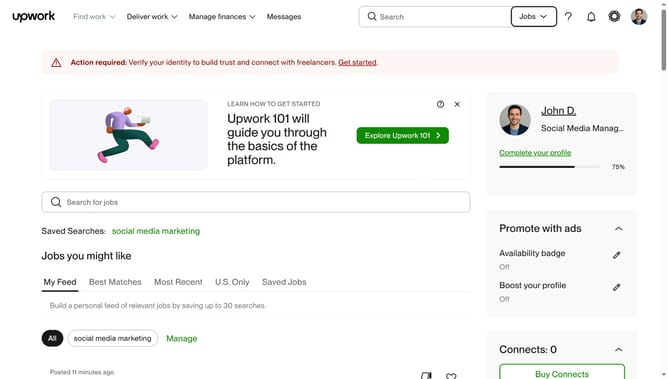
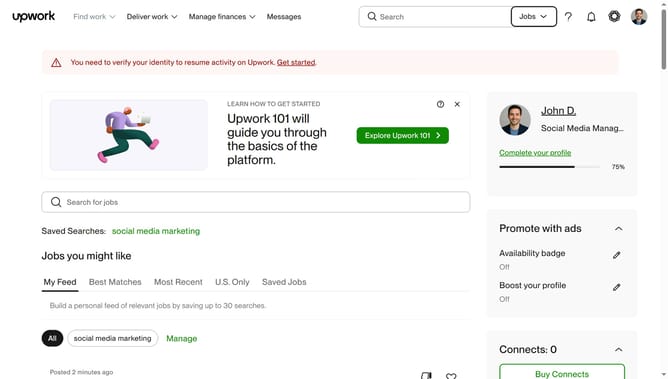
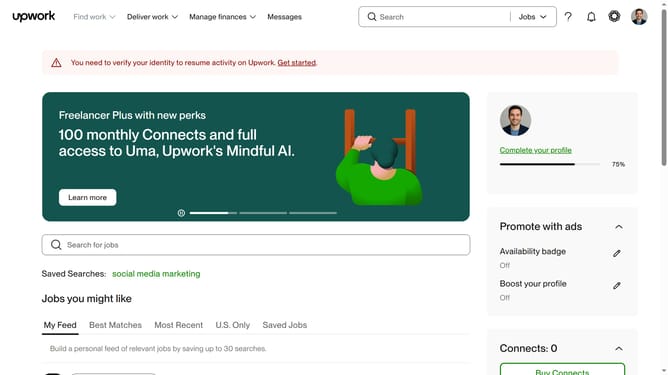
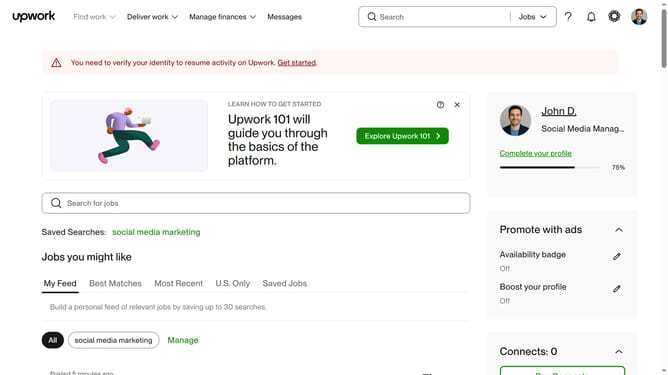
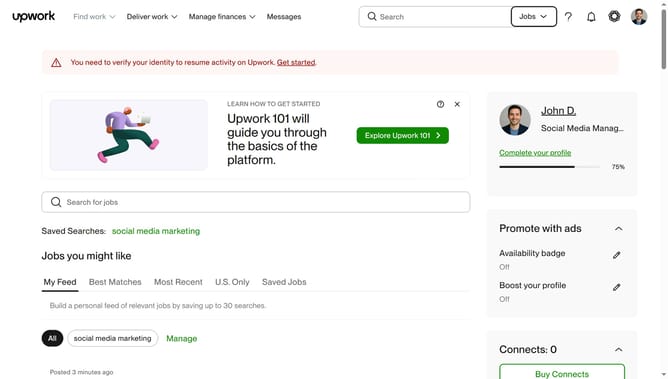
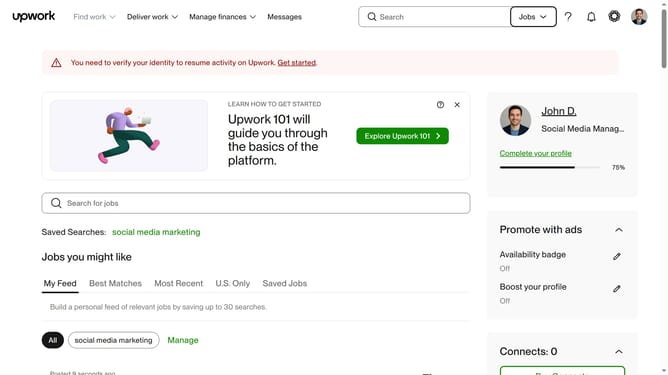
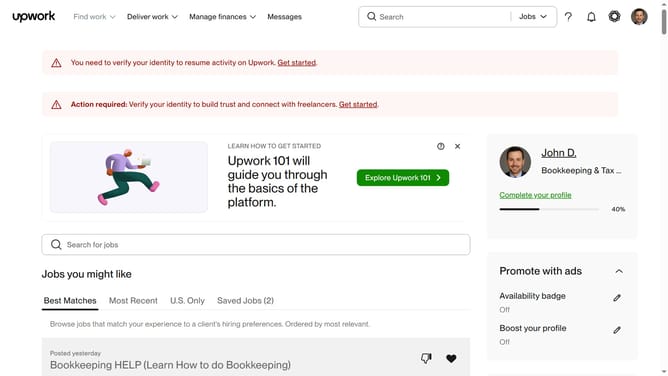
- First click on the profile avatar button in the top right corner of the header
- Then click on "Your profile" option in the dropdown menu
- Next click on "See public view" button on the profile page
- Finally scroll down to view the complete profile details including hours per week, languages, licenses and skills sections
Why should you view public profile in Upwork
Upwork is a leading global platform connecting freelancers with businesses seeking skilled professionals.
The ability to view public profiles on Upwork allows both freelancers and clients to showcase their work and expertise.
This feature is essential as it enables freelancers to highlight their skills, past projects, and client feedback, enhancing their visibility and making it easier for potential clients to discover them.
For clients, viewing public profiles provides a transparent overview of a freelancer's capabilities, aiding informed hiring decisions.
Last update