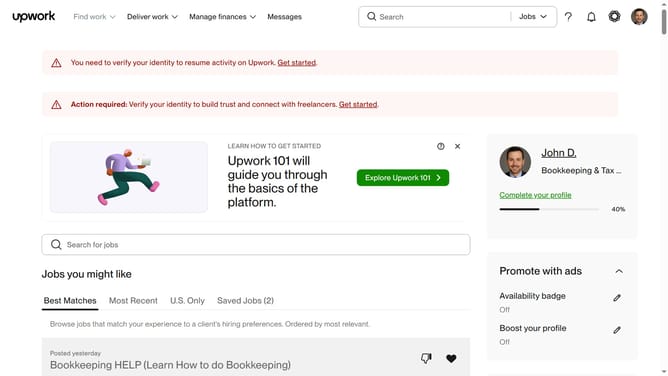
How to update experience level in Upwork
Here is how to update experience level in upwork
- First click on the profile button in the top right corner of the header
- Then click on "Your profile" option in the dropdown menu
- Next click on the "Profile settings" button on the profile page
- Finally select your Experience level from the section
Why should you update experience level in Upwork
Upwork is a dynamic platform that connects freelancers with clients globally for a wide range of projects.
Updating your experience level on Upwork is a crucial feature that helps tailor your profile to accurately reflect your skills and expertise. This ensures potential clients see your most accurate qualifications, increasing your chances of landing the right projects.
A well-updated experience level makes you more visible to clients looking for specific proficiencies, enhancing your credibility and opening up more opportunities suitable to your expertise.
Regularly updating this element keeps your profile competitive and relevant in a rapidly evolving job market.
Last update