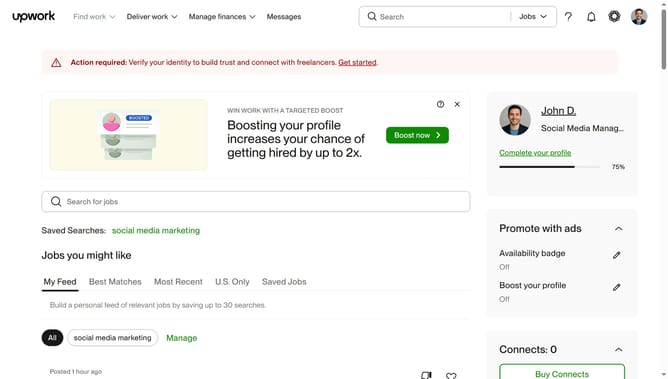
How to filter projects by category on Upwork
Here is how to filter projects by category on upwork
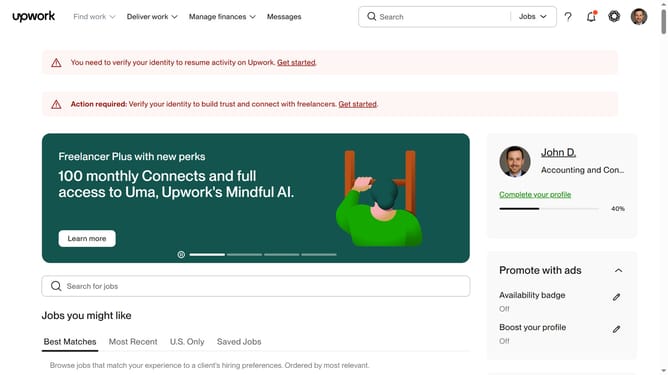
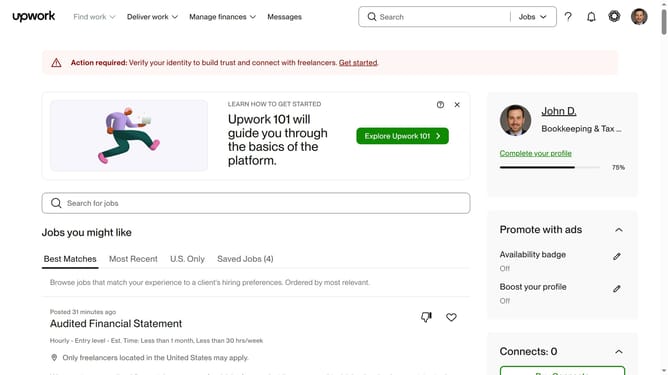
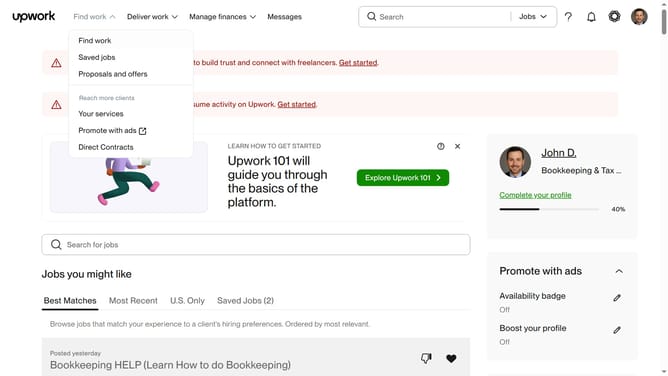
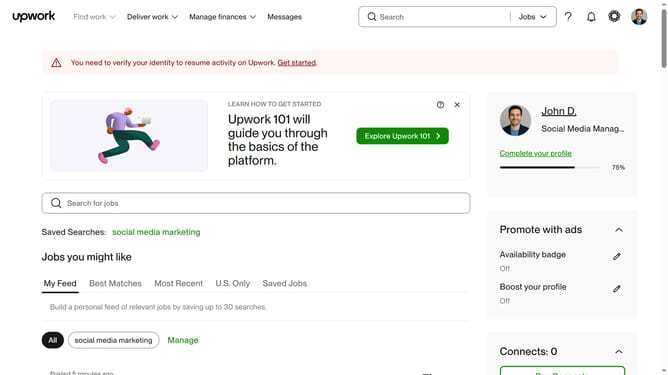
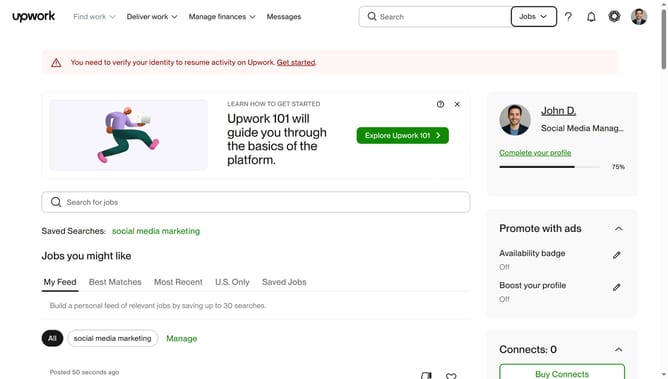
- First click on the dropdown button in the top navigation bar
- Then click on the "Projects" option from the dropdown menu
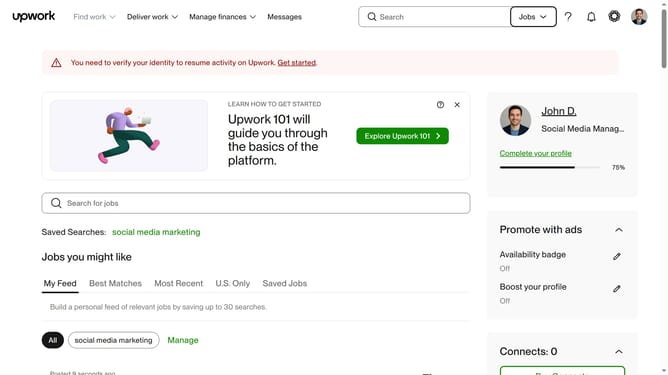
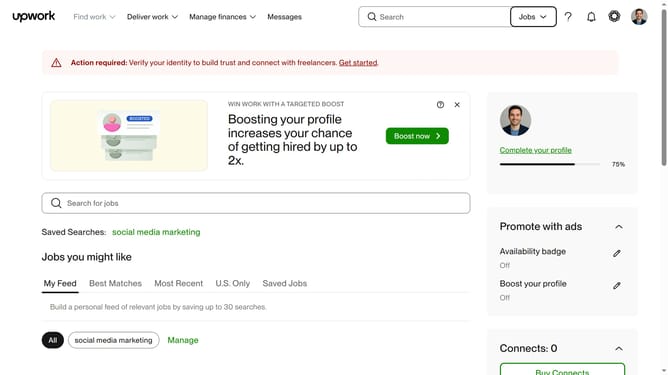
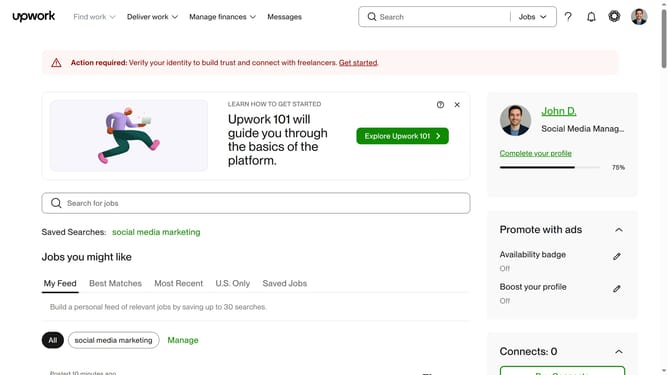
- Next click on the search field in the top navigation bar
- Then click from the search dropdown suggestions
- Next click on the "Category" filter button below the search results heading
- Then click on the radio button option in the category filter panel based on your preferred category
- Finally click on the "Apply" button at the bottom of the filter panel
Why should you filter projects by category on Upwork
Upwork is a versatile freelancing platform connecting skilled professionals to businesses seeking diverse services worldwide.
One of its standout features is the ability to filter projects by category, designed to streamline the job search process.
By using this feature, freelancers can efficiently navigate numerous opportunities and focus on projects that align with their expertise.
Ultimately, this enhances productivity and ensures a better match between clients and freelancers, fostering more successful collaborations.
Last update